FACEIT IOMMU: Check BIOS, VBS and Windows Requirements
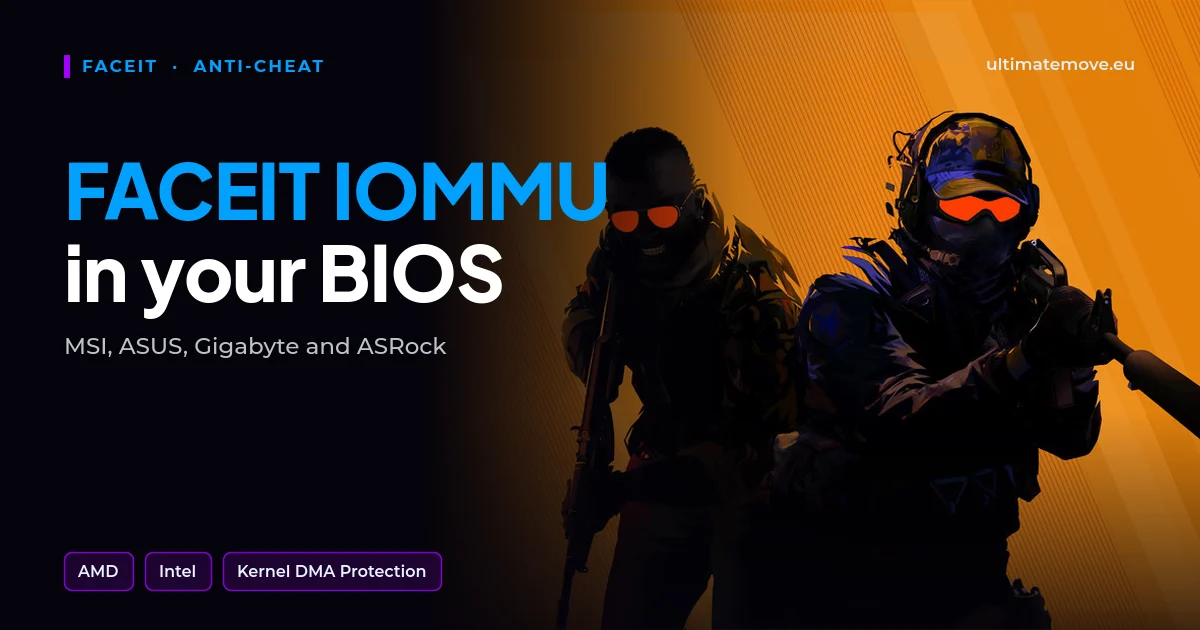
FACEIT IOMMU errors mean the anti-cheat expects a particular hardware protection or system configuration. Before changing anything in the BIOS, record the complete message, your motherboard model and your Windows version. Enabling an option with a similar name may not solve the problem.
This guide helps you establish where to start and how to check the result. We checked the requirements on 24 October 2026. The details for your PC depend on its firmware, operating system and the message shown by FACEIT AC.
IOMMU, virtualization and VBS: what are you enabling?
These names often appear together, but they describe different components.
| Function | What it means in practice |
|---|---|
| IOMMU, Intel VT-d, AMD-Vi | Controls device access to memory. It is associated with protection against unauthorized access through DMA. |
| CPU virtualization, such as Intel VT-x or AMD SVM | Enables technologies based on virtualization. It is a separate setting from VT-d or IOMMU. |
| VBS | Windows security that uses an isolated, virtualization-based environment. |
| Memory integrity, or HVCI | A specific feature that uses VBS to protect kernel code integrity. |
| Secure Boot and TPM 2.0 | Separate boot and platform protections. They do not replace IOMMU. |
Microsoft explains the relationship between Memory integrity and VBS. Turning on one switch does not automatically establish that every other requirement is met.
First, gather information and prepare a way back
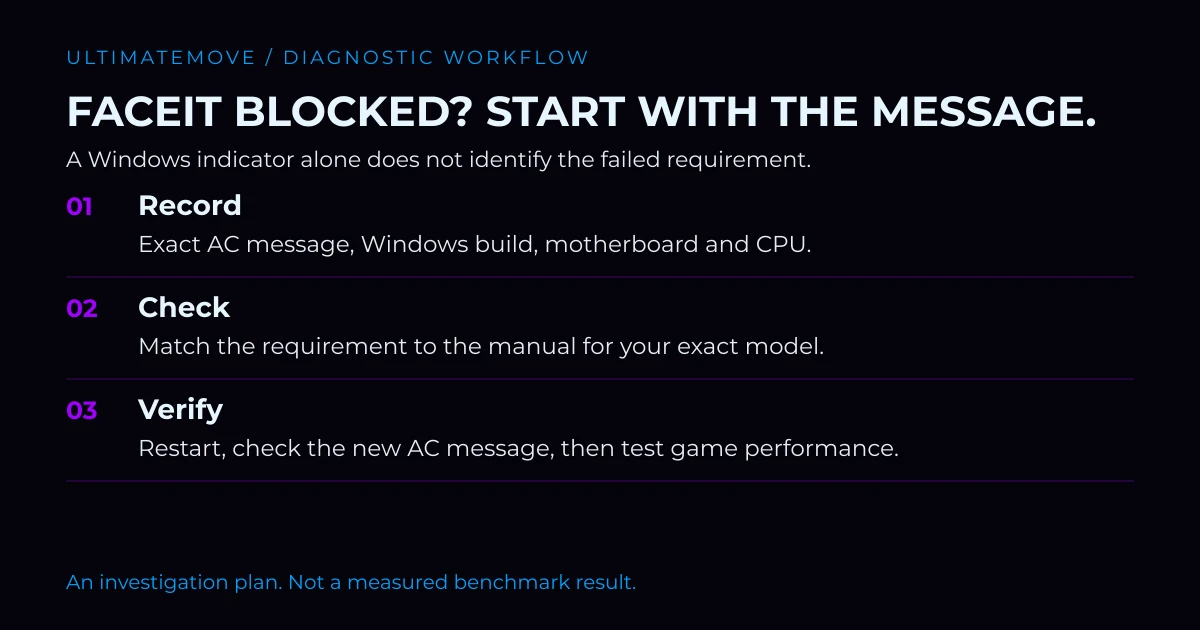
Open the Run dialog with Windows + R, then enter msinfo32 , and find your processor model and motherboard manufacturer and model. For a prebuilt PC or laptop, record the complete device model as well. Use winver.
Before making changes:
- Back up important files and record the current firmware settings, for example with photographs.
- Check whether BitLocker or device encryption is active. Make sure you can access the correct recovery key from a second device.
- Open the manufacturer's manual for your exact motherboard or computer model.
- Record the full FACEIT error. “The anti-cheat does not work” is too broad to choose a solution.
Microsoft explains where to find your BitLocker recovery key. Do not assume it is stored in the account you are currently using. Do not publish the key or include it in an ordinary support request.
We connect to your PC remotely, save a restore point, then work through power, drivers and input. The BIOS we go through together on a Discord call while you show us the screen with your phone. The same benchmark at the end shows how much of it landed. For six months after the session we stay with you on Discord.
Where is IOMMU on MSI, ASUS, Gigabyte and ASRock?
Focus on the feature name and the manual for your exact model. On Intel platforms, the setting is usually called VT-d; on AMD platforms, look for IOMMU or AMD-Vi. It may be available only in the advanced menu.
Menu names, locations and availability vary between MSI, ASUS, Gigabyte and ASRock product lines and BIOS versions. Do not copy a route from a video about a similar board. FACEIT's IOMMU and DMA Protection guide provides a starting point; compare it with your model's documentation.
Cannot see the option? Check the menu mode, hardware support and documentation. A firmware update may be needed, but it should follow the manufacturer's guidance. A missing option does not automatically prove that an old BIOS is responsible.
Change only settings you understand, and keep a record of each step. Do not switch between Legacy and UEFI boot or clear the TPM as an extra measure. Those are separate operations that can affect booting and encryption.
How do you check the result in Windows?
After restarting, return to msinfo32. Find the entries for Kernel DMA Protection and virtualization-based security. Their names depend on the Windows interface language.
Kernel DMA Protection reports a Windows feature; it does not certify that every FACEIT requirement is met. Microsoft describes its hardware and firmware dependencies in the Kernel DMA Protection documentation. An “Off” reading does not, by itself, identify the exact setting you need to change.
Check the current FACEIT AC message as well. If the error changes, record the new text. You may have resolved the first issue while the anti-cheat is now pointing to another requirement. Avoid enabling several unrelated options at once.
FACEIT and Windows 10 after 14 October 2026
According to FACEIT's current FAQ , Windows 10 needs version 22H2 with active ESU from 14 October 2026. It gives October 2027 as the Windows 11 requirement date, with some configurations potentially needing an earlier upgrade. It would therefore be inaccurate to say that every user must reinstall Windows today.
ESU provides continued security updates. Enrollment conditions can vary by region, including within the European Economic Area. Check your device's status in Windows Update and consult Microsoft's current ESU page. Installing a licensing preparation package alone does not prove that the computer is enrolled.
The anti-cheat works, but the game feels worse
Separate two goals: meeting the anti-cheat requirements and improving game performance. Record your changes, then compare the same map, settings and scenario. A result from an empty map should not be compared with a chaotic round full of grenades.
Do not assume one universal percentage loss. Our article on Memory integrity and performance provides further context; your own PC needs a measurement. The CS2 settings guide.
If the computer stops booting after a change, restoring a stable boot takes priority, following the manufacturer's instructions. Do not continue performance tuning on an unstable system.
Need help finding the cause?
Prepare your motherboard and CPU models, Windows version, complete FACEIT message and a list of changes. If the anti-cheat will not start, begin with compatibility troubleshooting. If AC works but CS2 stutters, the next task is performance analysis.
Describe your case to UltimateMove. We can use that information to determine whether you need requirement configuration, driver troubleshooting or broader PC optimization. The scope and cost should be clear before the session.
Frequently asked questions
Is IOMMU the same as Intel VT-x or AMD SVM?
No. CPU virtualization and control over device memory access are separate features. Enabling SVM or VT-x does not confirm that IOMMU is working.
What is IOMMU called on an Intel platform?
Usually VT-d. Check its exact location in the manual for your motherboard model and firmware version.
Does Kernel DMA Protection “Off” identify the cause?
No. It reports the state of a Windows feature. Consider it alongside hardware support, firmware configuration and the exact anti-cheat error.
Must I upgrade from Windows 10 to Windows 11 now?
Check your configuration first. The Windows 10 section above contains the conditions and the official reference.
Will enabling IOMMU definitely reduce FPS?
Do not assume the same result for every PC. Compare the same scene and settings while retaining the security features required by the anti-cheat.
What should I prepare for a consultation?
Your motherboard and CPU models, Windows version, complete FACEIT message and change log. Do not send a BitLocker key in an ordinary support request.
Frames dropping exactly when the fight starts?
That drop lands in the one second that decides the round, and no graphics preset fixes it. We tune Windows, drivers and network remotely, and the BIOS together with you on a Discord call. You measure it yourself, in your own game, before and after, with us watching.
See PC optimization →Six months of support after the session. Not sure it is worth it? Ask for a free check on our Discord first. KaRzye
Runs the research and every session at UltimateMove. FACEIT Level 10 in CS2,
Immortal in Valorant. Twenty years in BIOS, memory and drivers.
Watch him play.
KaRzye
Runs the research and every session at UltimateMove. FACEIT Level 10 in CS2,
Immortal in Valorant. Twenty years in BIOS, memory and drivers.
Watch him play.
Our free tools
Built in house. No account, no limits.
 Ultimate Demo Analyzer
Upload a CS2 demo and get your mistakes and round stats written out.
Free, no account Deadlock Replay Analyzer
The same for Deadlock: a replay breakdown and a plan for the next matches.
Free, no account Sensitivity Converter
Carry your cm/360 between games without losing muscle memory.
Free, no account Aim Trainer
Thirty seconds, three levels. No install, no account.
Free, no account