
MW4 Secure Boot and TPM 2.0: How to Fix the Error Step by Step
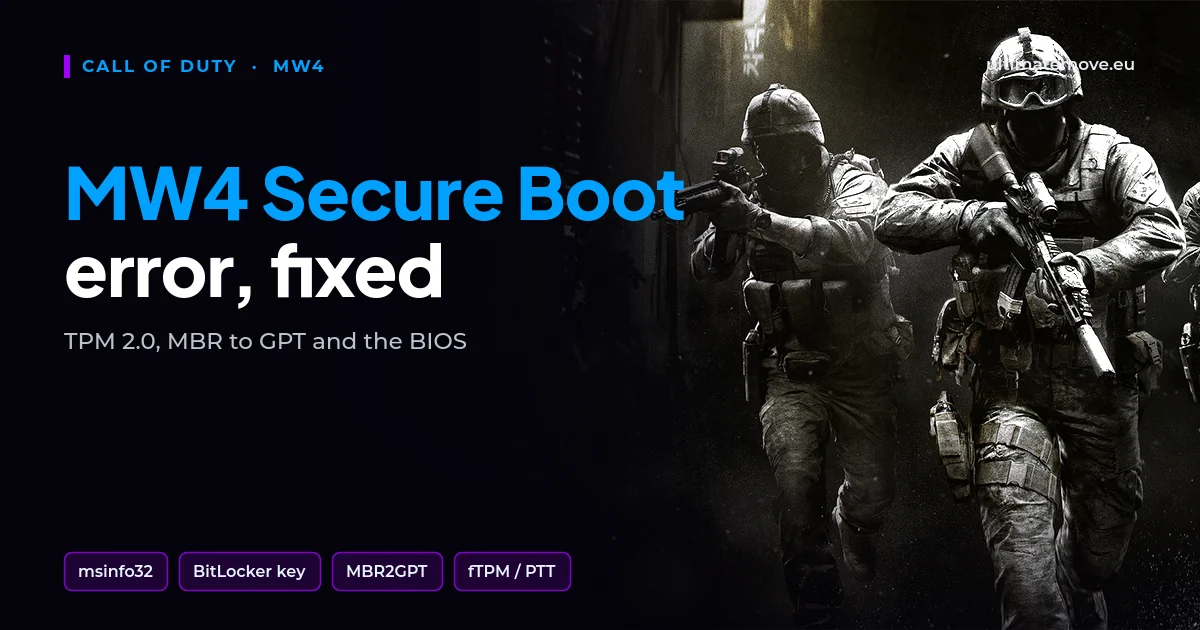
MW4 Secure Boot, together with TPM 2.0, is an Activision requirement: without it you cannot play Modern Warfare 4 on PC. The message about Secure Boot being off or TPM missing usually comes from one of three causes: the disk runs in Legacy mode, the TPM in the CPU is switched off, or Secure Boot is on in name only. You can check each one in Windows before touching the BIOS.
Activision states on its blog that TPM 2.0 and Secure Boot are required to play MW4 on PC, and adds that other security measures may be enforced. Launch is on 23 October 2026, so you have time to do this calmly rather than on launch night.
Step 1: check the state in Windows
Press Windows plus R, type msinfo32 and confirm. In the system summary find two lines: BIOS Mode and Secure Boot State. Then type tpm.msc and check that the TPM is ready for use and shows specification version 2.0.
| What you see | What it means | Where next |
|---|---|---|
| BIOS Mode: Legacy | The disk is MBR, Secure Boot will not work | Step 3 |
| BIOS Mode: UEFI, Secure Boot off | You only need to enable Secure Boot in the BIOS | Step 5 |
| No TPM or version 1.2 | The TPM in the CPU is switched off | Step 4 |
| Everything on, and the game still complains | A boot chain problem | Step 6 |
Step 2: secure your BitLocker key
Do this before you change anything in the BIOS. Changing the Secure Boot or TPM state changes the measurements BitLocker checks, and at the next boot Windows asks for the 48-digit recovery key. Without the key you lose access to your own files. On many PCs Windows 11 encrypts the drive by itself after you sign in with a Microsoft account, so check Settings even if you never turned anything on. You will find the key in your Microsoft account under devices, if Windows saved it there. Store it somewhere other than this PC, and right before the BIOS changes suspend BitLocker protection in Control Panel. Windows resumes it by itself after a restart.
We connect to your PC remotely, and we go through the BIOS changes step by step on a Discord call while you show us the screen with your phone. At the end we check that MW4 starts and measure your frames.
Step 3: converting the disk from MBR to GPT
Secure Boot only works in UEFI mode, and that needs a GPT disk. Windows has Microsoft's own tool for this, MBR2GPT, which changes the disk layout without deleting data. Open Command Prompt as administrator and first check whether the disk qualifies:
mbr2gpt /validate /disk:0 /allowFullOSCheck the number of the system disk in Disk Management. If validation passes without errors, run the conversion with the same command using /convert instead of /validate. After converting, enter the BIOS, disable CSM and set boot to UEFI. Without that the PC will not start from the converted disk, and the conversion itself cannot be undone. With BitLocker on, MBR2GPT works only while protection is suspended, and after the conversion Microsoft says to delete the BitLocker protectors and create them again.
Validation refuses when the disk has more than three primary partitions, an extended partition, or no room for the GPT tables. Do not experiment with tools from the internet at that point. It is time for a data backup and a clean install in UEFI mode.
Step 4: turn on the TPM in your CPU
Almost every CPU from recent years has a TPM built into its firmware. On AMD boards the option is called fTPM or AMD CPU fTPM, on Intel it is Intel PTT or Platform Trust Technology. It usually sits under Advanced or Security. Set it to Enabled, save and reboot.
Older AMD boards had a documented micro-stutter problem with fTPM enabled, fixed by a BIOS update. If every game starts stuttering after you enable fTPM, update the BIOS before you blame MW4.
Step 5: enable Secure Boot
You will usually find Secure Boot under the Boot or Security tab. If it is greyed out, disable CSM first. If Windows still shows it as off after you enable it, the board has no keys loaded. Look for Install Default Secure Boot Keys or Restore Factory Keys, confirm, save and reboot. On ASUS boards also set OS Type to Windows UEFI mode.
Step 6: Secure Boot is on, but the game says it is not
The most common cause is a second operating system on the same PC. With a Linux dual boot and the GRUB boot loader, the boot chain passes through components the anti-cheat does not accept. Battlefield 6 players described exactly this problem on the EA forums, and it is the first thing to check for MW4. Boot Windows directly from Windows Boot Manager.
The second cause is a BIOS update that restored default settings. After every firmware update, check msinfo32 again.
The order matters: first the check in Windows, then the BitLocker key, and only then the disk and the BIOS. If you would rather not do it yourself, we will walk you through it as part of remote PC optimization. We set up the system remotely, and we make the BIOS changes together on a Discord call while you show us the screen with your phone. At the end we measure your MW4 frames before and after.
Does MW4 work without Secure Boot?
No. Activision says TPM 2.0 and Secure Boot are required to play MW4 on PC, with no split by game mode.
Does converting MBR to GPT delete data?
Microsoft's MBR2GPT changes the disk layout without deleting files. A backup before converting is still mandatory.
Where do I find my BitLocker recovery key?
In your Microsoft account, under devices. Check it before changing the BIOS, not after.
What if the Secure Boot option is greyed out?
Disable CSM and set boot to UEFI. The option only unlocks in pure UEFI mode.
Does fTPM slow games down?
On older AMD boards it caused micro-stutter, which a BIOS update fixed. On current firmware it should not.
Does a Linux dual boot block MW4?
It can, if Windows starts through GRUB. Boot Windows directly from Windows Boot Manager.
Frames dropping exactly when the fight starts?
That drop lands in the one second that decides the round, and no graphics preset fixes it. We tune Windows, drivers and network remotely, and the BIOS together with you on a Discord call. You measure it yourself, in your own game, before and after, with us watching.
See PC optimization →Six months of support after the session. Not sure it is worth it? Ask for a free check on our Discord first. KaRzye
Runs the research and every session at UltimateMove. FACEIT Level 10 in CS2,
Immortal in Valorant. Twenty years in BIOS, memory and drivers.
Watch him play.
KaRzye
Runs the research and every session at UltimateMove. FACEIT Level 10 in CS2,
Immortal in Valorant. Twenty years in BIOS, memory and drivers.
Watch him play.
Our free tools
Built in house. No account, no limits.
 Ultimate Demo Analyzer
Upload a CS2 demo and get your mistakes and round stats written out.
Free, no account Deadlock Replay Analyzer
The same for Deadlock: a replay breakdown and a plan for the next matches.
Free, no account Sensitivity Converter
Carry your cm/360 between games without losing muscle memory.
Free, no account Aim Trainer
Thirty seconds, three levels. No install, no account.
Free, no accountKeep reading
 Gaming Research
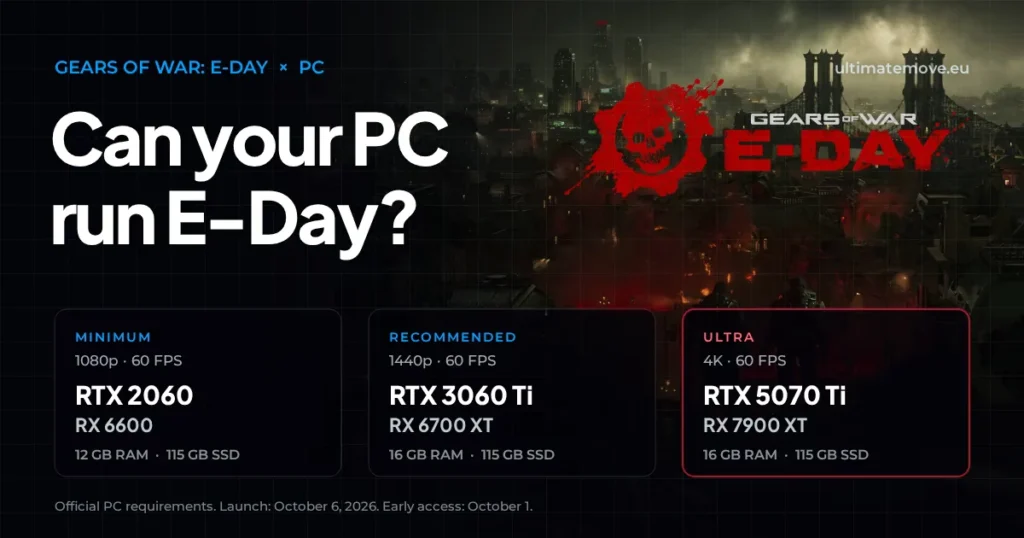
Gears of War: E-Day PC requirements and FPS optimization
2026-09-28·6 min read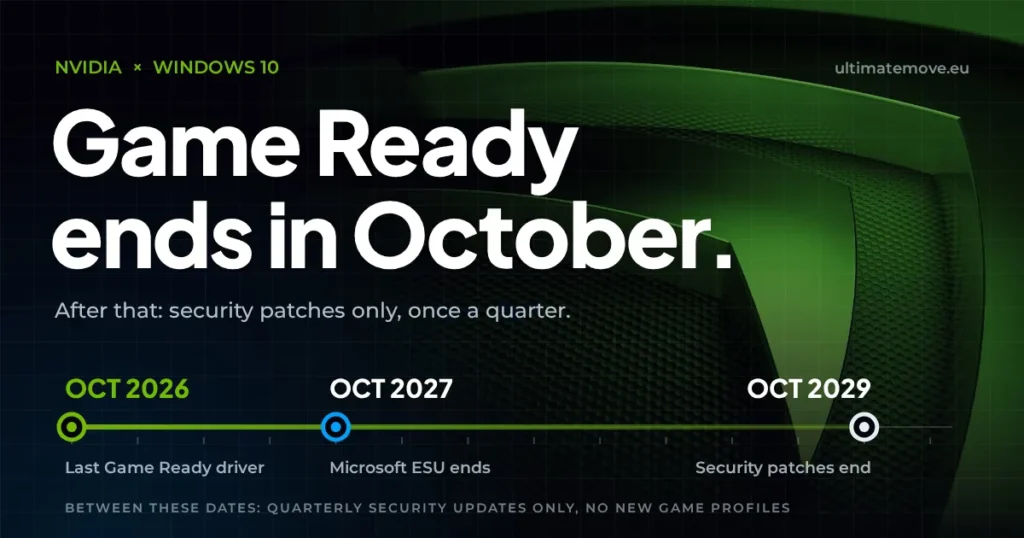 Gaming Research
Nvidia Windows 10 drivers: the last Game Ready release comes in October 2026
2026-09-28·5 min read Gaming Research


