Valorant Stuttering With High FPS? Find the Cause
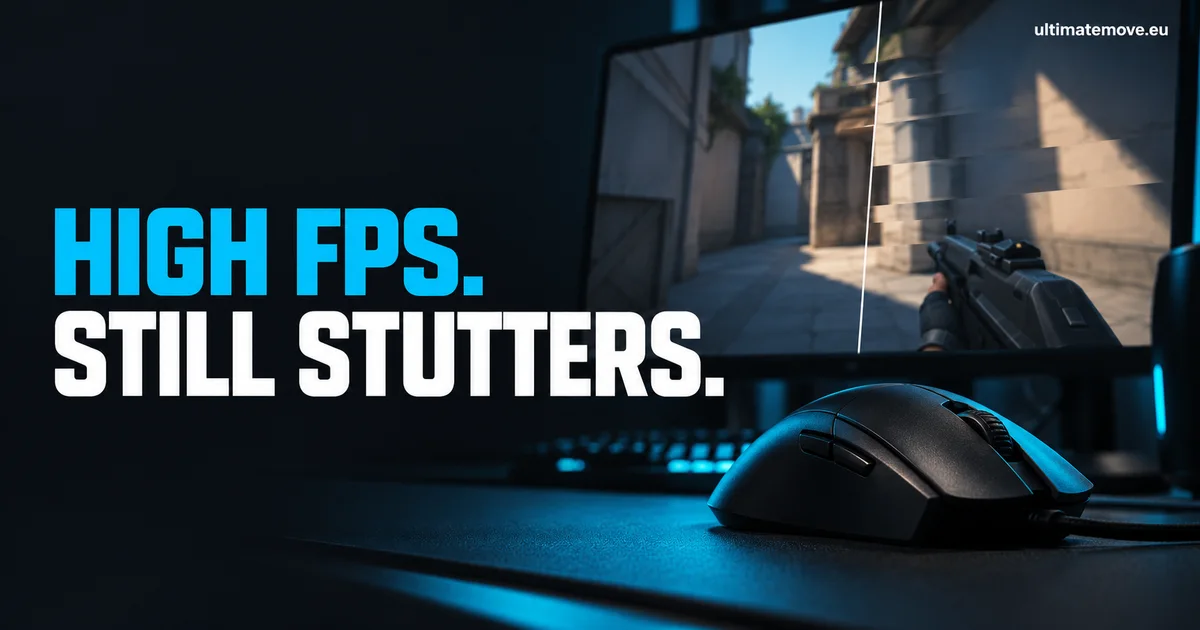
Valorant stuttering with high FPS can briefly pause the game when you turn or an opponent appears. Start by looking at individual frame times and the circumstances around the hitch. Your average FPS can look healthy while a few long frames interrupt the game. The counter alone cannot tell you whether the cause is the game, a background application, a driver or something else.
First, identify what actually stops: a rendered frame, position updates from the server or the response to mouse movement. Then compare the same conditions. This order avoids changing ten settings without knowing which one helped. Riot is a supporting reference, rather than a diagnosis of your PC.
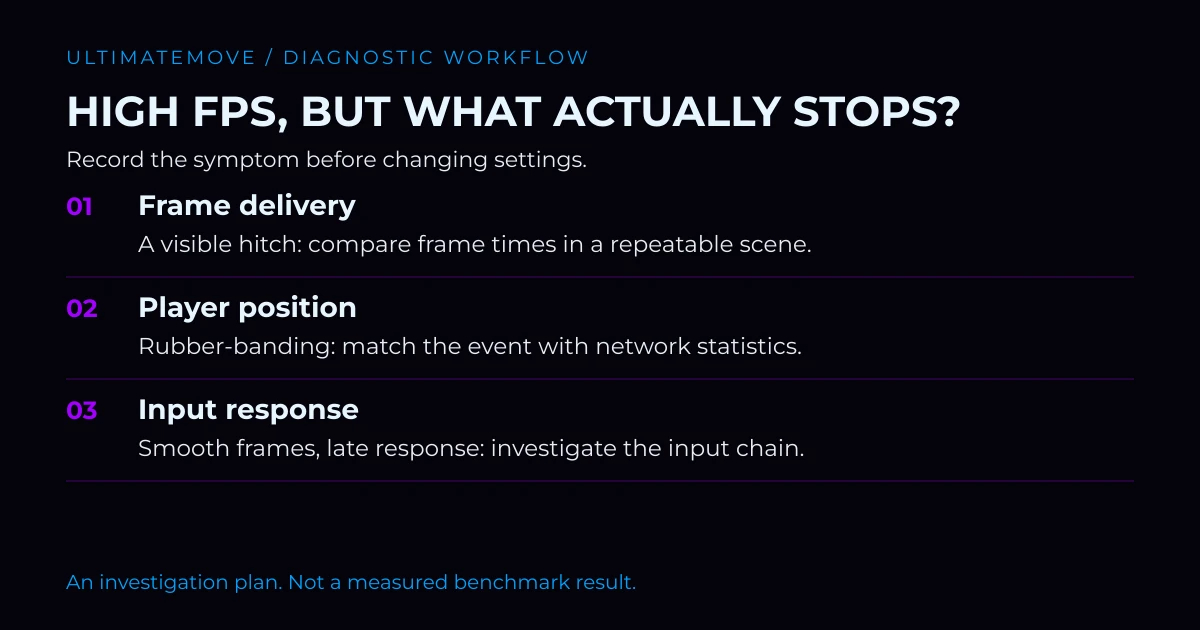
Stutter, low FPS, network lag or input lag?
“Lag” is too broad a description to choose a fix. First, describe what actually happens.
| Symptom | What to watch | First direction |
|---|---|---|
| A brief pause, followed by normal play | Frame-time spikes and when they occur | Stutter and PC behaviour |
| Consistently choppy motion | Sustained low frame rate | Performance and settings |
| Players jump around or your position snaps back | Ping, packet loss and their variation | Connection and server |
| Smooth motion but delayed mouse response | Sync settings, monitor and render queue | Input-latency chain |
More than one problem can happen at once. A single ping reading does not diagnose a connection, and total CPU usage does not diagnose a processor limit. An activity spike during the hitch gives you a clue. A repeatable comparison helps establish whether the two are related.
Record a baseline before changing settings
Make a simple test before reaching for a long list of tweaks:
- Write down the game, Windows and GPU driver versions. Photograph your graphics settings, frame cap and sync configuration.
- Enable the game's available FPS, frame-time and network statistics. Keep the same readings visible throughout.
- Choose roughly a minute of repeatable movement in the practice range. Warm up, then make three similar runs.
- Note the hitches, accompanying spikes and conditions: Discord, recording, browser tabs and laptop power.
- Repeat after changing one thing. If the result is unclear, restore the previous setting.
The range is useful for comparing conditions, but it does not reproduce a full match. If the problem happens only during heavy ability use, record that context and check normal gameplay afterwards. A phone recording can document the moment without adding capture software to the PC being tested.
If you export a capture, compare frame-time plots, average FPS and 1% lows from the same tool. Different applications may calculate their summary values differently. One spike does not describe an entire session, and a higher average does not prove that the interruptions have disappeared.
We connect to your PC remotely, save a restore point, then work through power, drivers and input. The BIOS we go through together on a Discord call while you show us the screen with your phone. The same benchmark at the end shows how much of it landed. For six months after the session we stay with you on Discord.
Check background activity and power
Temporarily close unnecessary user applications, such as extra browser windows, downloads or recording software. Test one at a time first. Closing everything together may reveal a difference, but it will not identify the application responsible.
Use Task Manager to inspect processes and CPU, memory and disk activity. Microsoft describes this approach in its Windows performance guidance. Test a laptop while plugged in. Best Performance mode can increase power use and heat; the name does not guarantee smoother frame delivery.
Do not remove random services or disable Vanguard and security features to lighten Windows. If a clean boot becomes necessary, follow Riot's official procedure and retain the services the game needs. It is a conflict test, rather than a finished gaming configuration.
If the stutter started after an update
Record what actually changed. A Valorant patch, Windows update and driver installation on the same day make attribution difficult. Finish any required restart, check the manufacturer's known issues, and then repeat your baseline.
Do not automatically begin with DDU, clearing every cache or reinstalling Windows. Those actions change several conditions and can remove a useful reference point. Pick a driver version because of the symptom and relevant documentation, rather than assuming an older release must be faster.
If the game becomes completely unresponsive or the whole PC restarts, collect crash information: you are investigating more than a small hitch.
High FPS does not measure mouse latency
If motion looks consistent but aiming still feels heavy, investigate display and synchronization settings separately. NVIDIA explainshow Reflex targets render-queue latency. It is not a universal stutter fix. Your V-Sync and frame-cap choices also depend on whether you accept tearing and use variable refresh rate.
Avoid changing Reflex, the cap, resolution and display mode together. You will lose track of which change mattered. Our Valorant settings guidecovers the broader setup; this article is about finding the cause of a particular symptom.
When to choose troubleshooting or optimization
If Valorant repeatedly pauses, crashes or suddenly develops a problem, start with remote gaming PC troubleshooting. Check the current price and scope on the service page. The session covers diagnosis and fixes involving the system, drivers and configuration. Physical repairs and replacement parts are outside its scope.
If the PC is stable and you want its gaming configuration reviewed, compare our PC optimization packages. We assess the result with before-and-after measurements. There is no promised FPS increase that applies to every system.
Prepare your CPU and GPU models, software versions, a description of the hitch and your comparison results. If the evidence points towards a game bug, the same material will help with a Riot Support ticket. A clear baseline means less time spent on changes that have no connection to the problem.
Frequently asked questions
Can a high frame rate rule out stutter?
No. An average across many frames can hide individual frames that take much longer to arrive.
Will an FPS cap fix the hitches?
It can change load and perceived smoothness, but it does not identify the cause. Compare the same scenario.
Should I reinstall Windows immediately?
No. Record the symptom, versions and a repeatable result first. Reinstalling without a diagnosis can make a useful comparison harder.
How is stutter different from network lag?
Stutter involves uneven frame delivery. A connection problem can cause position corrections or jumping players while the picture remains smooth. Match frame and network readings to the moment it happens.
Does Reflex remove micro-stutter?
Reflex targets part of system latency. It should not be treated as a fix for every cause of stutter.
What should I prepare for troubleshooting?
Your CPU and GPU models, Windows, game and driver versions, a symptom description, and three comparable test runs.
Frames dropping exactly when the fight starts?
That drop lands in the one second that decides the round, and no graphics preset fixes it. We tune Windows, drivers and network remotely, and the BIOS together with you on a Discord call. You measure it yourself, in your own game, before and after, with us watching.
See PC optimization →Six months of support after the session. Not sure it is worth it? Ask for a free check on our Discord first. KaRzye
Runs the research and every session at UltimateMove. FACEIT Level 10 in CS2,
Immortal in Valorant. Twenty years in BIOS, memory and drivers.
Watch him play.
KaRzye
Runs the research and every session at UltimateMove. FACEIT Level 10 in CS2,
Immortal in Valorant. Twenty years in BIOS, memory and drivers.
Watch him play.
Our free tools
Built in house. No account, no limits.
 Ultimate Demo Analyzer
Upload a CS2 demo and get your mistakes and round stats written out.
Free, no account Deadlock Replay Analyzer
The same for Deadlock: a replay breakdown and a plan for the next matches.
Free, no account Sensitivity Converter
Carry your cm/360 between games without losing muscle memory.
Free, no account Aim Trainer
Thirty seconds, three levels. No install, no account.
Free, no account