
Windows 11 26H2 FPS: Why the Update Will Not Add Frames
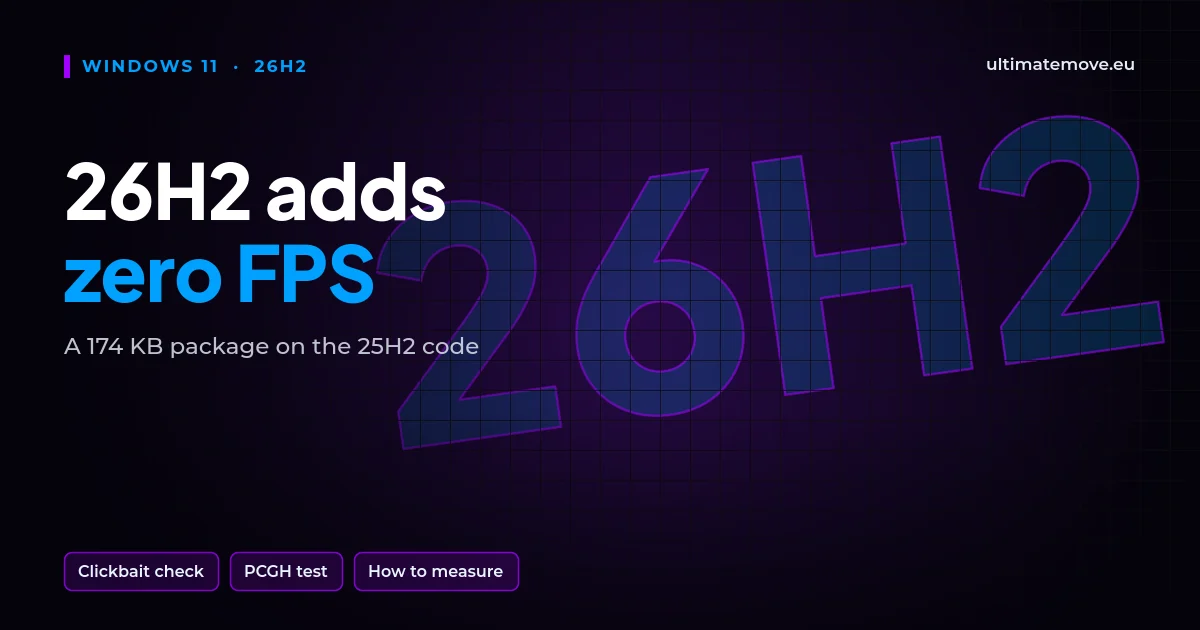
Windows 11 26H2 FPS does not go up, because 26H2 is a 174 KB package that switches on features already present in the system. 24H2, 25H2 and 26H2 run on the same code. Videos promising 15 or 20 percent more frames after the update show the difference between two test runs, not between two systems.
I have been optimizing PCs for games for over 15 years, and I have seen this wave with every major Windows update. Below are the facts about 26H2, where those numbers come from and how to check it on your own PC.
What Windows 11 26H2 really is
Microsoft released 26H2 as an enablement package. On a PC with current patches it downloads about 174 KB and switches on features that earlier monthly updates already delivered but kept disabled. 24H2, 25H2 and 26H2 share one code base, codenamed Germanium. Microsoft tells IT teams to treat a 24H2 to 26H2 upgrade like a regular monthly update.
| Version | Home and Pro support until |
|---|---|
| 24H2 | October 2026 |
| 25H2 | October 2027 |
| 26H2 | October 2028 |
This table is the only concrete reason to install 26H2: longer support. Kernel drivers, the scheduler and the graphics stack stay the same, so the game has nothing to speed up from.
What real measurements showed
On 6 October, PC Games Hardware measured app launch times on 25H2 and 26H2, with 40 measurements per system recorded at 120 frames per second. Calculator, Notepad and Paint differed by a few milliseconds either way, within measurement error. File Explorer launched slower on 26H2. The editors found no clear advantage for either version.
The same article explains where the faster-system stories came from. Low Latency Profile, the feature that briefly boosts CPU clocks when you open an app, is not exclusive to 26H2. The August update KB5121003 extended it to app launches on 24H2 and 25H2. PCGH did not test games, and to date I have not found a reliable 26H2 versus 25H2 gaming comparison from any major hardware outlet.
We connect to your PC remotely, save a restore point, then work through power, drivers and input. The BIOS we go through together on a Discord call while you show us the screen with your phone. The same benchmark at the end shows how much of it landed. For six months after the session we stay with you on Discord.
The plus 20 percent in the videos is clickbait
Videos with titles like “26H2 gives +20% FPS” are clickbait built for clicks. Their authors compare two recordings in which more changed than the Windows version, then credit the difference to the update. Behind that difference there is usually one of four things:
- A different graphics driver. If a new version installed between recordings, the comparison stops being about Windows.
- The shader cache. The first run compiles shaders and loses frames, the second uses the ready ones. If the old version ran first, it loses to shader compilation, not to Windows.
- A game patch. Games update more often than Windows. Two recordings from different days are often two different game versions.
- Background work after installing. Indexing, Windows Update and Defender run for the first hours after an update and pull down the result of any run recorded right after installation.
On top of that comes ordinary variance between runs of the same scene. Without several repeats and 1% lows, a single chart with average FPS proves nothing.
How to check it on your own PC
- Note your graphics driver version and game version. Do not change them between measurements.
- Pick a repeatable scene or a built-in benchmark and run it once as a warm-up to build the shaders.
- Measure three runs with PresentMon or CapFrameX and record the average and the 1% low.
- After updating, wait until the system finishes its background work, and repeat the same steps.
If the difference stays within a few percent, it is noise. If something dropped clearly after the update, the culprit is usually a driver or a setting reset to default, not the version number. This month there is one more suspect: from October Windows updates switch on Memory Integrity on more compatible PCs, unless you turned it off before. We worked out how many frames it costs in our piece on Memory Integrity and FPS loss.
You win back frames in games with system settings, drivers and the BIOS, verified by measuring before and after. That is how we work in remote PC optimization. Updating to 26H2 gives you longer support until October 2028, but not a single frame.
Does Windows 11 26H2 increase FPS?
No. 26H2 switches on features delivered earlier and runs on the same code as 24H2 and 25H2.
Is it worth updating to 26H2?
Yes, for support. Home and Pro get updates until October 2028, while 24H2 loses support in October 2026.
How big is the 26H2 update?
About 174 KB on a PC with current patches, because it is an enablement package, not a new system.
Does 26H2 reduce RAM usage?
Windows Latest noticed lower memory use on a 16 GB laptop, but PCGH notes that it is unclear whether 26H2 is the reason.
Why do videos show more frames on 26H2?
Most often because of a different driver, ready shaders in the second run, a game patch or background system work during the first test.
What really raises FPS in Windows 11?
A current driver, cleaning up background programs and drivers, a correct power plan and BIOS settings, verified by measuring before and after.
Frames dropping exactly when the fight starts?
That drop lands in the one second that decides the round, and no graphics preset fixes it. We tune Windows, drivers and network remotely, and the BIOS together with you on a Discord call. You measure it yourself, in your own game, before and after, with us watching.
See PC optimization →Six months of support after the session. Not sure it is worth it? Ask for a free check on our Discord first. KaRzye
Runs the research and every session at UltimateMove. FACEIT Level 10 in CS2,
Immortal in Valorant. Twenty years in BIOS, memory and drivers.
Watch him play.
KaRzye
Runs the research and every session at UltimateMove. FACEIT Level 10 in CS2,
Immortal in Valorant. Twenty years in BIOS, memory and drivers.
Watch him play.
Our free tools
Built in house. No account, no limits.
 Ultimate Demo Analyzer
Upload a CS2 demo and get your mistakes and round stats written out.
Free, no account Deadlock Replay Analyzer
The same for Deadlock: a replay breakdown and a plan for the next matches.
Free, no account Sensitivity Converter
Carry your cm/360 between games without losing muscle memory.
Free, no account Aim Trainer
Thirty seconds, three levels. No install, no account.
Free, no accountKeep reading
 Gaming Research
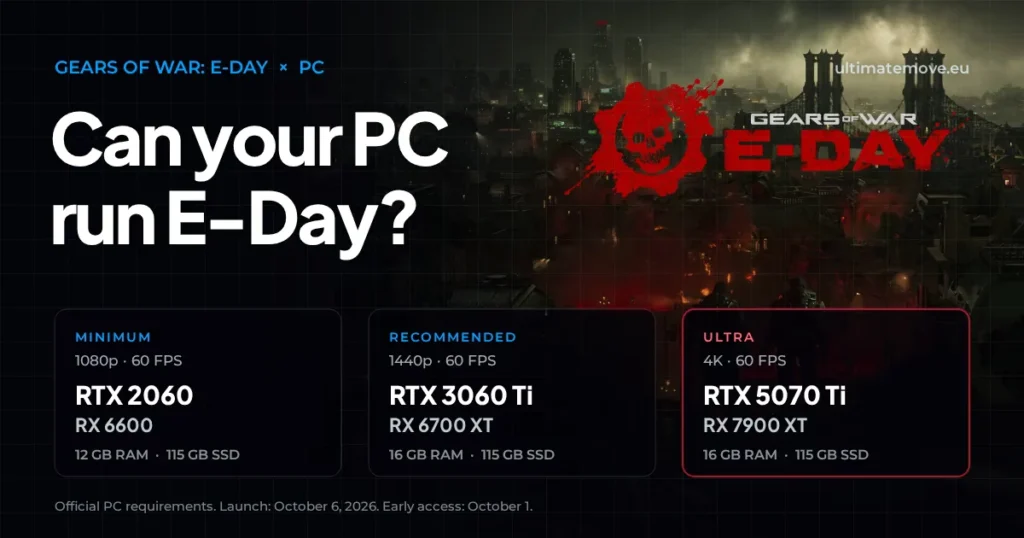
Gears of War: E-Day PC requirements and FPS optimization
2026-09-28·6 min read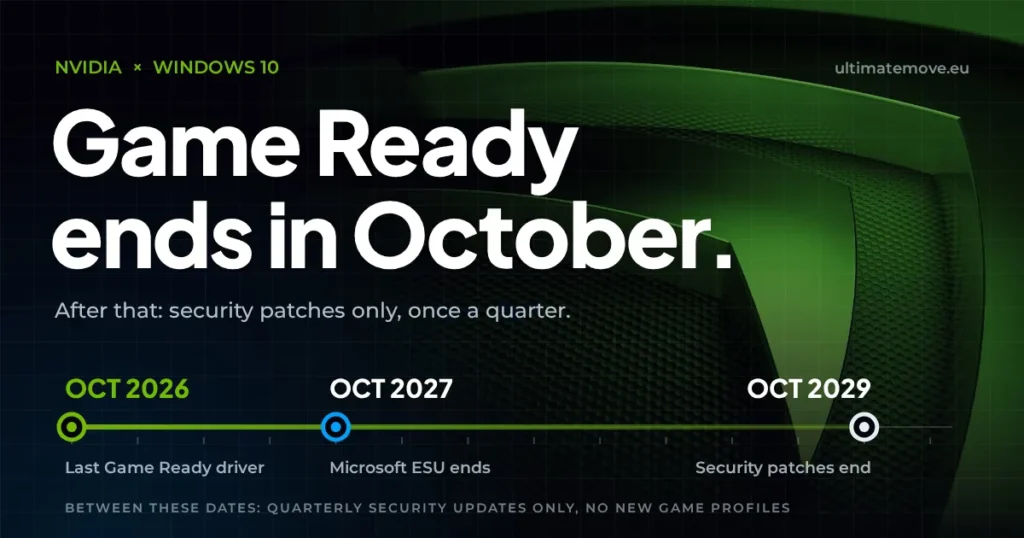 Gaming Research
Nvidia Windows 10 drivers: the last Game Ready release comes in October 2026
2026-09-28·5 min read Gaming Research


