WARDOGS FPS Guide 2026: Fix Low FPS, Stuttering & Lag (Pro Settings)
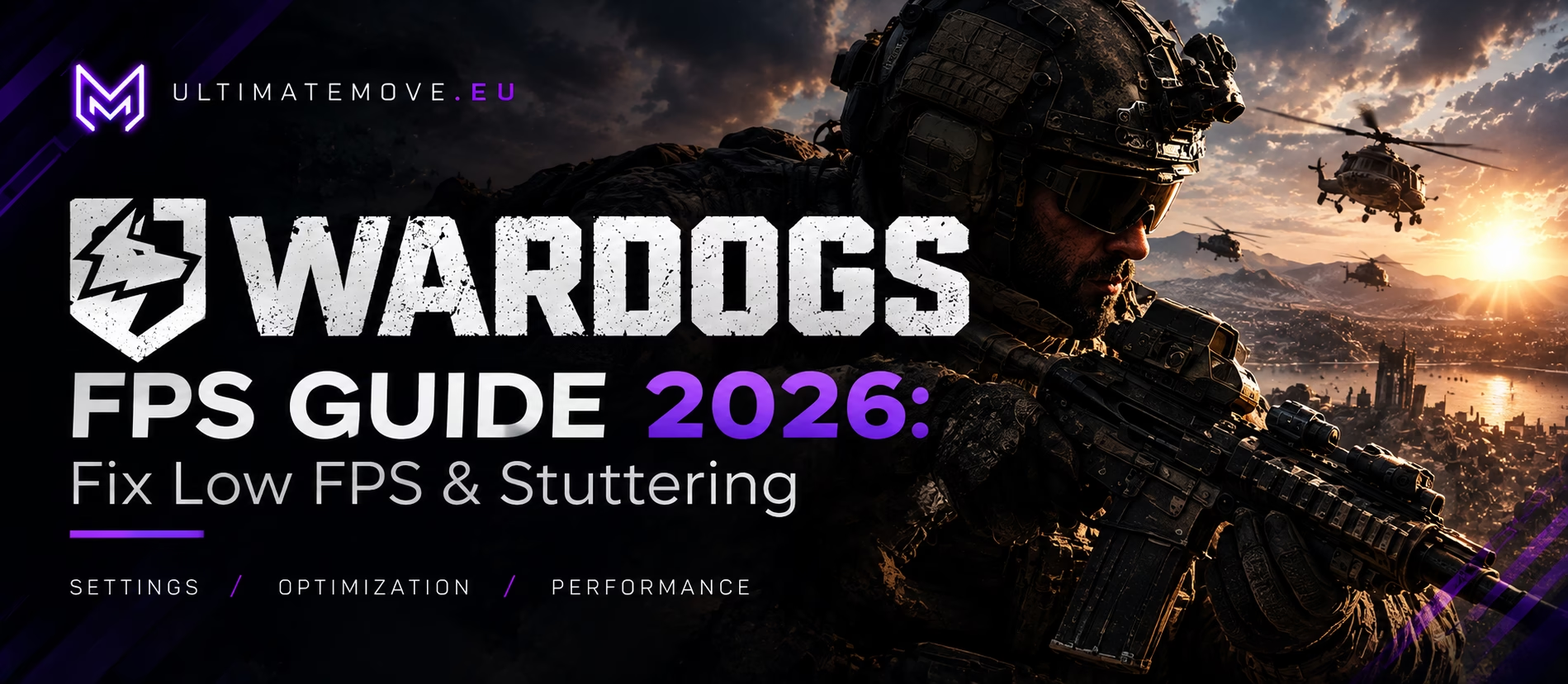
WARDOGS is one of the most demanding games on Steam in 2026 - up to 100 players, destructible maps, and Unreal Engine 5 rendering. If you launched it expecting smooth competitive gameplay and instead got stuttering, frame drops, and low FPS, this guide fixes exactly that.
Why WARDOGS tanks FPS (and why your PC specs aren't enough)
WARDOGS isn't a regular shooter - it's a massive combined-arms battle. Each match throws up to 100 players across three factions onto a map of about 256 km² with a randomly chosen 2×2 km control zone, vehicles, and full environmental destruction. This combination is brutal on hardware for three reasons:
CPU bottleneck. 100 players, physics, destruction and economy simulation all run on cores. In late team fights the CPU is overloaded, hence stuttering even with good GPU usage.
Asset streaming. Steam requires 50 GB of free space, and the game constantly streams textures, models, and destroyed geometry. On an HDD or a nearly full SSD, you'll experience micro-stutters regardless of your settings.
Kernel-level anti-cheat (Elytra). The September version runs a kernel driver that with bad config causes crashes and launch issues which look like low performance even when FPS was fine.
Minimum requirements (Core i5-8600 / Ryzen 5 3500, GTX 1660, 16 GB RAM) target 1080p Low ~60fps with upscaling. This is the playable floor, not competitive FPS. Here's how to reach and exceed it.
System requirements (what you actually need)
| Tier | CPU | RAM | GPU | Storage |
|---|---|---|---|---|
| Minimum | Core i5-8600 / Ryzen 5 3500 | 16 GB | GTX 1660 / RX 590 | 50 GB free |
| Recommended | Core i7-12700K / Ryzen 7 5700X | 16 GB | RTX 3070 / RX 6700 XT | 50 GB free |
Target developer: min = 1080p Low @60fps (with upscaling), recommended = 1440p Medium @70+ or 4K Medium @60+ (with upscaling). If you're below, the settings below will help, but some issues are hardware and require optimization or upgrade.
Read nextMemory Integrity FPS lossMemory Integrity FPS loss measures 3.3 to 5.7 percent in an isolated test, not fifteen. Microsoft starts enabling the protection in October 2026.We connect to your PC remotely, save a restore point, then work through power, drivers and input. The BIOS we go through together on a Discord call while you show us the screen with your phone. The same benchmark at the end shows how much of it landed. For six months after the session we stay with you on Discord.
Settings that actually improve WARDOGS FPS
CPU-heavy settings: lower them first
Because 100-player battles are CPU-bound, reduce what taxes your processor:
- Player/opponent details, physics quality, destruction level: lower to Low/Medium. Destruction is the highest CPU cost in the game.
- View distance / draw distance: reduce; in a 2×2 km zone you rarely need max.
- Simulation details (vehicles, crowds): lower for smoother fights in late game phase.
GPU settings: keep it reasonable, cap what you do not need
- Resolution and FPS limit: match your monitor; a steady limit prevents unnecessary rendering.
- Texture quality: high only at ≥8GB VRAM; otherwise medium.
- Shadows: Low/Medium (big FPS gain, minimal competitive loss).
- AA / postprocess: Low; clarity is more important than smoothness in a tactical shooter.
Memory and storage: hidden FPS killer
- 16GB RAM minimum: 100-player battles can exceed this value. If you have 16GB, close browsers/Discord overlays before launching.
- Install on SSD with ≥70 GB free space: streaming destroyed geometry from a full or slow disk = stutters. This fix recovers frames for more players than any in-game setting.
Drivers and background: easy wins
- Update GPU drivers (clean install if crashes occur).
- Close overlays (Discord, GeForce Experience, Steam overlay): they steal frames in CPU-heavy games.
- Enable Windows Game Mode and set WARDOGS process priority to high.
Launch issues that look like low FPS (but are not)
If the game will not start, crashes on launch or shows an Elytra/EAC error, fix the launcher first instead of chasing framerate settings:
- “Elytra is not installed” / “The launcher startup service failed”: reinstall anti-cheat from game folder (find Elytra directory with Elytra-Setup.exe file in WARDOGS folder in Steam library).
- Crashes/BSOD when loading kernel driver: update chipset drivers and check virtualization settings in BIOS; report stubborn BSODs on developer forums.
- GeForce NOW won't launch: known anti-cheat conflict at startup; wait for vendor fix instead of fighting local settings.
What I see from players
From what I have seen, the most common problems after launch are stutters in large fights, Elytra launcher crashes, and performance below spec even on “recommended” rigs. Players who switched to an SSD, closed overlays, and lowered destruction settings gain the most. The takeaway: WARDOGS rewards clean, cool, well-configured hardware more than most shooters, and that is exactly the goal of optimization.
When settings aren't enough: professional PC optimization
If you are on the minimum spec, running 16 GB RAM or still getting frame drops in 100-player fights, no setting will fix a hardware ceiling. This is where UltimateMove PC optimization comes in: we tune your system specifically for CPU-heavy tactical shooters like WARDOGS so you can squeeze out every usable frame.
👉 Reserve PC optimization / see our services
FAQ
Is WARDOGS well optimized at launch? Works, but 100-player destructive battles are hardware demanding; expect adjusting settings and closing backgrounds for competitive FPS.
Does WARDOGS need a strong GPU or CPU? Both, it's limited by CPU due to 100-player simulation and destruction. Strong multi-core CPU is more important than in most shooters.
Why does WARDOGS crash at startup? Mainly kernel-level anti-cheat Elytra. Reinstall it, update chipset drivers and check our Elytra repair guide before assuming a hardware issue.
Can you play WARDOGS on Linux/Proton? Unofficially in Early Access; BULKHEAD is working on Proton but hasn't confirmed launch. BULKHEAD has announced PS5 and Xbox versions for 2028.
More about anti-cheat bugs
Check Out WARDOGS: anty-cheat odrzucił plik gry. Jak naprawić (2026) - Four launcher crashes and Elytra/EAC errors confirmed by players.
 KaRzye
Runs the research and every session at UltimateMove. FACEIT Level 10 in CS2,
Immortal in Valorant. Twenty years in BIOS, memory and drivers.
Watch him play.
KaRzye
Runs the research and every session at UltimateMove. FACEIT Level 10 in CS2,
Immortal in Valorant. Twenty years in BIOS, memory and drivers.
Watch him play.
Our free tools
Built in house. No account, no limits.
 Ultimate Demo Analyzer
Upload a CS2 demo and get your mistakes and round stats written out.
Free, no account Deadlock Replay Analyzer
The same for Deadlock: a replay breakdown and a plan for the next matches.
Free, no account Sensitivity Converter
Carry your cm/360 between games without losing muscle memory.
Free, no account Aim Trainer
Thirty seconds, three levels. No install, no account.
Free, no account