Why Is My Aim So Bad Even After Practice?
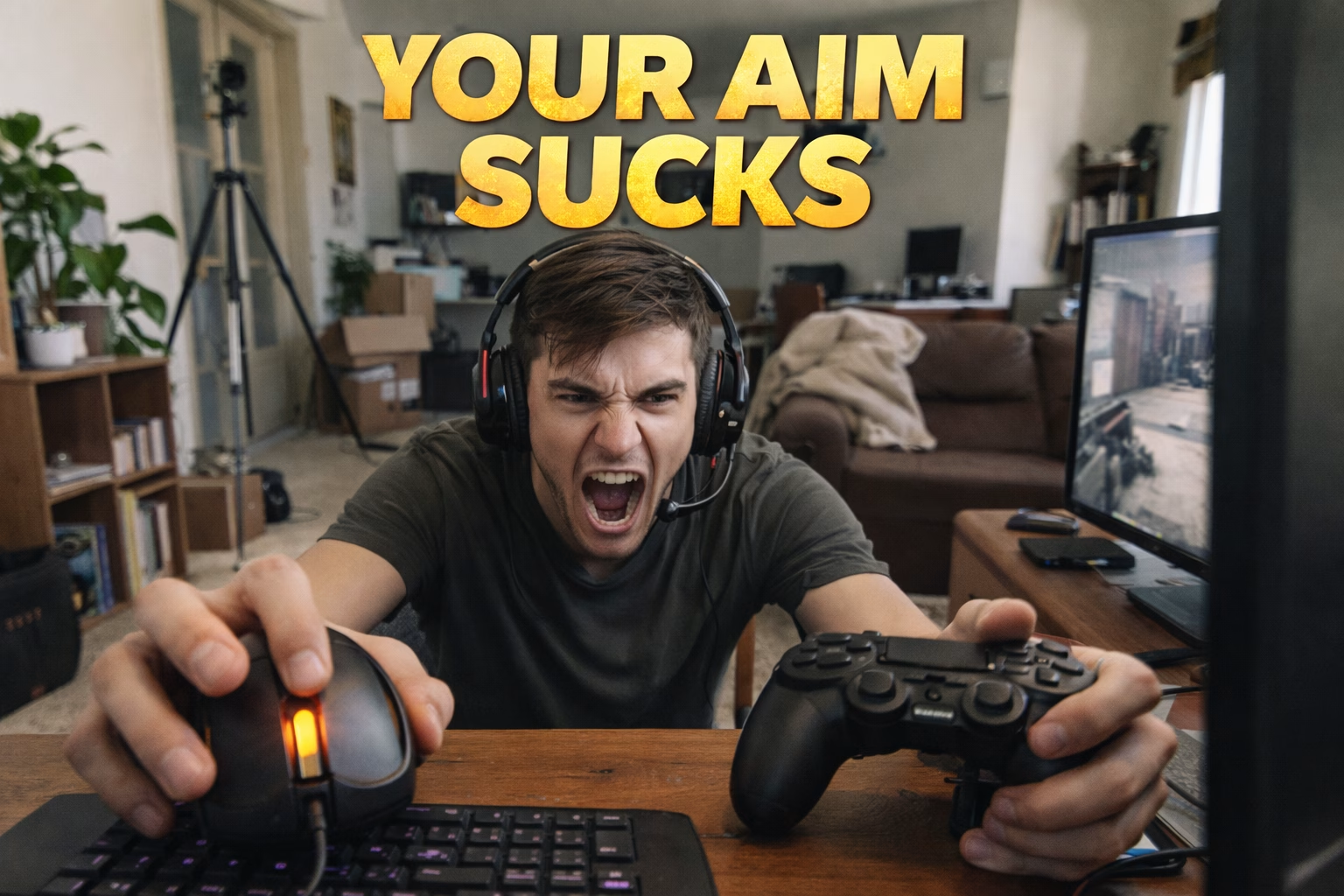
7 Hidden Reasons (Including PC Issues) + Pro Fixes from a FaceIT Level 10 Coach
You’ve spent 200 hours in Aim Lab or perhaps more. You watch TenZ religiously. You practice daily. Yet somehow, in actual matches, you’re still whiffing easy shots that you’d hit 90% of the time in training.
Sound familiar?
As a FaceIT Level 10 coach who’s worked with hundreds of frustrated players, I can tell you this: It’s probably not your fault.
In this guide, I’ll reveal the 7 hidden reasons why your aim isn’t improving - including one massive issue that 90% of coaches completely ignore: your PC setup.
⚡ QUICK TLDR
Before reading this whole article, try this 60-second test: Open Task Manager while in a match. If you see frequent stutters, your PC optimization is killing your aim.
Currently this is frequently visible on Intel systems 12th Gen+
Reason #1: Input Lag & PC Optimization (The #1 Hidden Culprit)
Here’s what nobody tells you: You could have perfect muscle memory, but if your PC has 40ms of input lag, you’re fighting with one hand tied behind your back 😀
What Is Input Lag?
Input lag is the delay between clicking your mouse and seeing the action on screen.
Common PC Issues That Destroy Your Aim:
- Windows bloatware eating CPU cycles in the background
- Incorrect NVIDIA/AMD GPU settings adding few ms lag
- V-Sync enabled (adds input lag instantly)
- 60Hz monitor when you need 144Hz+ for competitive play
- Mouse polling rate set to 125Hz instead of 1000Hz+
- USB ports causing DPC latency spikes
💡 Real Example
One of my students was hardstuck Gold in Valorant. After optimizing his PC (disabling unnecessary services, fixing GPU settings, upgrading to 144Hz), he jumped to Diamond in 5 weeks. His aim didn’t change - his PC finally let him use it.
try these:
- Test your input lag: Use NVIDIA Reflex Latency Analyzer or LatencyMon software
- Disable V-Sync in-game AND in GPU control panel
- Enable NVIDIA Reflex (CS2/Valorant) or AMD Anti-Lag [temporal solutions - not optimal]
- Set mouse polling rate to 1000Hz in software (Logitech G Hub, Razer Synapse, etc.)
- Disable Windows Game Bar and Game DVR
- Close ALL background apps (Discord overlay, Chrome, Spotify, etc.)
- Set Windows power plan to „High Performance”
🚀 Want Professional PC Optimization?
Our Optimization can fix you without struggle, not the most expensive service too and everything happens remotely for 60 $.
👉 Check out our Gaming PC Optimization Service
BIOS, memory, network and input we go through together on your screen. We measure before and after in your games, so you see the difference yourself, before we hang up.
Reason #2: You’re Training the WRONG Type of Aim
Not all aim is created equal. CS2 and Valorant require completely different aim skills than Apex or Fortnite.
The 3 Types of Aim:
- Static/Click Timing (CS2, Valorant) - Pre-aim head level, minimal flicks, crosshair placement is 80% of the work
- Tracking (Apex, Overwatch) - Follow moving targets smoothly, sustained precision
- Flicking (Quick reactions) - Snap to targets instantly, high sensitivity movements
❌ Common Mistake
Grinding Gridshot (flicking practice) when you need crosshair placement drills for CS2.
FIX For CS2/Valorant players:
- 20 minutes: Crosshair placement practice on Refrag/LMTLSS prefire maps
- 10 minutes: Aim Botz (static click timing)
- 10 minutes: Deathmatch (real game scenarios)
- Skip: Gridshot, fast flicking drills (wrong skill for tactical shooters)
- Book coaching with us - I will show you how to do it without paid solutions effectively.
Reason #3: Your Sensitivity Is Sabotaging You
This is HUGE. If your sensitivity doesn’t match your playstyle, you’ll never be consistent.
Sensitivity Reference Table
| Sensitivity Type | eDPI Range | Best For |
|---|---|---|
| Low Sens | 200-400 | CS2 riflers, precise aim |
| Medium Sens | 400-800 | Valorant, balanced play |
| High Sens | 800-1200+ | Entry fraggers, fast peeks |
Formula: eDPI = DPI × In-Game Sensitivity - visit the our DPI GUIDE for 2026
- Calculate your current eDPI
- Test 3 sensitivities: your current, -20%, +20%
- Play 10 DM games with each (don’t switch daily!)
- Track headshot % and consistency
- Stick with ONE sensitivity for minimum 2 weeks - as papa RocketJumpNinja says
Reason #4: Muscle Memory Conflicts (The Multi-Game Trap)
Playing Valorant, CS2, AND Apex with different sensitivities? Your brain is fighting itself.
Your muscle memory can only be trained for ONE specific sensitivity at a time. When you switch between games with different sens, you’re essentially starting from scratch every time.
- Use a sensitivity converter to match sens across ALL games
- OR pick ONE main game and stick to it for ranked improvement
- Use tools like mouse-sensitivity.com to calculate perfect matches
Reason #5: Mental Game & Pressure (Aim Lab ≠ Ranked)
You hit 85% accuracy in Aim Lab. But in ranked? 45%. Why?
Because shooting bots in a controlled environment has ZERO pressure. Real matches have:
- Adrenaline spikes that tense your muscles
- Fear of losing RR/ELO
- Unpredictable enemy movements
- Audio distractions, utility usage, decision-making
- Train under pressure: Play retake servers, 1v1 arenas, FFA DM
- Practice breathing techniques before clutches
- Review VODs to identify when you choke (are you tensing up?)
- Work with a coach on mental resilience (UltimateMove offers mental health coaching!)
Reason #6: Mindless Practice (Quality > Quantity)
200 hours of autopilot clicking ≠ improvement.
If you’re watching YouTube while doing Aim Lab, you’re wasting your time. Neuroplasticity (how your brain learns) requires FOCUSED, INTENTIONAL practice.
Better: 20 minutes of laser-focused practice
Worse: 2 hours of distracted grinding
- Set specific goals: „I will improve crosshair placement this session”
- No music, no streams, no distractions
- After each drill, ask: „What did I learn?”
- Track improvement with screenshots/recordings
Reason #7: Wrong Hardware Setup
Sometimes it really IS the gear.
Hardware That Kills Your Aim:
- 60Hz monitor (you should have 144Hz minimum for competitive FPS)
- Wireless mouse with 20ms+ latency (wired is better for competitive)
- Small mousepad (you need 40cm+ for low sens)
- Dirty mouse sensor (literally clean it with compressed air)
- Monitor response time >5ms (look for 1ms GTG monitors)
The Ultimate Move Solution: Fix Your Aim in 30 Days
Here’s the truth: most players need help with BOTH their mechanical skills AND their PC setup.
That’s why we created UltimateMove - the ONLY service that combines:
- FaceIT LVL 10 / Immortal coaching (CS2, Valorant, Deadlock, LoL)
- Professional PC optimization (+100-200 FPS, zero input lag)
- Mental/Lifestyle coaching for performance anxiety
- Custom PC builds optimized for e-sports
🎯 READY TO FIX YOUR AIM?
Get your first 1:1 coaching session for just 50 PLN (60 minutes)
OR optimize your PC remotely and see results in the first game
👉 Visit Coaching categories
Services: CS2 Coaching | Valorant Coaching | Deadlock Coaching | PC Optimization
Frequently asked questions
Q: How long does it take to see improvement?
A: With PC optimization, you’ll see improvement in your FIRST game (less lag = better aim immediately). For mechanical skill improvement, expect noticeable results in 2-3 weeks of focused practice.
Q: Will aim training really help if my PC has input lag?
A: No. Fix your PC FIRST, then train your aim. It’s like practicing basketball with a deflated ball - you’re building muscle memory for the wrong thing.
Q: What DPI do pro players use?
A: CS2 pros average 400-800 DPI. Valorant pros average higher like 1600 DPI. But what matters is finding YOUR optimal sensitivity, not copying pros.
Q: Can I improve aim at 60Hz?
A: Yes, but you’re severely handicapped. 60Hz has 16.67ms of display latency vs 6.94ms at 144Hz. For competitive play, 144Hz+ is essential.
Our free tools
Built in house. No account, no limits.
 Ultimate Demo Analyzer
Upload a CS2 demo and get your mistakes and round stats written out.
Free, no account Deadlock Replay Analyzer
The same for Deadlock: a replay breakdown and a plan for the next matches.
Free, no account Sensitivity Converter
Carry your cm/360 between games without losing muscle memory.
Free, no account Aim Trainer
Thirty seconds, three levels. No install, no account.
Free, no account