FSR 4 on Radeon RX 6000 - How to use it in 2026
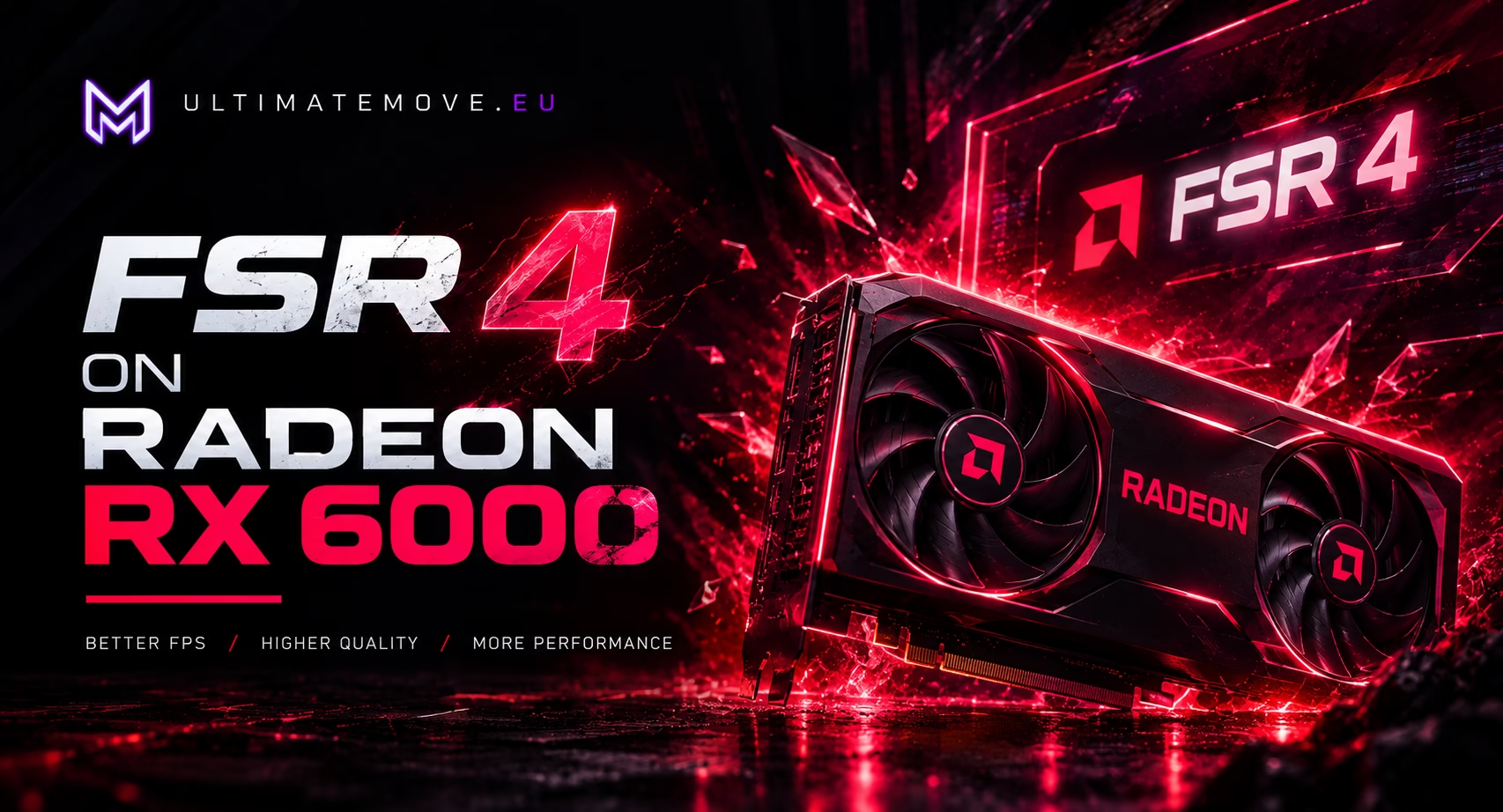
Have you noticed that new games are placing increasingly higher demands on graphics cards? AMD has released FSR 4 - the latest generation of its upscaling technology, which drastically boosts frame rates. The problem? Officially, FSR 4 launched only on the RX 9000 series (RDNA 4). The RX 7000 series got FSR 4.1 in June 2026 (Adrenalin 26.6.2 driver), and the RX 6000 series is not due to get it until early 2027. But there's a way to get it working on Radeon 6000 series cards right now. Here's a step-by-step guide.
FSR 4 on Radeon RX 6000: How to Enable FSR Upscaling on an Older GPU
What is FSR 4 (FSR Upscaling)?
AMD FidelityFX Super Resolution 4 - now simply referred to as “FSR Upscaling” „FSR Upscaling“ - is the latest generation of machine learning-based image upscaling. Instead of rendering the game at full resolution, the engine renders frames at a lower resolution, and then a neural network reconstructs the details, producing an image comparable in quality to the native resolution while maintaining significantly higher performance.
In practice, this means:
- Additional 10-70% FPS, depending on the game and scaling settings
- Quality close to native quality in Quality mode
- Balance - the golden mean between efficiency and quality
- Performance - Maximum Frame Rate When Every FPS Counts
For gamers with Radeon RX 6000 (RDNA2) cards - which still perform well in games but can't keep up with newer titles - this is a real opportunity to extend the card's lifespan.
AMD FSR 4.1 - Official Support Extension
In January 2025, AMD unveiled FSR 4 as a technology exclusive to its latest graphics cards. We’ll still have to wait for the official update that extends support to the Radeon RX 6000 series, but we have a working solution for you right now!
However, simply updating the driver isn't enough. For FSR 4 to work in games that support DX12, you need the correct version of the file amd_fidelityfx_upscaler_dx12.dll. This is where the OptiScaler project comes in handy.
We connect to your PC remotely, save a restore point, then work through power, drivers and input. The BIOS we go through together on a Discord call while you show us the screen with your phone. The same benchmark at the end shows how much of it landed. For six months after the session we stay with you on Discord.
The DLL Swap Method - How to Enable FSR 4 on the RX 6000
This method involves replacing a single DLL file in the game folder. It does not require installing any additional programs or modifying the registry. Here are the steps:
Step 1: Find the game and the path to the file
Locate the main directory containing the game that supports DirectX 12. An example is The Blood of Dawnwalker - a game in which we tested the method, and it works great.
C:/Program Files/Steam/steamapps/common/[GAME]/bin/amd64/ [or any other folder containing the file originally]Step 2: Download the amd_fidelityfx_upscaler_dx12.dll file (OptiScaler)
FSR4 Download File is on our Discord.
Search for the channel containing the files and download the latest version amd_fidelityfx_upscaler_dx12.dll from the OptiScaler package. The latest known version is FSR 4.1.1b.
Step 3: Back up the original
Never skip this step. Before replacing the file, copy the original amd_fidelityfx_upscaler_dx12.dll to a separate folder - for example, on the Desktop, in a directory backup_dllIf something goes wrong, you'll return to the starting point.
Step 4: Replace the file
Copy the downloaded file from OptiScaler to the game folder (where the original file is located). The file name must remain the same amd_fidelityfx_upscaler_dx12.dll.
Step 5: Launch the game and check the settings
Go to the game's graphics settings. If FSR 4 is installed correctly, you should see new scaling options:
- Quality - the highest image quality
- Balance - a trade-off between quality and FPS
- Performance - maximum number of frames
Benchmark Tests - The Blood of Dawnwalker
The game The Blood of Dawnwalker was selected for testing because it is a newer title that puts a heavy load on the graphics card. After replacing the file:
- At the “Quality” settings, the frame rate improvement was visible to the naked eye
- The balance ensured smooth gameplay without any noticeable loss of quality
- The performance improvements have made the game much more responsive
The game looks great with FSR 4 - AMD's neural network handles image reconstruction better than previous generations.
Is it safe?
The DLL swap method is relatively safe, provided that:
- You're making a backup the original file - always
- Download files only from trusted sources (such as our Discord)
- The game does not use anti-cheat software that can detect modifications to game files
Be careful when playing multiplayer games with anti-cheat software (VAC, Easy Anti-Cheat, etc.). There's no problem in single-player mode.
Summary - FSR 4 works on the RX 6000
If you have a Radeon 6000 series graphics card and want to play the latest games without constant FPS drops, FSR 4 is a viable option. The DLL swap method using the OptiScaler file is the easiest way to access this technology.
Remember: You can find the AMD FidelityFX Upscaler DX12 file from OptiScaler at UltimateMove Discord. Join us and help yourself, or take advantage of our professional PC optimization service.
Do you need help with optimization?
If FSR 4 isn't working as it should, or if you simply want to wyciągnąć maksimum from your computer - we have a solution for you. We offer remote optimization of gaming systems during one-on-one sessions. We’ll squeeze as many FPS as possible out of your PC.
Frames dropping exactly when the fight starts?
That drop lands in the one second that decides the round, and no graphics preset fixes it. We tune Windows, drivers and network remotely, and the BIOS together with you on a Discord call. You measure it yourself, in your own game, before and after, with us watching.
See PC optimization →Six months of support after the session. Not sure it is worth it? Ask for a free check on our Discord first.FAQ - Frequently Asked Questions
Does FSR 4 work on every AMD graphics card?
Answer: Officially, FSR 4 runs on the RX 9000 series (RDNA 4), and since June 2026, as FSR 4.1, on the RX 7000 series too. AMD has announced official RX 6000 support for early 2027. Until then, OptiScaler's DLL swap method gets FSR 4 running on the 6000 series (RDNA2). FSR 4 does not work on NVIDIA cards.
Which games support FSR 4?
Answer: The list of supported titles grows with every update. For now, this works for games that have built-in FSR 4 integration in their engine - such as *The Blood of Dawnwalker*. AMD provides plugins for Unreal Engine 5, so more and more games will support FSR 4 natively.
Can I undo a change to a DLL file?
Answer: Yes - that's exactly why you make a backup. Just copy the original amd_fidelityfx_upscaler_dx12.dll back into place. The game will revert to the default upscaling settings.
Does FSR 4 work on NVIDIA graphics cards?
Answer: No. FSR 4 uses a machine learning model that AMD makes available on Radeon cards only. GeForce cards are left with FSR 3.x, which runs on AMD, NVIDIA and Intel cards. That is why this guide covers Radeon cards only.
What are the differences between FSR 3 and FSR 4?
Answer: FSR 4 is a completely new architecture based on machine learning. Unlike FSR 3 (which used traditional algorithms), FSR 4 utilizes neural networks trained on millions of frames, resulting in significantly better image quality while maintaining the same FPS gain.
Why didn't AMD release FSR 4 right away for the RX 6000 series?
Answer: FSR 4 launched on the RDNA 4 architecture (RX 9000) because only RDNA 4 has the hardware the model needs to run optimally. Older generations need an INT8 version and instruction fallbacks. AMD released FSR 4.1 for the RX 7000 series in June 2026 and has announced official RX 6000 support for early 2027. The OptiScaler community had a working DLL for the RX 6000 ready earlier.
 KaRzye
Runs the research and every session at UltimateMove. FACEIT Level 10 in CS2,
Immortal in Valorant. Twenty years in BIOS, memory and drivers.
Watch him play.
KaRzye
Runs the research and every session at UltimateMove. FACEIT Level 10 in CS2,
Immortal in Valorant. Twenty years in BIOS, memory and drivers.
Watch him play.
Our free tools
Built in house. No account, no limits.
 Ultimate Demo Analyzer
Upload a CS2 demo and get your mistakes and round stats written out.
Free, no account Deadlock Replay Analyzer
The same for Deadlock: a replay breakdown and a plan for the next matches.
Free, no account Sensitivity Converter
Carry your cm/360 between games without losing muscle memory.
Free, no account Aim Trainer
Thirty seconds, three levels. No install, no account.
Free, no account