Deadlocks in Windows: how to spot them and how to avoid them
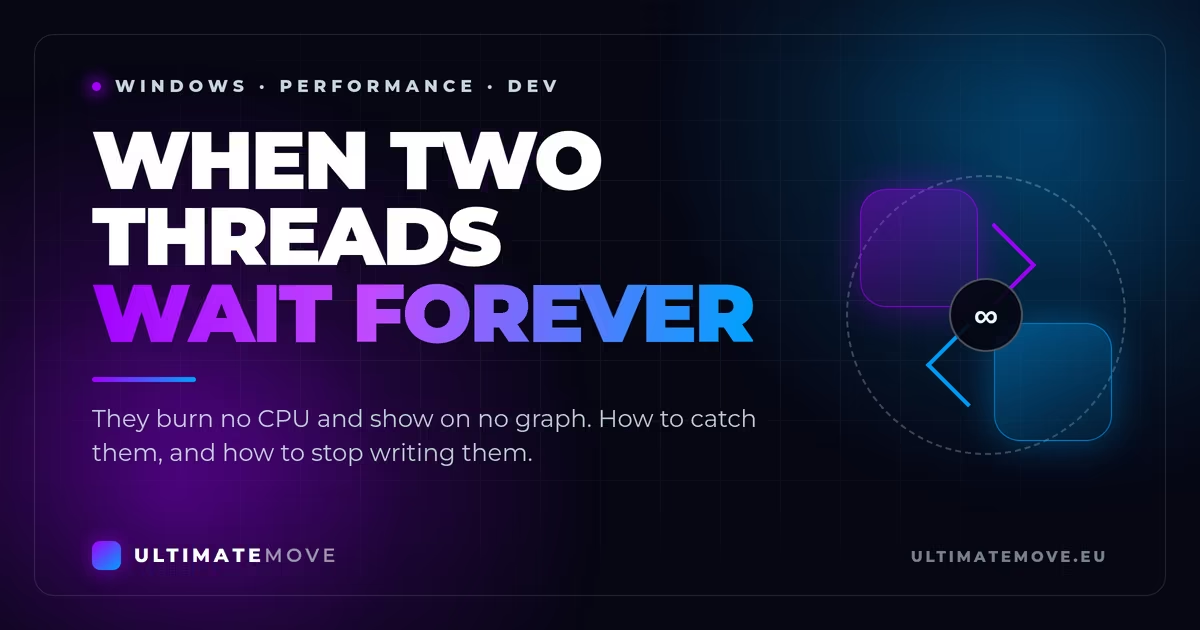
The game freezes for two seconds in the middle of a duel. FPS reads 240 and the picture stands still. The server drops a tick even though the CPU is idling. Behind some of these cases sits a deadlock, a thread lock-up. This article shows how to recognise them and how to get rid of them.
What a deadlock is
Deadlock from Valve… we write about it a lot - unfortunately this time we mean something less colourful - a system deadlock. It happens when two threads wait on each other for resources they have already locked. Thread A holds lock 1 and waits for lock 2. Thread B holds lock 2 and waits for lock 1. Neither gives way, so both stand still until the process dies.
From the player perspective there is no load to see. The CPU has headroom, the GPU has headroom, and still nothing moves.
Where it hurts in games and on servers
| Area | Example in games | Consequences |
|---|---|---|
| Client | A lock on the render thread while a frame waits for network data | A stutter or a black screen at high FPS |
| Server | Game logic waits for a result from another thread, for example from AI | Delays in state synchronisation, a drop in tick-rate |
| Matchmaking | The player matching algorithm waits for data locked by another process | Longer queues, more timeouts when a map is assigned |
BIOS, memory, network and input we go through together on your screen. We measure before and after in your games, so you see the difference yourself, before we hang up.
How to detect deadlocks in Windows
- Task Manager, Details tab. The Blocked column shows processes stopped by a lock.
- Process Explorer (Sysinternals). W
Open Handleslook for the names of mutexes, files and COM objects held too long. - PerfMon. Counters
MutexWait TimeandThreadTimeInState(4), that is, time spent in the waiting state. - ETW and Debugging Tools. Enable the Microsoft-Windows-Debugger provider and go through the stacks in WinDbg with the command
~* k. Deadlocked threads sit on the sameWaitForSingleObjectfor the whole dump.
Where they come from
- A different lock ordering in different threads
- An I/O operation performed inside a critical section
- Mixing COM apartments, that is, synchronous calls between STA and MTA
- Priority inversion, when a low priority thread holds a lock a high priority thread needs
How to avoid them
| Strategy | What to do | Example code (C++/Win32) |
|---|---|---|
| Lock ordering | Settle on one lock ordering and stick to it across the whole codebase, for example alphabetically by name. | void AcquireAll(std::vector<MutexHandle>& locks){ std::sort(locks.begin(), locks.end(), [](auto& a, auto& b){ return a.name < b.name; }); for(auto& l : locks) WaitForSingleObject(l.handle, INFINITE); } |
| Try-lock with a timeout | If you do not get the lock within the given time, release what you already hold and start again. | bool TryLock(MutexHandle& m){ return WaitForSingleObject(m.handle, 500) == WAIT_OBJECT_0; } |
| Do not block the main thread | Keep the UI and render threads free. Do I/O asynchronously. | // asynchronous read via an overlapped structure ReadFile(hFile, buf, size, NULL, &ov); // no blocking calls in the critical section |
| SRWLOCK instead of a mutex | Many readers work in parallel, and only writes get exclusivity. | std::shared_mutex srw; AcquireShared(srw); ReleaseShared(srw); |
| COM apartment hygiene | UI in STA, server logic in MTA. Avoid synchronous calls between them. | CoInitializeEx(NULL, COINIT_MULTITHREADED); |
| A watchdog that detects cycles | Check the wait graph every few seconds. A cycle means a deadlock, so restart the thread or the application. | Depth-first search (DFS) over the wait-for graph |
Concrete cases from game servers
| Problem | Solution |
|---|---|
| Matchmaking waits on the database (SQL Server) | Shorten transactions, review query plans, enable READ COMMITTED SNAPSHOT. |
| The AI thread holds a mutex for the whole computation | Move the computation outside the critical section and release the lock right after writing the result. |
| Game state synchronisation at tick-rate 128 | Use SpinLock instead of Mutex, but keep the critical section within a few microseconds. |
What the player gets out of it
- Shorter delays. Removing a deadlock takes the milliseconds you will not see in any benchmark off the server response time.
- A stable session. The client stops freezing at random moments, and the FPS graph stops having holes in it.
- Better scalability. The server handles more players on the same hardware.
Checklist after rolling out the changes
- Task Manager. Under heavy load no process sits in state Blocked.
- PerfMon.
MutexWait Timebelow 5 ms for client applications. - Server. Average tick-rate at least 128, with no dropped ticks.
- Profiler. Intel VTune or AMD uProf shows no long critical sections.
So what you need?
A deadlock consumes no resources, so you will not see it on any load graph. Look for it where the threads stand still: in Task Manager, in Process Explorer and in stack dumps.
Three habits are enough to stop producing them. Settle on one lock ordering. Keep I/O out of critical sections. On the server reach for lock-free structures, and on the client for asynchronous I/O. You see the result in the ping, in frame stability and in the number of players the server holds without choking.
Related articles
- Windows gaming optimisation
- Valorant: too much FPS breaks the client tickrate
- 10 Best Ways to Improve FPS in games for 2026
- The official list of useful gaming tools
Frames dropping exactly when the fight starts?
Deadlock leans hard on the CPU during team fights, which is the moment your frames fall and your aim stops landing. We tune your PC remotely: Windows, drivers, BIOS and network. You can measure it yourself before and after, in the game, with us watching. We do not stop you.
See PC optimizationSatisfaction guarantee and six months of support after the session. Not sure if it is worth it? Ask for a free check on our Discord.Our free tools
Built in house. No account, no limits.
 Ultimate Demo Analyzer
Upload a CS2 demo and get your mistakes and round stats written out.
Free, no account Deadlock Replay Analyzer
The same for Deadlock: a replay breakdown and a plan for the next matches.
Free, no account Sensitivity Converter
Carry your cm/360 between games without losing muscle memory.
Free, no account Aim Trainer
Thirty seconds, three levels. No install, no account.
Free, no account