Phantom Blade Zero PC requirements: minimum, recommended and what upscaling means
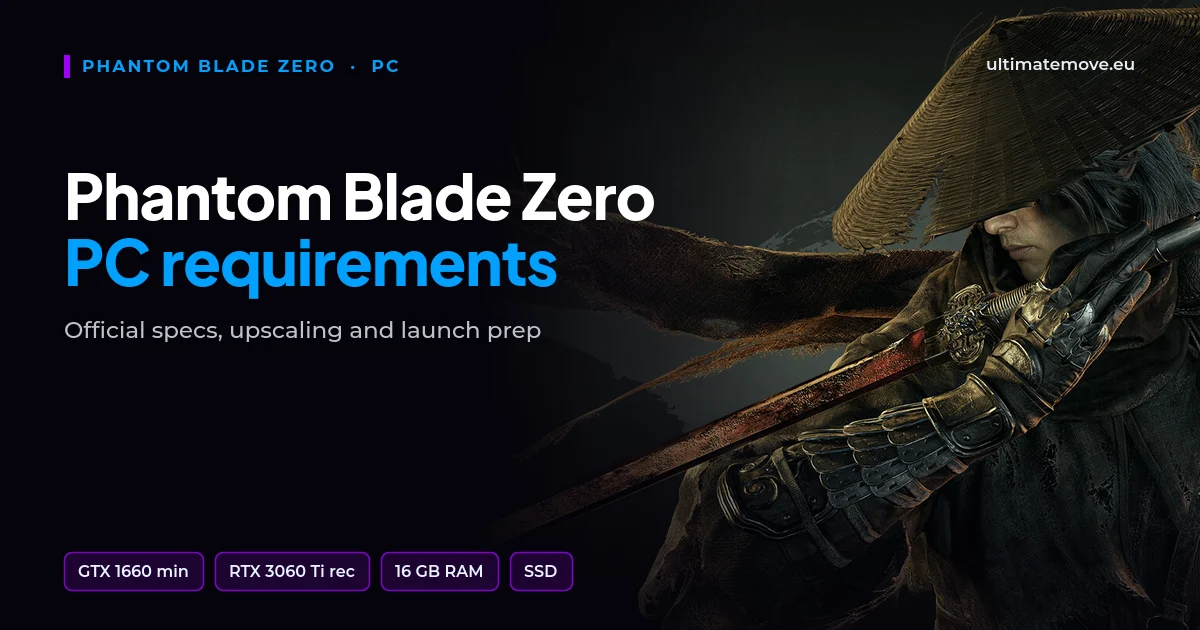
Phantom Blade Zero PC requirements look gentle: a GTX 1660 for minimum, an RTX 3060 Ti for recommended and 16 GB of RAM in both cases. Both tiers assume upscaling is on, though, and the publisher has not listed any tier above 1440p and 60 FPS.
The game came out on PC and PS5 on 29 October 2026. Below is the official table from the Steam store page, how to prepare your PC for the first launch and what the table does not tell you.
Official Phantom Blade Zero requirements
| Component | Minimum | Recommended |
|---|---|---|
| OS | Windows 10/11 64-bit | Windows 10/11 64-bit |
| CPU | Intel Core i7-8700K / AMD Ryzen 5 3600 | Intel Core i5-10600K / AMD Ryzen 5 5600X |
| RAM | 16 GB | 16 GB |
| Graphics card | GeForce GTX 1660 6 GB / Radeon RX 5500 XT 8 GB | GeForce RTX 3060 Ti 8 GB / Radeon RX 6700 XT 12 GB |
| Storage | SSD, 145 GB | SSD, 145 GB |
| DirectX | 12 | 12 |
| Target | 1080p, 30 FPS with upscaling | 1440p, 60 FPS with upscaling |
One note on the table. Several sites list a "Core i5-8700K" in the minimum tier. That processor does not exist. Steam lists the Core i7-8700K, and that is the correct one.
What the table says and what it does not
Minimum means 30 frames. The publisher says it plainly: 1080p, 30 FPS, upscaling on. In an action game where the dodge window decides the fight, 30 FPS means more delay between your input and the image. If smooth combat matters to you, treat the recommended tier as the real starting point.
Recommended means 60 frames at 1440p with upscaling. With upscaling on, the game renders at a lower resolution and scales the image up afterwards. Sharpness drops a little, smoothness goes up.
There are no 4K or high refresh rate tiers. The game has ray tracing and path tracing, but both tiers in the table assume they are off, and the publisher has not released a separate RT tier. We do not quote numbers nobody has published.
An SSD is required. The game takes about 145 GB, and for the preload the publisher advised 300 GB of free space. HDD installs are not supported.
We connect to your PC remotely, save a restore point, then work through power, drivers and input. The BIOS we go through together on a Discord call while you show us the screen with your phone. The same benchmark at the end shows how much of it landed. For six months after the session we stay with you on Discord.
How to prepare your PC for the game
1. Pick the right driver
NVIDIA added a Phantom Blade Zero profile in Game Ready driver 621.01, but on launch day S-GAME reported unstable performance with it. The developers recommend a clean install of driver 617.42 and staying on it until the next NVIDIA release. On Radeon, install the latest Adrenalin and check whether the release notes mention the game. If you still play on Windows 10, also check what is changing with NVIDIA drivers for that system.
2. Update Windows 11
The October update KB5127648 removes a bug that, according to Microsoft, could cause mouse stutter in some games. In a game where you steer the camera with the mouse, that is a noticeable difference.
3. Leave free space on the SSD
The install alone is not everything. The shader cache grows after the first hours of play, and a nearly full SSD writes data more slowly. Do not fill it to the brim.
4. Let the game compile its shaders
The game runs on DirectX 12. On first launch and after every driver change, some shaders compile on your PC. If the game does this in the menu, wait until it finishes. If it does it during play, the first minutes may stutter, so judge smoothness only later.
5. Pick the upscaling mode for your goal
Quality mode gives a sharper image, performance mode gives more frames and lower latency. One setting does not fit every PC, and we will not quote numbers we have not measured.
Will your PC handle it
A card at the RTX 3060 Ti or RX 6700 XT level, a Ryzen 5 5600X or Core i5-10600K class CPU and 16 GB of RAM make up the recommended tier. Below that, aim for 1080p with upscaling and treat 30 FPS as the maximum.
If your hardware fits the table and the game still stutters, the cause is rarely the graphics card itself. More often it is background processes, the power plan, RAM running without an XMP or EXPO profile, or a badly set BIOS. That is what we measure and fix in our remote PC optimization: we configure Windows remotely, and we guide you through the BIOS on a Discord call while you show the screen with your phone.
Will Phantom Blade Zero run on a GTX 1660?
Officially, yes. The GTX 1660 6 GB is the minimum tier card, which means 1080p and 30 FPS with upscaling on.
How much RAM does Phantom Blade Zero need?
16 GB, in both the minimum and the recommended tier.
Does Phantom Blade Zero require an SSD?
Yes. The publisher requires an SSD install in both tiers.
Which CPU is in the minimum requirements?
Intel Core i7-8700K or AMD Ryzen 5 3600. The "Core i5-8700K" on some sites is a mistake, that processor does not exist.
When does Phantom Blade Zero launch on PC?
29 October 2026, on PC and PS5 at the same time.
How do I improve FPS in Phantom Blade Zero?
On NVIDIA cards use driver 617.42, update Windows, leave free space on the SSD and pick your upscaling mode. If that does not help, the problem usually sits in the system configuration.
Frames dropping exactly when the fight starts?
That drop lands in the one second that decides the round, and no graphics preset fixes it. We tune Windows, drivers and network remotely, and the BIOS together with you on a Discord call. You measure it yourself, in your own game, before and after, with us watching.
See PC optimization →Six months of support after the session. Not sure it is worth it? Ask for a free check on our Discord first. KaRzye
Runs the research and every session at UltimateMove. FACEIT Level 10 in CS2,
Immortal in Valorant. Twenty years in BIOS, memory and drivers.
Watch him play.
KaRzye
Runs the research and every session at UltimateMove. FACEIT Level 10 in CS2,
Immortal in Valorant. Twenty years in BIOS, memory and drivers.
Watch him play.
Our free tools
Built in house. No account, no limits.
 Ultimate Demo Analyzer
Upload a CS2 demo and get your mistakes and round stats written out.
Free, no account Deadlock Replay Analyzer
The same for Deadlock: a replay breakdown and a plan for the next matches.
Free, no account Sensitivity Converter
Carry your cm/360 between games without losing muscle memory.
Free, no account Aim Trainer
Thirty seconds, three levels. No install, no account.
Free, no account