WARDOGS wymagania sprzętowe 2026 - minimalne i rekomendowane
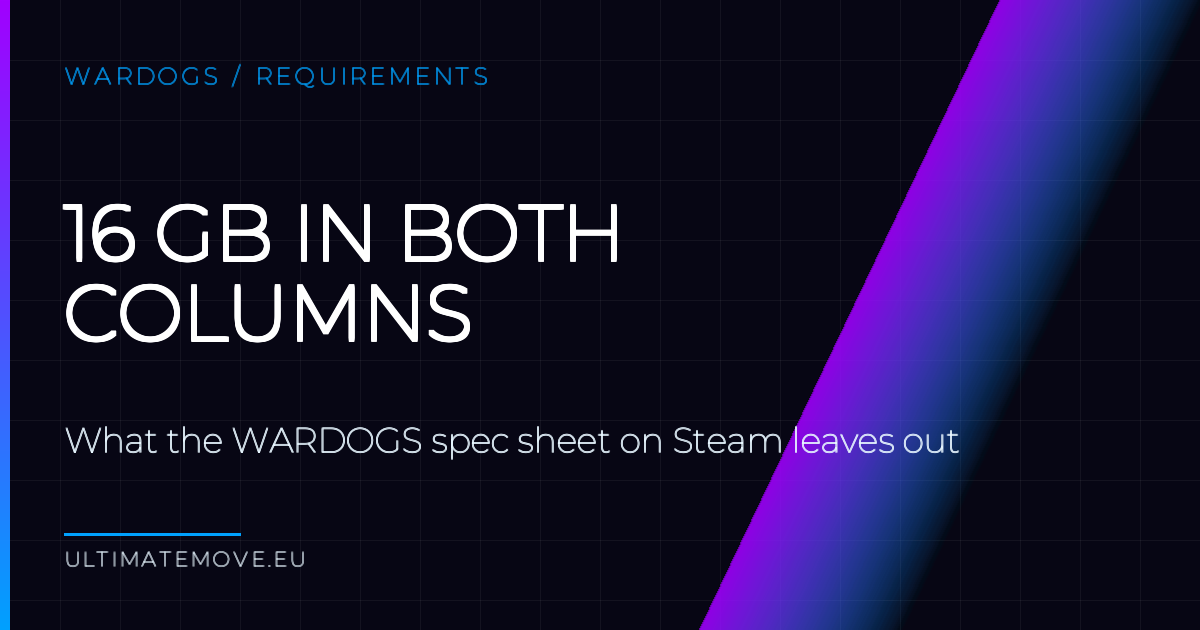
Steam lists 16 GB in both the minimum and the recommended tier. In the first gameplay videos memory use goes past that figure, so 16 GB is the floor rather than the target. The minimum is also measured with upscaling on, and the 50 GB is room to unpack, not the size of the install.
| Minimum | Recommended | |
|---|---|---|
| OS | Windows 10 64-bit | Windows 11 |
| Procesor | i5-8600 / Ryzen 5 3500 | i7-12700K / Ryzen 7 5700X |
| Memory | 16 GB | 16 GB |
| Graphics card | GTX 1660 / RX 590 | RTX 3070 / RX 6700 XT |
| Storage | 50 GB free | 50 GB free |
| Performance target | 1080p Low, 60 fps with upscaling | 1440p Medium, 70 fps native |
Minimum does not mean 1080p
The minimum column carries a note about upscaling and that is the most important word in the whole table. A GTX 1660 reaching 60 fps at so-called 1080p renders the image at a lower resolution and only then stretches it to 1080p.
In a tactical game where spotting a silhouette in rubble across the zone decides the fight, that is not a cosmetic compromise. Upscaling from a low resolution blurs exactly the details you rely on. Steam does not say which upscaler the game uses or what the internal resolution is, so you cannot calculate the real loss of sharpness today.
16 GB nie wystarczy
Ta sama wartość w obu kolumnach to sygnał, że nikt nie liczył zapasu. Na pierwszych filmach z rozgrywki zużycie pamięci przekracza 16 GB, więc gra dostaje dokładnie tyle, ile potrzebuje, i nic ponad to.
Stu graczy w trzech drużynach, zniszczalne otoczenie, pojazdy i strefa dwa na dwa kilometry w mapie o powierzchni 256 kilometrów kwadratowych. Stan zniszczeń kumuluje się przez cały mecz, zamiast wracać do zera, więc pod koniec zużycie jest wyższe niż na starcie. Test z pierwszych dwóch minut niczego o tym nie powie.
Przy 16 GB zamykaj wszystko przed startem. Przeglądarka z dwudziestoma kartami, Discord, Spotify i nakładka do nagrywania walczą o tę samą pamięć co gra. 32 GB rozwiązuje sprawę, ale przy dzisiejszych cenach pamięci to żaden tani ratunek, więc kupuj je wtedy, gdy i tak składasz nowy zestaw. Zamykanie tła jest za darmo.
BIOS, memory, network and input we go through together on your screen. We measure before and after in your games, so you see the difference yourself, before we hang up.
50 GB to miejsce na rozpakowanie
Steam lists 50 GB of available space in both columns. That is the room needed to download and unpack, not the size of the installed folder. If you free up exactly 50 GB, an update during Early Access may not fit.
The second thing missing from the table is your drive. The requirements do not mandate an SSD, but a game with a map this large streams assets while you drive across it. On a mechanical drive you get traversal stutter that graphics settings will not fix, because the problem is read speed, not rendering.
The CPU jump is bigger than the GPU jump
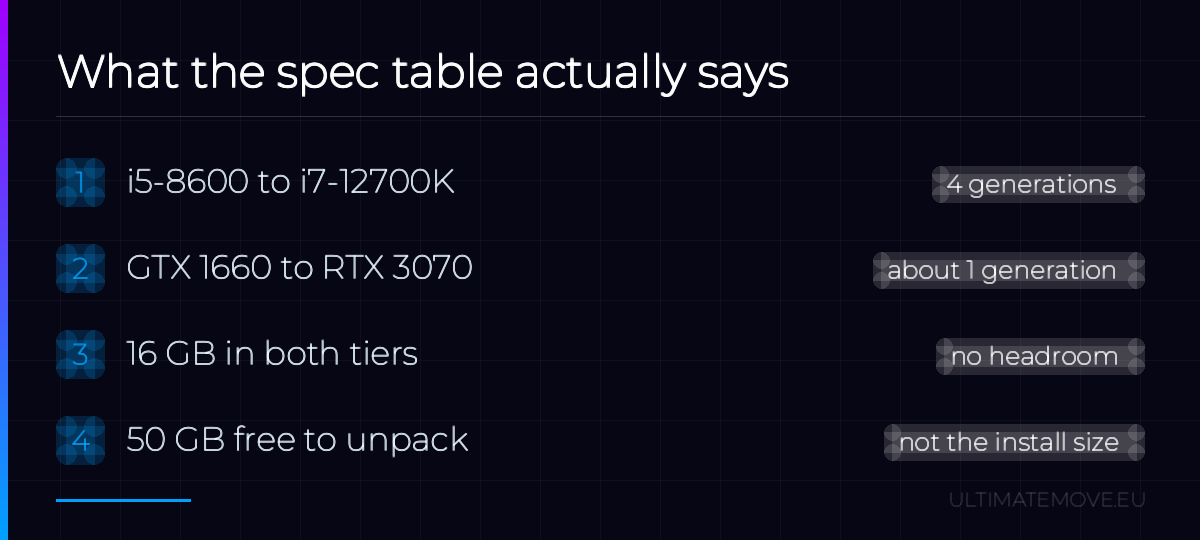
Compare the two columns again. GTX 1660 to RTX 3070 is a solid step, but it fits inside roughly one generation. From i5-8600 to i7-12700K is four architecture generations and a move from six cores to twelve, eight of them performance cores.
That much difference on the processor side against a moderate difference on the card side says plainly where this game will choke. I break it down in a separate article, but the short version is this: if you have one budget for one component, in WARDOGS spend it on the processor, not the graphics card.
You are below minimum. What now
Hardware below the minimum bar usually launches the game and looks tolerable for the first few minutes. It falls apart in exactly the situation the game is built around, which is a hundred players contesting one zone alongside vehicles and collapsing buildings. A benchmark on an empty map tells you nothing about that.
Early Access comes with the two hour refund window on Steam and that is the most honest way to test your own configuration. Play two full matches, not one. The first usually runs smoothly, because the map has not filled up yet.
What I do not know
I have no measurements of my own. There are already tests on YouTube with an FPS overlay, including one on a laptop RTX 4050, and that is the best source of numbers today. The above is a reading of the official table and of how the game is built.
I will add measurements from my own machine after launch. The table may change too, since it dates from before Early Access started.
If your hardware sits in the recommended tier and games still run worse than they should, the problem is in your system configuration, not in your components. That is what I handle in remote PC optimization, and the starting point is the free configuration scanner.
More on WARDOGS: why your CPU decides your FPS, not your GPU and Easy Anti-Cheat and launch errors.
Our free tools
Built in house. No account, no limits.
 Ultimate Demo Analyzer
Upload a CS2 demo and get your mistakes and round stats written out.
Free, no account Deadlock Replay Analyzer
The same for Deadlock: a replay breakdown and a plan for the next matches.
Free, no account Sensitivity Converter
Carry your cm/360 between games without losing muscle memory.
Free, no account Aim Trainer
Thirty seconds, three levels. No install, no account.
Free, no account