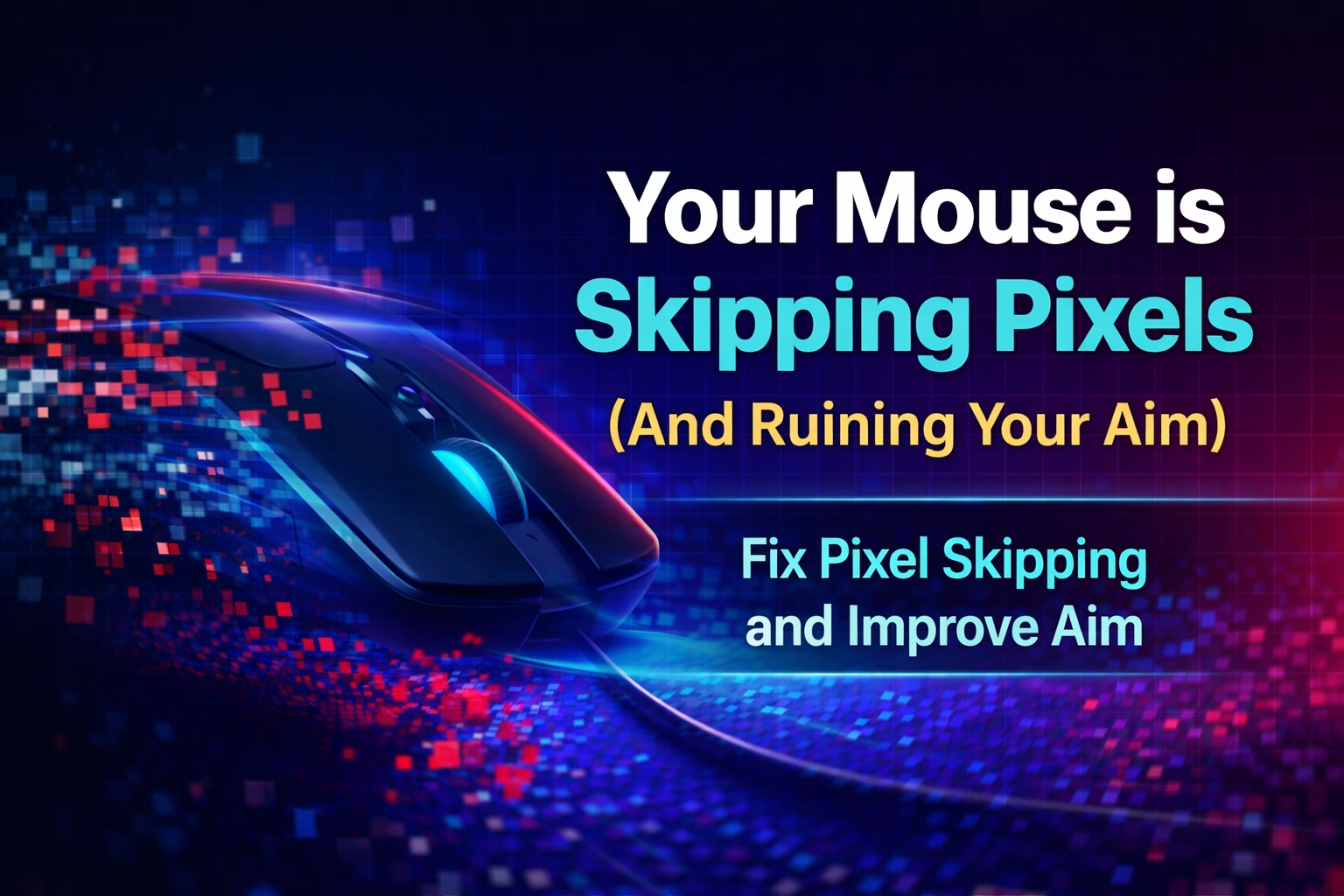
Your Mouse is Skipping Pixels (And Ruining Your Aim)
Why Low DPI
is a Huge Problem
Most gamers don't realize that their mouse skips pixels. Here is an interactive demonstration showing the truth about pixel skipping.
What is pixel skipping?
Pixel skipping is a phenomenon that occurs when your mouse's DPI is too low in relation to your monitor's resolution. In short: the mouse is unable to “touch” every pixel on the screen.
Imagine that your monitor has a width of 1920 pixels (Full HD). If you play at 400 DPI and low sensitivity, your mouse will have to physically move more than 1 DPI count for the cursor to move 1 pixel on the screen.
The result? The cursor jumps over certain positions. You can't aim at a specific pixel because your mouse simply skips it.
You're playing CS2 at 400 DPI and 0.8 in-game sensitivity. You try to aim at your opponent's head from a long distance. Your crosshair jumps from the left side of the head to the right - there is no center. This is pixel skipping in action.
We connect to your PC remotely, save a restore point, then work through power, drivers and input. The BIOS we go through together on a Discord call while you show us the screen with your phone. The same benchmark at the end shows how much of it landed. For six months after the session we stay with you on Discord.
Interactive demonstration
I recommend checking out this fantastic interactive demonstration by Danmer, which visualizes exactly how different DPI settings affect the precision of mouse movement tracking.
Open quakelife.ru/labs/dpi and move your mouse to change the DPI settings. You will see live how 400 DPI vs. 1600 DPI vs. 3200 DPI registers movement - the difference is immediate and obvious.
Why does this matter in games?
In competitive games such as CS2, Valorant, or Apex Legends, single-pixel precision can determine the outcome of a match. Pixel skipping means that you lose the ability to aim perfectly at certain positions.
What does low DPI (400-800) offer?
✅ Smoothes out shaky aim - if you have shaky hands or nervous aim, low DPI acts as a natural stabilizer. Micro-vibrations are “averaged out.”
✅ Better for tactical shooters - in CS2, where you hold angles and make small adjustments, pixel skipping may be less noticeable than the smoothing effect.
❌ Higher input lag - this is the cost. Low DPI + high sensitivity in the game = more processing delay in the sensor-to-cursor chain.
❌ Pixel skipping - you cannot physically “touch” every pixel, which limits precision over long distances.
What does high DPI (1600+) offer?
✅ Maximum precision - every pixel is accessible, no skipping.
✅ Lower input lag - higher DPI = less processing, faster sensor response.
❌ Exposes shaky aim - if you have unsteady hands, every tremor will be visible on the screen.
❌ Requires adaptation - muscle memory must adjust, especially for veteran players.
DPI Comparison - Trade-offs
| DPI | Precision | Input Lag | Aim Smoothing | Best For |
|---|---|---|---|---|
| 400 DPI | Low (pixel skipping) | Wyższy (~2-4ms delay) | High (stabilizing) | Tactical shooters, shaky aim |
| 800 DPI | Medium | Medium | Medium | Middle ground |
| 1600 DPI | High | Niski (~1ms) | Low (exposes shakes) | Arena shooters, tracking |
| 3200 DPI | Optimal+ | Minimal | None (raw input) | Esports, 1440p/4K |
400 DPI isn't “bad” - it's a choice. You lose precision and gain stability. 1600 DPI is the opposite: you gain precision and lose smoothing. There is no universally “better” option - it depends on your aim style and game.
Why Do Pro Players Use Different DPIs?
Większość profesjonalnych graczy CS2 używa 400-800 DPI, podczas gdy gracze Valorant i arena shooterów preferują 1600+. To nie przypadek - to świadomy wybór dopasowany do stylu gry.
CS2 pro players settings as of 09-02-2026:
• s1mple: 400 DPI @ 3.09 sens
• NiKo: 800 DPI @ 1.00 sens
• ZywOo: 400 DPI @ 2.00 sens
• device: 800 DPI @ 1.10 sens
Valorant pro players 09-02-2026:
• TenZ: 1600 DPI @ 0.10 sens
• Aspas: 800 DPI @ 0.40 sens
• Demon1: 1600 DPI @ 0.10 sens
Notice the pattern: games requiring precise angles and small adjustments (CS2) → often lower DPI. Games requiring quick flicks and tracking (e.g. Apex) → often higher DPI.
Modern sensors support very high DPI (PixArt PAW3370 up to 19,000 DPI, PAW3395 up to 26,000 DPI, HERO 25K up to 25,600 DPI) - so it's not a question of technology. It's a question of preferred feel and playing style. 400 DPI still has its place for players who value smoothing effect more than raw precision.
How to Experiment with DPI?
Step 1: Access your mouse software (Logitech G Hub, Razer Synapse, etc.)
Step 2: Set the DPI one step higher (400→800 or 800→1600)
Step 3: Lower your in-game sensitivity proportionally.
Step 4: Play for at least 20-30 hours so that your muscle memory adapts.
Step 5: Compare the results-is your aim better? Is your aim more stable?
Conversion formula:
New Sensitivity = Old Sensitivity × (Old DPI / New DPI)
Example: 400 DPI @ 2.0 sensitivity → 1600 DPI @ 0.5 sensitivity
eDPI remains the same: 800 in both cases
So what you need?
Pixel skipping jest realny - niskie DPI fizycznie pomija piksele na ekranie. To nie mit, to matematyka.
But 400 DPI has its place. If you play tactical shooters (CS2), have unsteady hands, or prefer smoothed aim, 400 DPI may be a better choice despite pixel skipping. It's a trade-off: you lose precision, but gain stability.
1600+ DPI is raw performance. Maximum precision, minimal input lag, zero smoothing. But it exposes every hand tremor. It requires pure technique.
There is no “one right” DPI. It depends on the game, your aiming style, and the physiology of your hands. Experiment, test, and choose what works for you.
Need help setting up your mouse?
As part of our PC Optimization service, we help gamers configure their peripherals, system, and game for maximum precision. It's not just DPI-it's a whole cascade of settings.
Check PC Optimization → KaRzye
Runs the research and every session at UltimateMove. FACEIT Level 10 in CS2,
Immortal in Valorant. Twenty years in BIOS, memory and drivers.
Watch him play.
KaRzye
Runs the research and every session at UltimateMove. FACEIT Level 10 in CS2,
Immortal in Valorant. Twenty years in BIOS, memory and drivers.
Watch him play.
Our free tools
Built in house. No account, no limits.
 Ultimate Demo Analyzer
Upload a CS2 demo and get your mistakes and round stats written out.
Free, no account Deadlock Replay Analyzer
The same for Deadlock: a replay breakdown and a plan for the next matches.
Free, no account Sensitivity Converter
Carry your cm/360 between games without losing muscle memory.
Free, no account Aim Trainer
Thirty seconds, three levels. No install, no account.
Free, no account