
Same hardware. Up to twice the frames.
In CS2 on a 9950X3D with an RTX 5090 we got 1245 FPS instead of 640, and 358 in 1% lows instead of 190. What you get depends on your hardware. Drop your numbers on Discord or book a session and we will measure it together.
Not sure where to start? Take a short questionnaire, 7 questions, no account →Backup and restore point, everything reversible Safe with every anti-cheat: VAC, Vanguard, Ricochet, FACEIT, ESEA Six months of support on Discord
What our clients say.
Reviews collected on our Discord. We never push anyone to leave one, but we appreciate every kind word and every satisfied client. They are translated automatically into PL and EN.
This many frames are sitting in your system.
Same hardware, same settings, same scenes. Switch to 1% lows and see where the difference between smooth play and stutter really sits.
Drag the chart sideways to see every title →
Average FPS lies. Frametime does not.
On the left, one hundred and fifty consecutive frames from a single session: drag the slider and see the stutters an average never shows you. On the right, the same thing on video.
We picked this example because the difference is obvious on it. A machine that never stutters gains just as much, it just does not show up on video. Lower input latency and a steadier image are things you notice in front of your own monitor.
Not sure where to start? Start here.
Seven questions, nothing to install, no account. At the end we tell you what most likely limits your result, and you send it to us in one click.
Which game do you play most?
Pick the one you want to run better.
What annoys you most?
Pick at most two. A third one will not change the diagnosis.
How many Hz is your monitor?
The higher the bar, the more depends on settings and on the system.
Not sure? Windows plus R, type dxdiag, Display tab.
Which CPU do you have?
The exact model matters. Brand first, then the model.
Not sure? Windows plus R, type dxdiag, System tab.
Which graphics card do you have?
The exact model matters. Brand first, then the model.
Integrated graphics or a laptop without a dedicated card
Not sure? Windows plus R, type dxdiag, Display tab.
What do your frames look like today?
Pick the sentence that best describes what you see.
What have you already tried?
This changes how many easy wins are still on the table.
Your result
You said the machine runs the way you got it. That is the simplest case for us: nobody has changed anything yet, so the whole margin is still sitting there and a session like that goes fastest.
You said you used YouTube guides and ready-made packs. That is the most common cause of the odd symptoms that reach us, and usually the most work, because a pack like that leaves traces in places nobody remembers. We have to find them and undo them first.
You said you reinstalled Windows. A clean system is not yet a system set up for gaming, so you are on the start line rather than at the finish. All of that work is still ahead, and it is exactly the work we do during the session.
You said somebody already worked on it and it did not help much. Those are exactly the cases we want to see. We start with a measurement and with finding out what the previous person changed, because half the job is usually undoing somebody else’s work.
Send us this result
We will write back with how long a session on your machine takes and what it costs. You do not have to describe anything, all your answers travel with the message.
Send the result by email →Or drop it on Discord
We copy the result to your clipboard and open our server. Paste it there and we answer ourselves, no bot and no account needed.
Copy and open DiscordThis is a pointer, not a measurement. The test works from what you ticked, not from what is actually inside your system. We do not promise a specific frame gain, because nobody can honestly calculate that from a questionnaire. Real numbers come from a measurement: free on Discord, or during a session.
Three places where your system takes performance away.
The numbers below come from independent, published tests. We name every source so you can check them without taking our word for it.
Windows trades FPS for security features
VBS and Memory Integrity are on out of the box and come back after updates without asking. We decide about them together with you, deliberately.
Your RAM runs slower than what you paid for
Straight out of the box your memory runs at default JEDEC timings, not the numbers printed on the package. How much you gain depends on the CPU: Intel scales with memory almost linearly, X3D chips far less.
High FPS does not always mean low input lag
Latency is a chain: mouse, USB, task scheduling, the render queue, GPU, display. An FPS counter only shows you the middle of it. Below is NVIDIA's measurement of what the queue setting alone is worth.
Higher FPS shortens two links: game simulation time and the render queue. The rest of the chain is the mouse, task scheduling and panel scanout, and those we set by hand.
What we do not promise: a "500% BOOST", miracles from a .EXE app, or results that ignore your hardware. If a number cannot be improved on your machine, we will say so plainly and point out which upgrade actually changes something.
Why us.
Everything below can be checked during the session, because it happens on your screen.
Done by someone who actually plays
KaRzye runs the research and every session. He knows how a system should feel after a good optimization, because he recognises it in the first minute of a match. You do not have to take his word for it: in the Replay Room you can watch him play.
Watch me play → Go to the packages| What we compare | Others | UltimateMove |
|---|---|---|
| Session run by hand, live | ||
| Before and after measurements on your games | ||
| Backup and restore point before any change | ||
| Safe with every anti-cheatVAC, Vanguard, Ricochet, FACEIT, ESEA and the rest | ? | |
| Stability tests before we close the session | ||
| Run by a FACEIT Level 10 player | ||
| The same approach whatever your rank and hardware | ||
| A PC specced for performance over years, not just today | ||
| Support after the session | 3-7 days | 6 months |
| Free tools for players | ? | 7 |
| YouTube presets and .EXE "boosters" |
Three sessions. Pick the one that matches your problem.
Each one remote over RustDesk, live on your screen. You see every step, ask as we go and stop whenever you want.
PC troubleshooting
Stuttering, crashing, overheating. First we find the real cause.
- Diagnosis of the cause, not the symptom
- Repair included for typical problems
- A straight answer if the hardware is at fault
- No full optimization
- No hardware layer
Windows 11 optimization
Windows 11 and 10. The whole software layer: system, drivers, GPU panel, network, mouse.
- Before and after measurements on your games
- Backup and restore point
- Windows, drivers, background processes, power plan
- Nvidia/AMD panel, network tuned for consistent hitreg
- 6 months of support on Discord
- No BIOS, OC or RAM tuning
Ultimate optimization
The whole chain, from BIOS to network. This is where the biggest jumps in 1% lows come from.
- Everything from the Windows 11 package
- BIOS/UEFI, memory profiles and timings
- Safe CPU, GPU and memory overclocking
- Manual RAM tuning beyond factory values
- PCIe lane and mode verification
- Stability tests before we close the session
Not sure which one? Get a free scan on our Discord. No strings attached, you get a list of what is wrong on your machine.
This is what it looks like from our side.
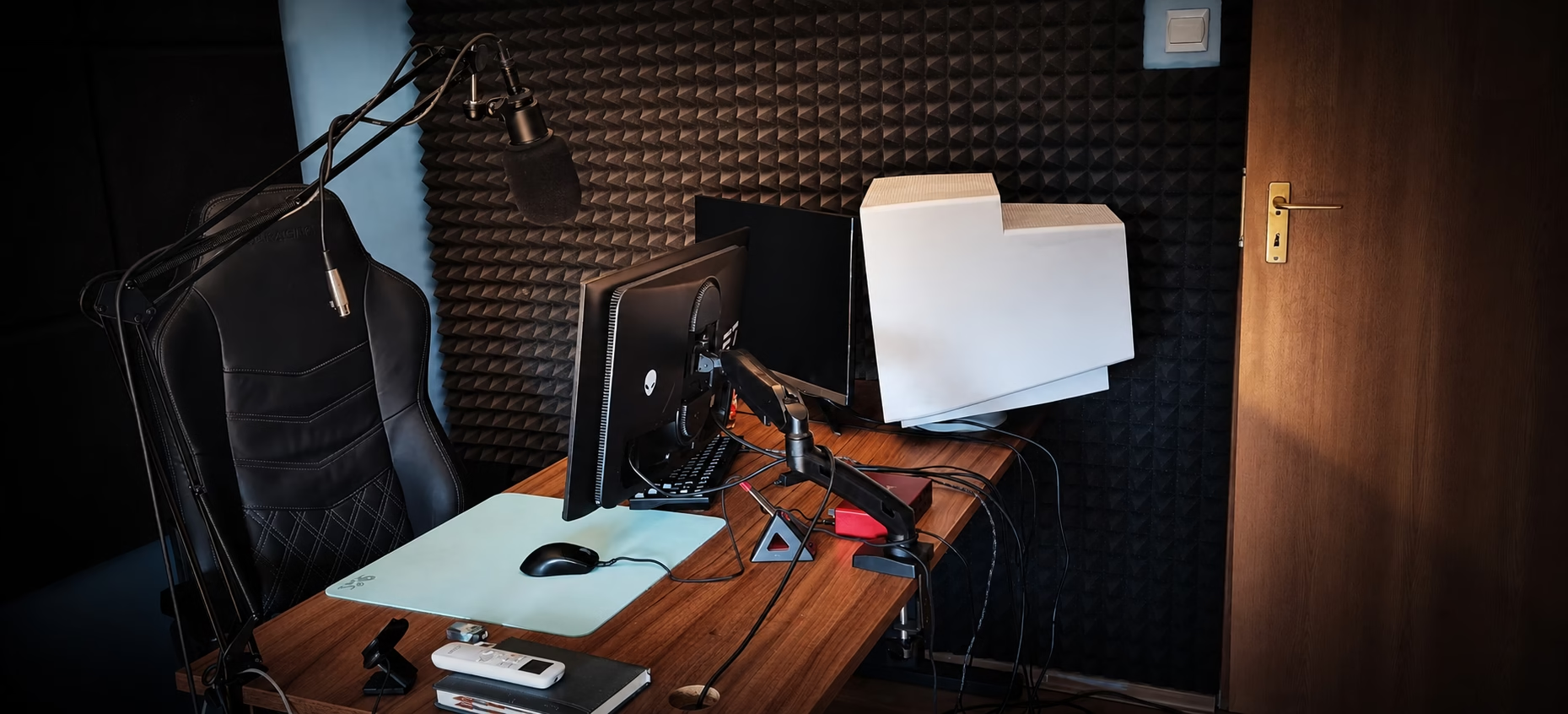
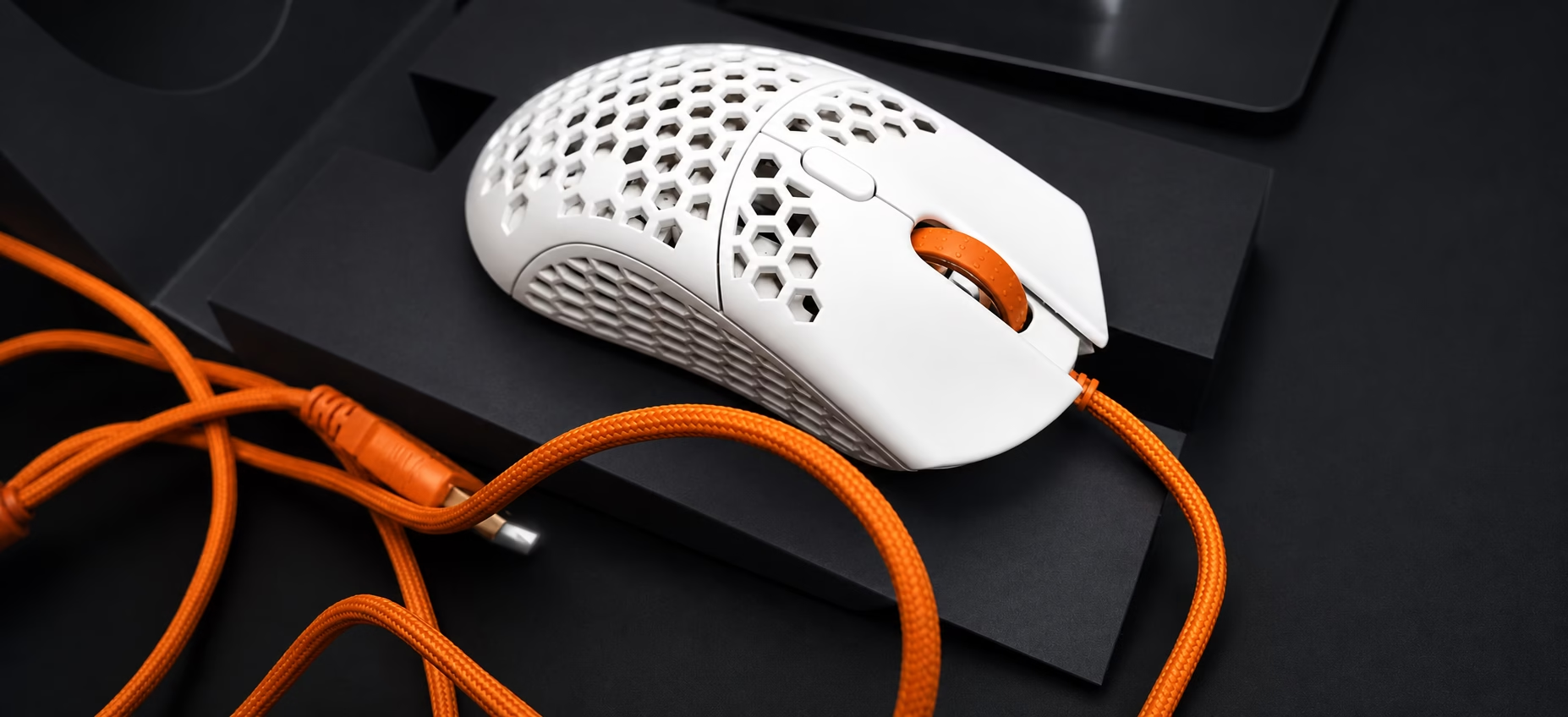
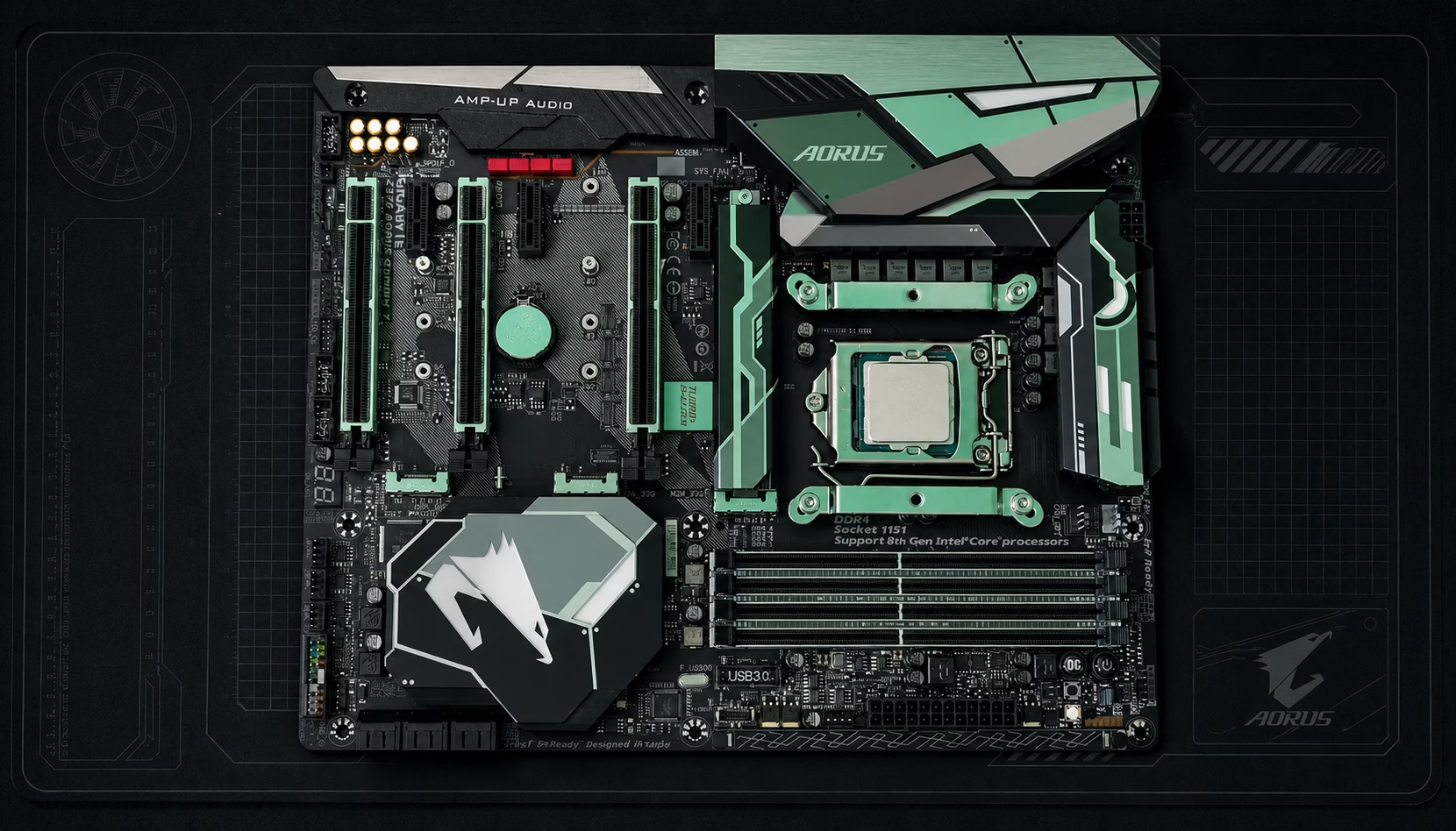
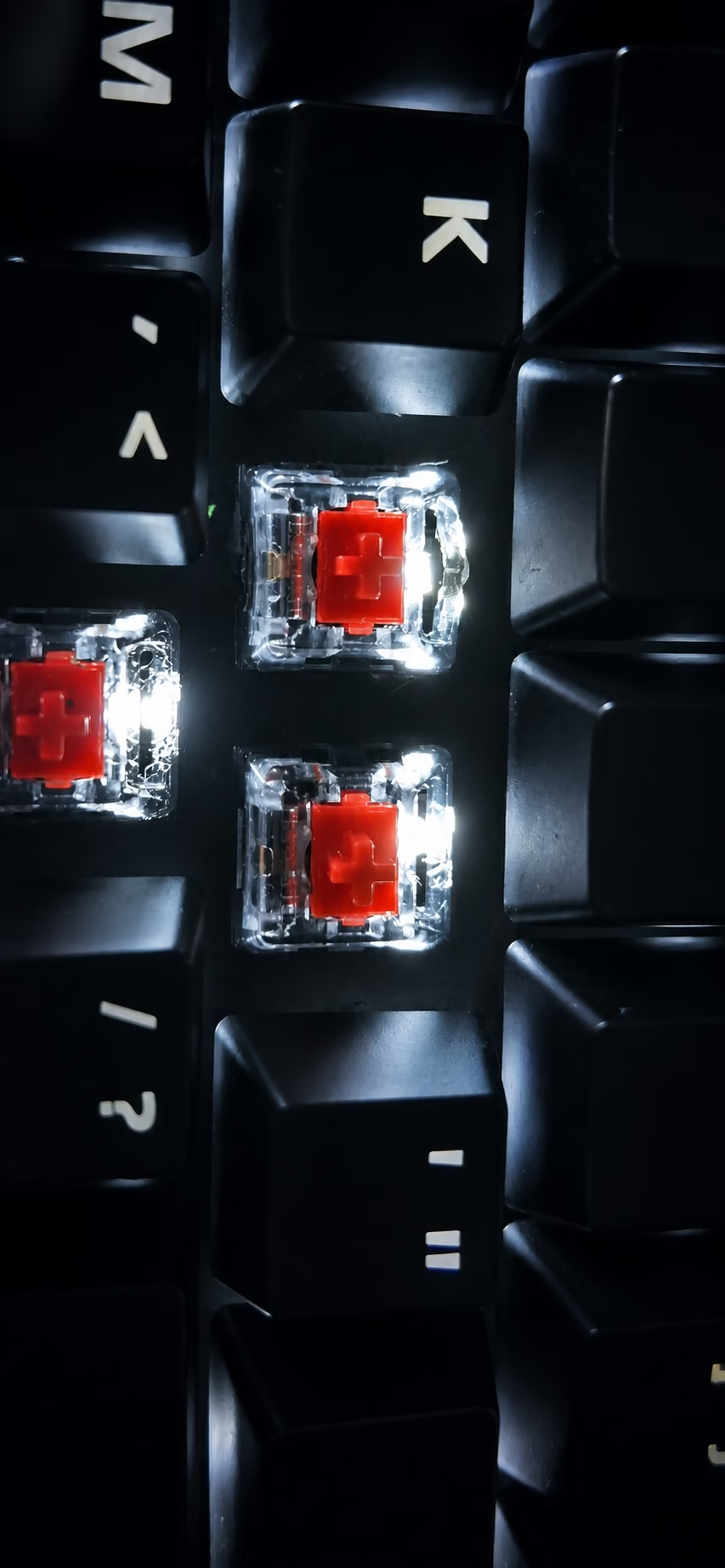
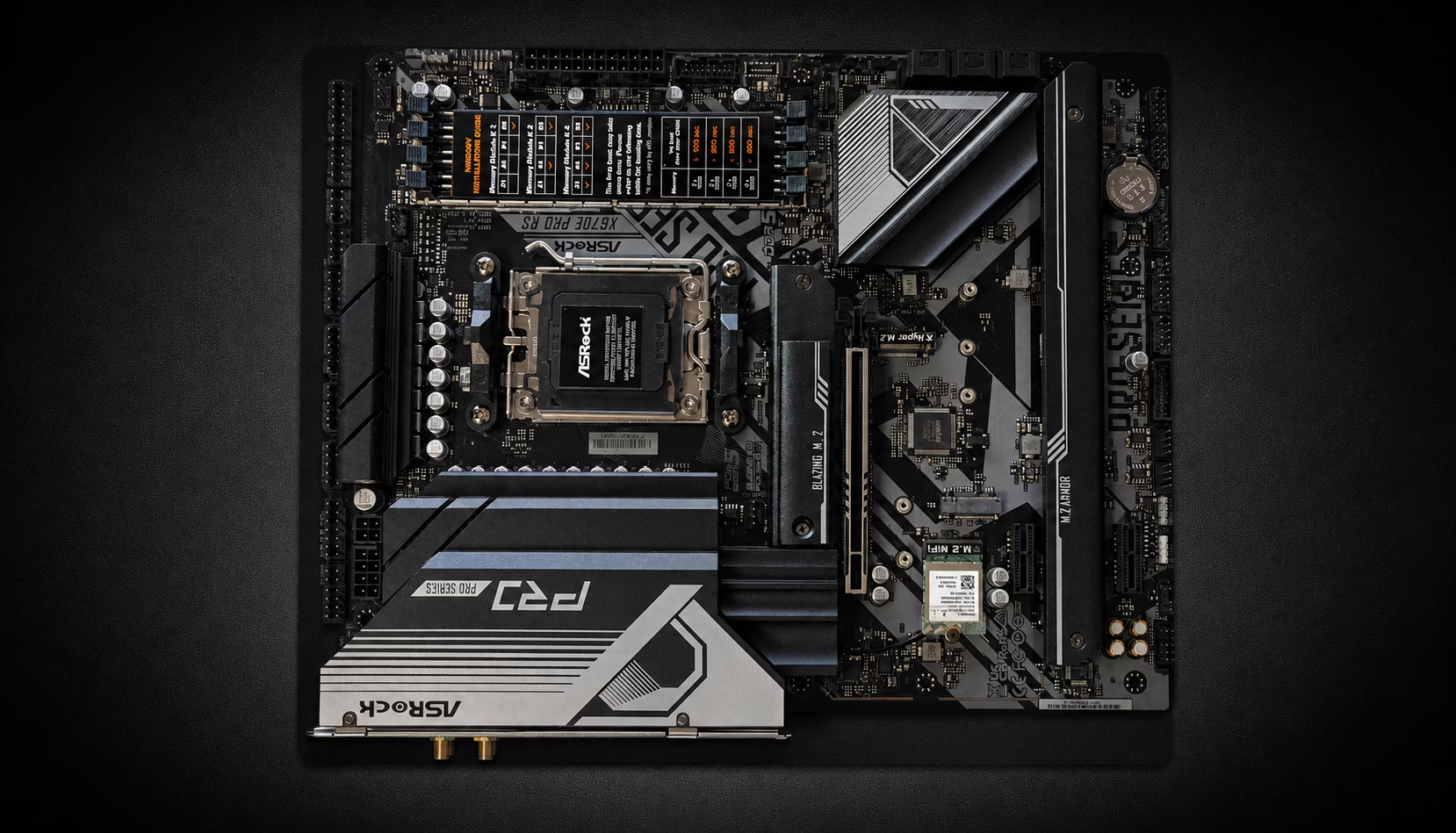
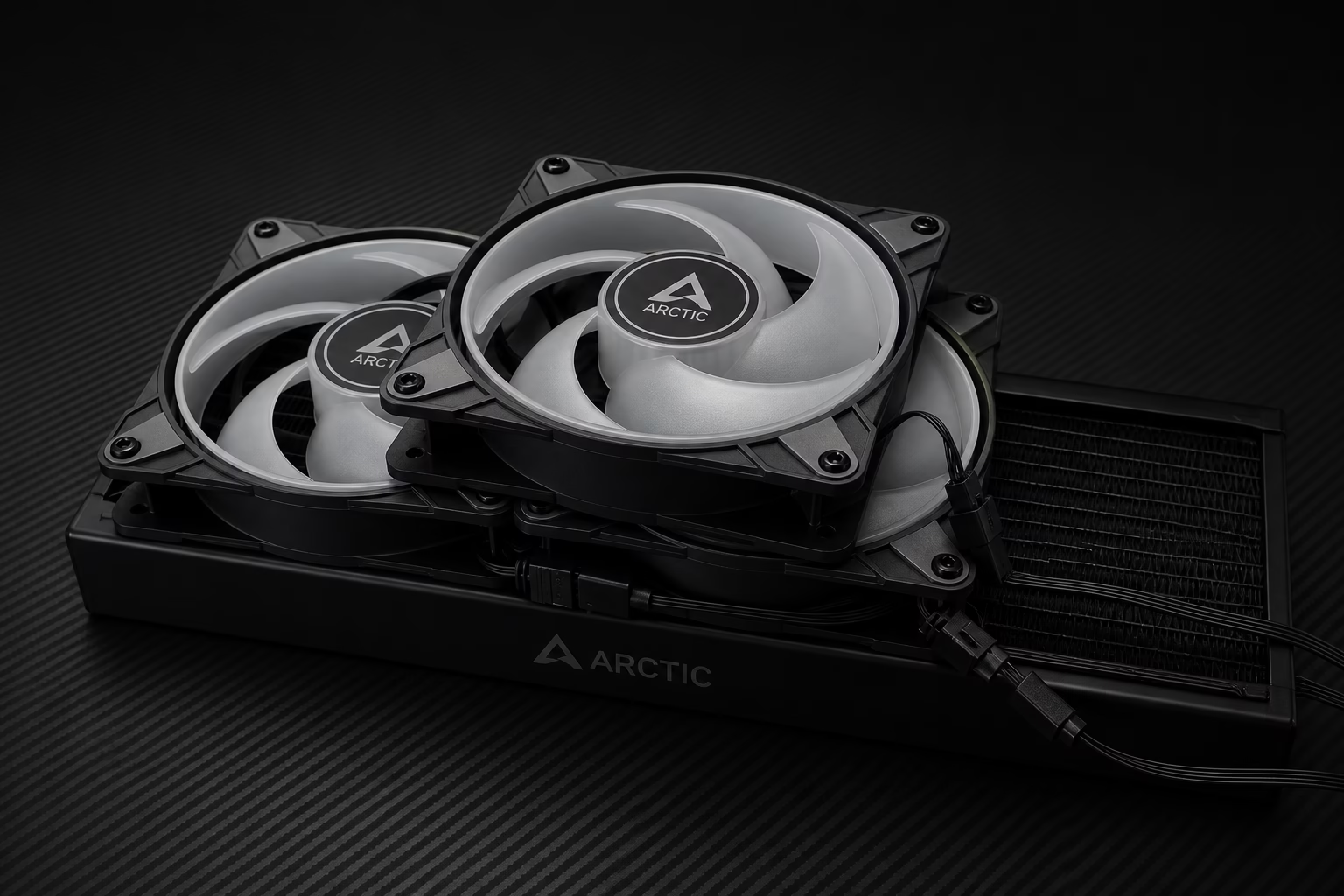
Photos from our bench and from the machines that passed through our hands. No stock shots, no renders.
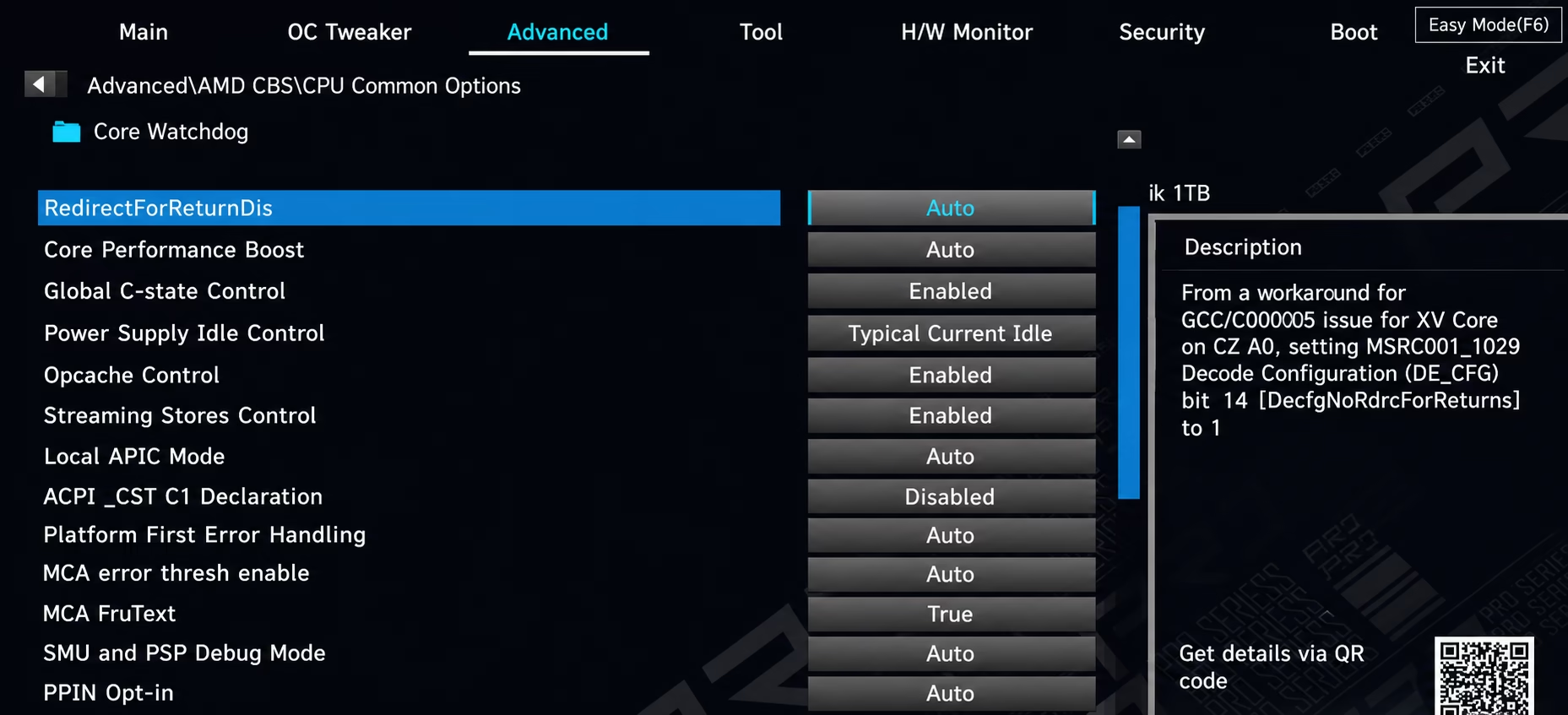
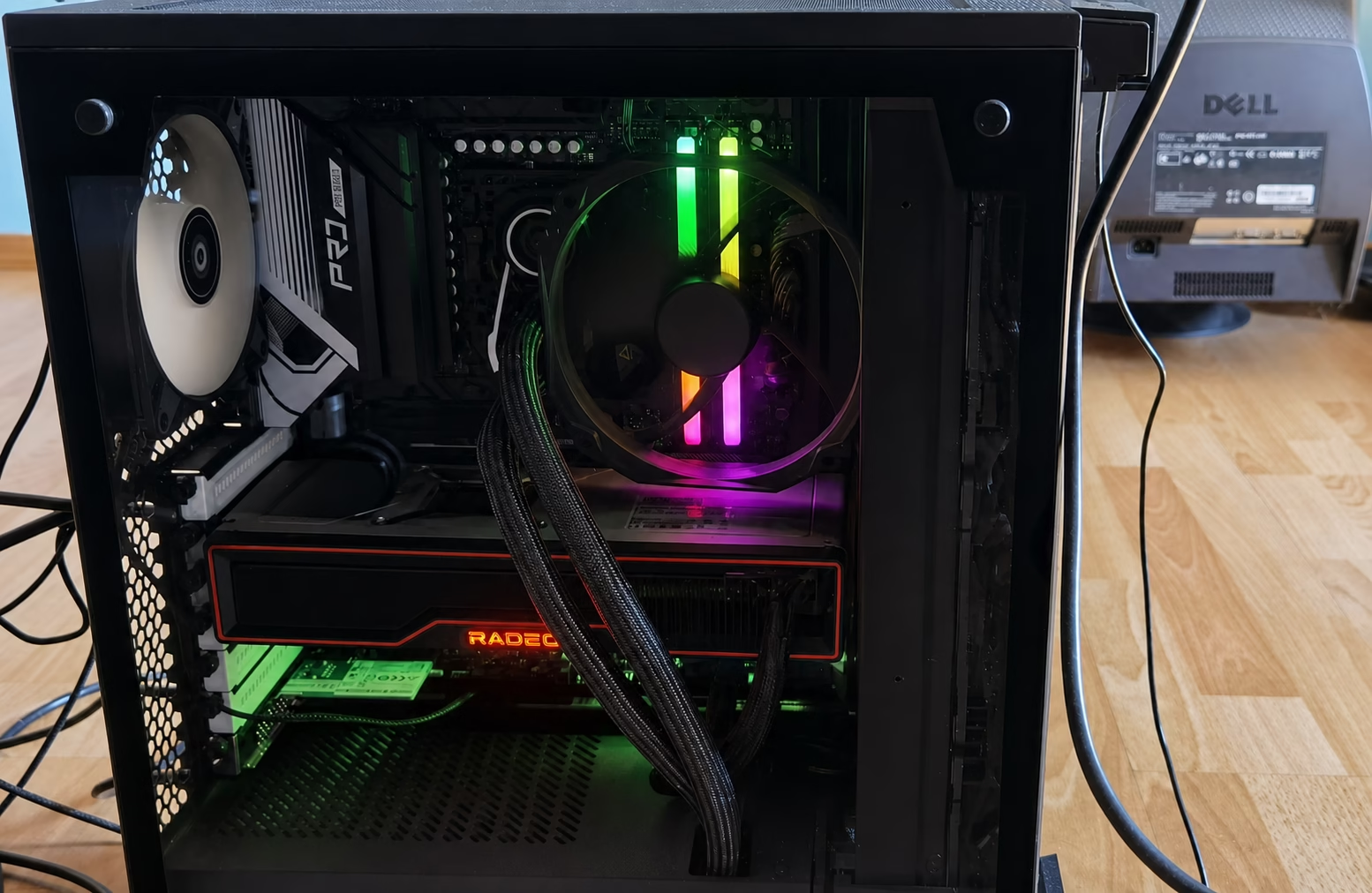
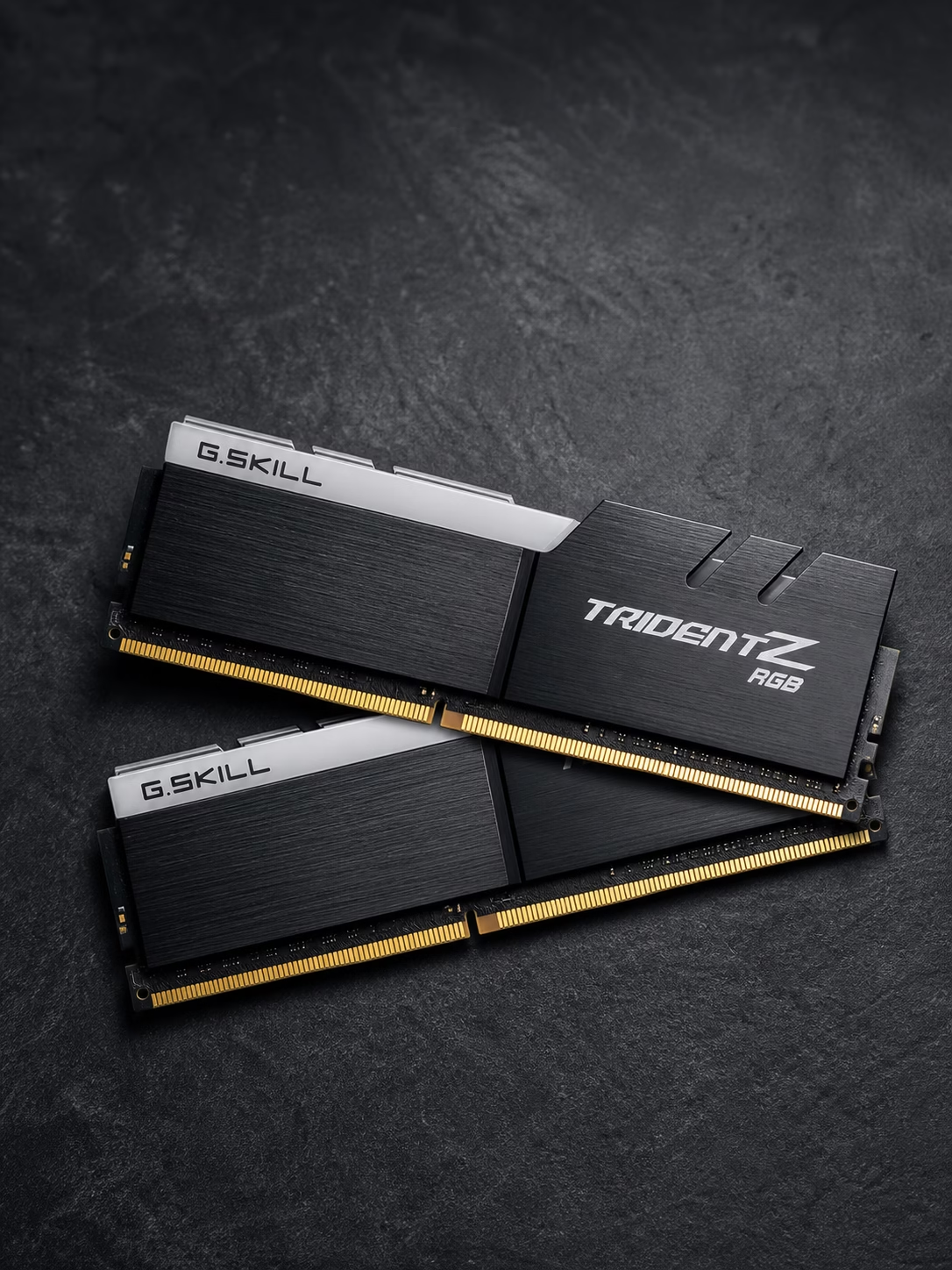
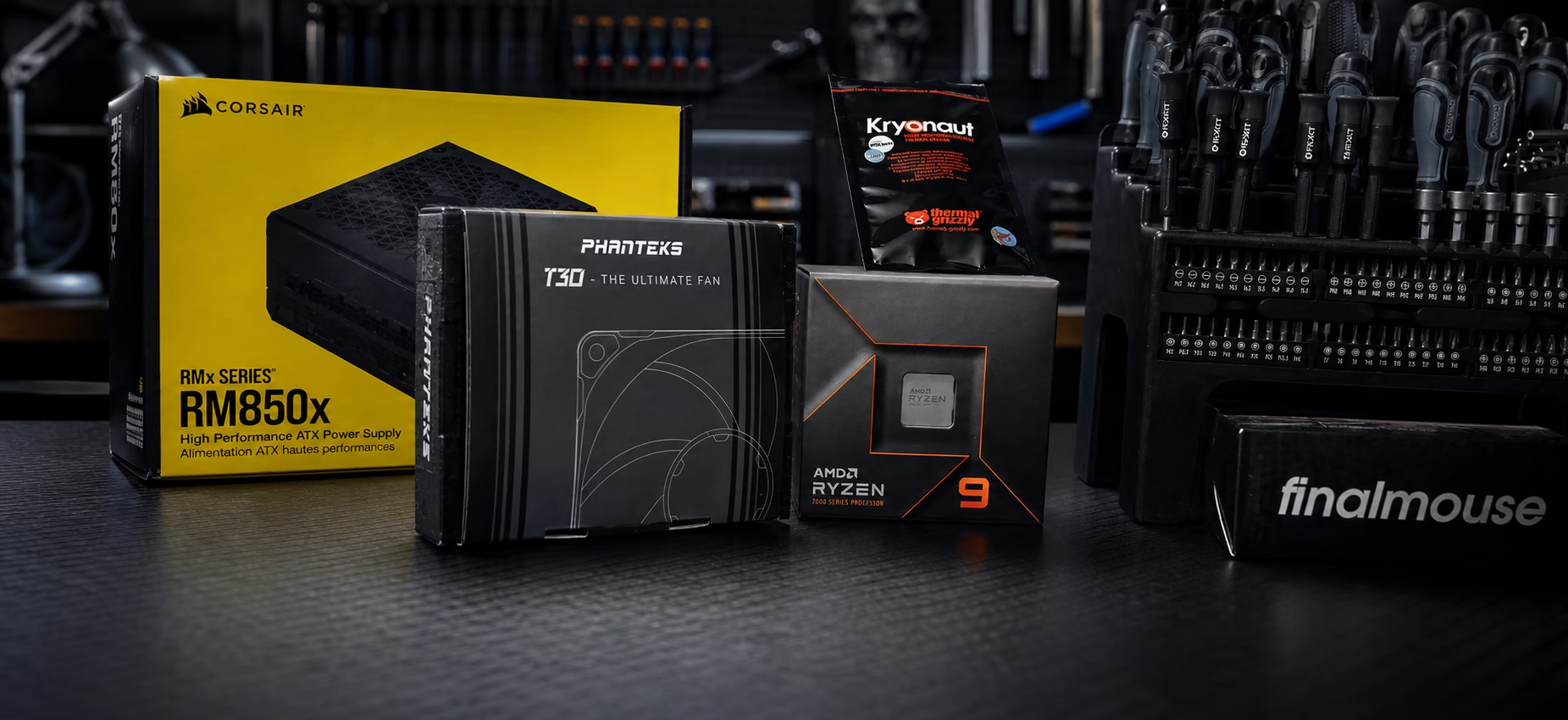
Seven tools we give away for free.
We write them ourselves and we maintain them ourselves. No account, no install, no limit. The competition sells optimization. We give you something to measure with first.
Deadlock Replay Analyzer
A coaching tool. Match review, an honest read on your skill and a prediction of the rank you will hit in this form. All in the browser.
Open Tier ListDeadlock Tier List
Heroes and items from live data, hero vs hero so you know who counters whom, builds, patch notes and your own tier maker. Refreshed every 24 hours.
Open UDAUltimate Demo Analyzer
Drop in a CS2 demo and see heatmaps and death spots straight in the browser. No account, no install.
Open AimAim Trainer
A warm-up before a session or five minutes at work or at school. Runs in the browser, you install nothing, nobody has to know.
Open SensMouse sensitivity converter
The same aim in CS2, Valorant, Deadlock, Apex and Marvel Rivals. With cm/360 and matched zoom sensitivity.
Open DSODeadlock Stream Overlay
A match data overlay for OBS. Paste the link as a browser source and you are done.
Open BlogUltimate Blog
Settings guides for CS2, Valorant and Deadlock. Written by people who play them today.
ReadHardware is half of it. The most important part sits in front of it.
A 1:1 session with a coach who plays at that level today, not five years ago. A specific problem, a specific plan, a recording to review.

FACEIT Level 10
CS2
Immortal
Valorant
Eternus
Deadlock
Diamond
League of LegendsIn-game coaching
Macro, rotations, decisions. A live session or a review of your VOD with a fix plan.
- CS2
- Valorant
- Deadlock
- League of Legends
- VOD Review
Mind
Tilt, pressure in the deciding round, focus that lasts a whole evening. Concrete tools, not talk.
- Stop tilt
- Stress
- Focus
- Winners mentality
Routine and time
Schedule, recovery, sleep. Without those the rest falls apart in two weeks.
- Daily plan
- Habits
- Energy
- Goals
Body
Spine, wrists, desk ergonomics. So that playing at thirty is still possible.
- Lower back
- Ergonomics
- Endurance
- Desk exercises
The questions we get most often.
Not seeing your question? The full FAQ has 20 answers or write to us on Discord.
Tell us how many frames you want. We will work out the rest.
Instead of a parts list nobody understands: you pick the game, the resolution and the FPS you are after. You get a suggested build, an estimated result and an estimated price.
This is an estimate. Every amount and FPS figure here is meant to show you which tier of hardware fits, not to quote a final price. As of September 2026. Graphics cards and memory are past a steep price jump: a 32 GB DDR5 kit alone costs around 1500-1800 zł, and the RTX 5090 has passed 22 000 zł. We give the final quote after checking availability with our supplier, because rates can change within a week.

"In 2006 I saved up 180 zł for a Radeon 9550. I was 10. Optimization has been the foundation for me ever since, because the hardware was already a few years old anyway."
Today I play on a 9800X3D with an RX 6800 XT, a card several times cheaper than an RTX 5090, and in CS2 I get more frames out of it at far lower power draw. That is not magic, just twenty years spent in BIOS menus, memory timings and Nvidia, Intel and AMD drivers.


Let us find out how many frames your system is taking from you.
You see the before and after measurement before we hang up. We stay in the session until the system is set, and if there is nothing to improve you will hear it at the start and pay for nothing more.
