The whole chain, from BIOS to network. Ninety minutes live, measured before and after - so you never have to take our word for it.
ULTIMATE Optimization is the broadest version of our service: everything Windows 11 Gaming Optimizationdoes, plus the hardware layer - BIOS/UEFI, safe CPU, GPU and memory overclocking, manual RAM tuning, PCIe lane verification and network tuning for stable hit registration. This is not a "magic optimizer .EXE", it is hand-made configuration of your specific build.
Why the hardware layer makes the difference: Your memory is almost certainly running slower than what you paid for - out of the box it runs on slow JEDEC defaults rather than the numbers printed on the package. And it is sneaky, because average FPS can look fine while frametime consistency quietly falls apart. DDR5 scaling tests from igor'sLAB show 1% lows rising 12-14% on Arrow Lake Refresh and about 6-7% on a 9800X3D, depending on the game, whose huge cache usually masks memory differences. Those 1% lows are exactly the hitches you feel in team fights.
The second area is input latency. High FPS does not mean low input lag - it is a chain: mouse, USB polling, operating system scheduling, render queue, GPU, display. The FPS counter only shows the middle of it. TechSpot click-to-photon measurements in Fortnite (4K, max settings, GPU-bound) showed total latency dropping from 104 ms to under 50 ms after enabling NVIDIA Reflex. At low settings, where the CPU is the limit, Reflex did not improve anything. Latency depends on the whole chain, and system configuration is part of it.
What we go through during the session:
- BIOS/UEFI - memory profiles and timings, power settings, disabling features that cost FPS and add latency, PCIe verification. Yes, graphics cards really do end up in the wrong slot or running at the wrong bandwidth.
- CPU, GPU and RAM overclocking - within proven limits, with stability testing before we call it done. We do not chase benchmark clocks that fall over in the third match.
- Memory - enabling and stabilising the profile you paid for, then manual tuning beyond factory values, as far as the silicon allows.
- Windows and drivers - background processes, task scheduler, power plan, timer behaviour, driver cleanup, security features judged case by case, and correct Nvidia/AMD panel configuration.
- Network - system and network adapter settings tuned for stable hit registration and even ping, not a pretty number in the corner of the screen.
- Mouse and inputs - polling rate, DPI and sensitivity verification, removing the system-level factors that make aim feel like it is floating.
Measurement instead of promises: at the start we measure the baseline in your games and at your settings, at the end we repeat it on the same scenes. Average FPS, 1% and 0.1% lows, frametime consistency, DPC/ISR latency and network stability. You see the comparison side by side before the session ends. Input responsiveness cannot be measured remotely - that one you will feel yourself.
Safety: before we touch anything, a full backup and a system restore point are created - without exception, in every package. We do not modify game files, we do not inject code, we do not touch the kernel. Anti-cheat requirements (Secure Boot, TPM) stay intact. You watch the whole thing live over RustDesk and can stop at any moment. We do not look through your private files.
After the session you get an explanation of every change, instructions for holding the settings despite Windows updates, and six months of support on Discord.
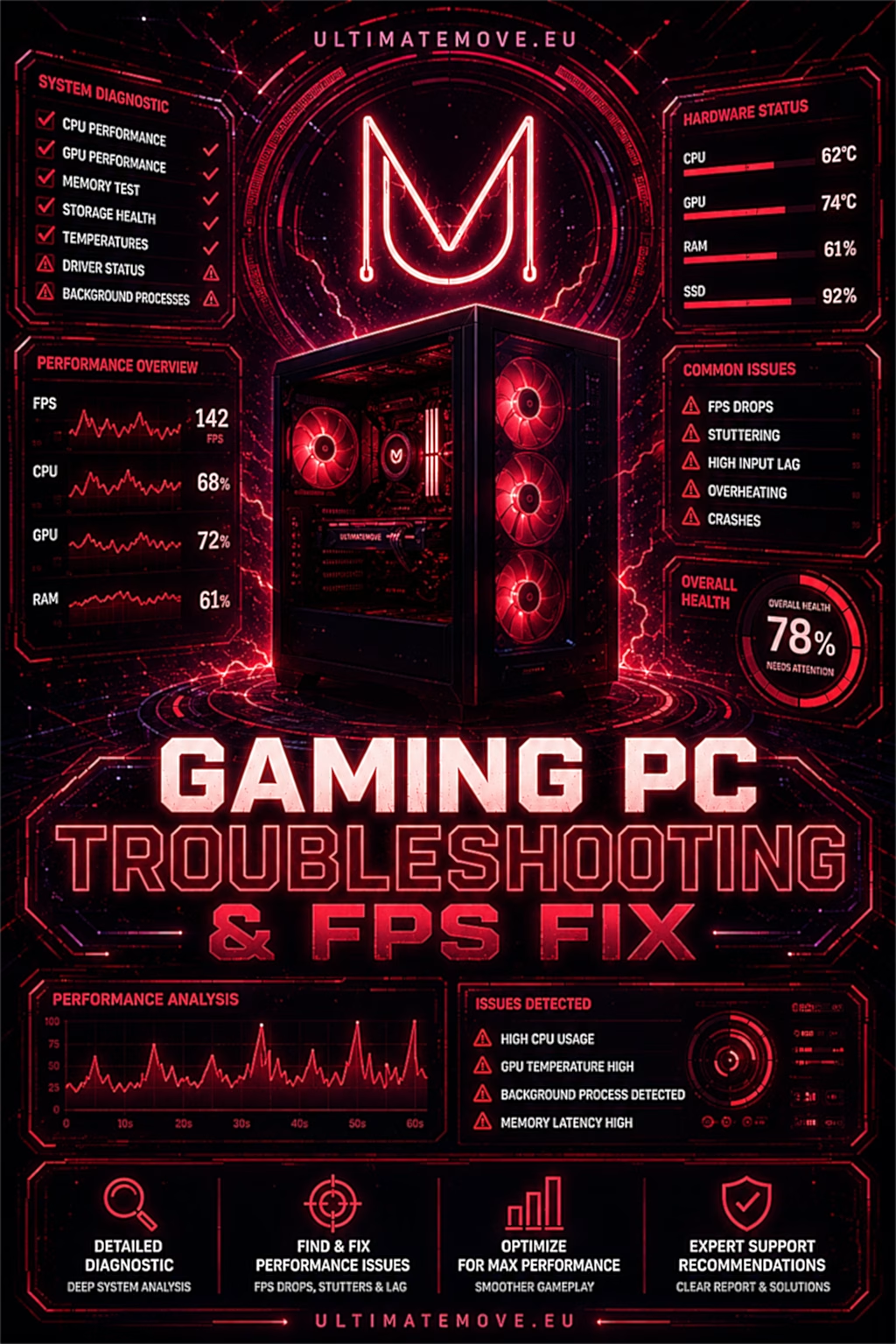
Before you buy: if your PC currently stutters, crashes, overheats or picked up input lag after an update, start with Gaming PC Troubleshooting. On a disordered system, optimization will never show its full potential - everything is connected.
Frequently asked questions
How does Ultimate differ from the basic Windows 11 optimization?
The basic session touches software only - the operating system, drivers and settings, and runs for an hour. Ultimate adds BIOS/UEFI, safe CPU, GPU and RAM overclocking, manual memory tuning, PCIe verification and network tuning, and runs ninety minutes or longer.
Will overclocking shorten the life of my hardware?
We work within tested limits and verify stability before calling it done, rather than chasing maximum clocks. If you would rather stay at factory values, just say so - the rest of the session works independently of overclocking. It is also worth remembering that manufacturers sometimes treat overclocking as grounds for refusing warranty service.
Is this safe for anti-cheat systems?
Yes. We configure the system and hardware, we do not touch game files, process memory or the kernel. Anti-cheat requirements (Secure Boot, TPM) stay intact.
What if my hardware is the wall?
We will say so plainly and point out which component is holding back the rest - ordered by how much you would gain. Better to hear "your GPU is the wall" than to pay for a placebo. Configuration alone can usually still improve 1% lows and latency, even when average FPS stays put.
What do I need to prepare?
A working RustDesk, roughly two hours of quiet and a list of the games you care about most - those are the ones we measure. BIOS changes require restarts, so it is worth having time to spare.
Can everything be undone?
Yes. The backup and restore point are created before the first change, BIOS settings are saved before we edit them, and every modification is documented. The process is designed to be safe and reversible.