DLSS 5 in Hogwarts Legacy. How to Turn It On and Test It
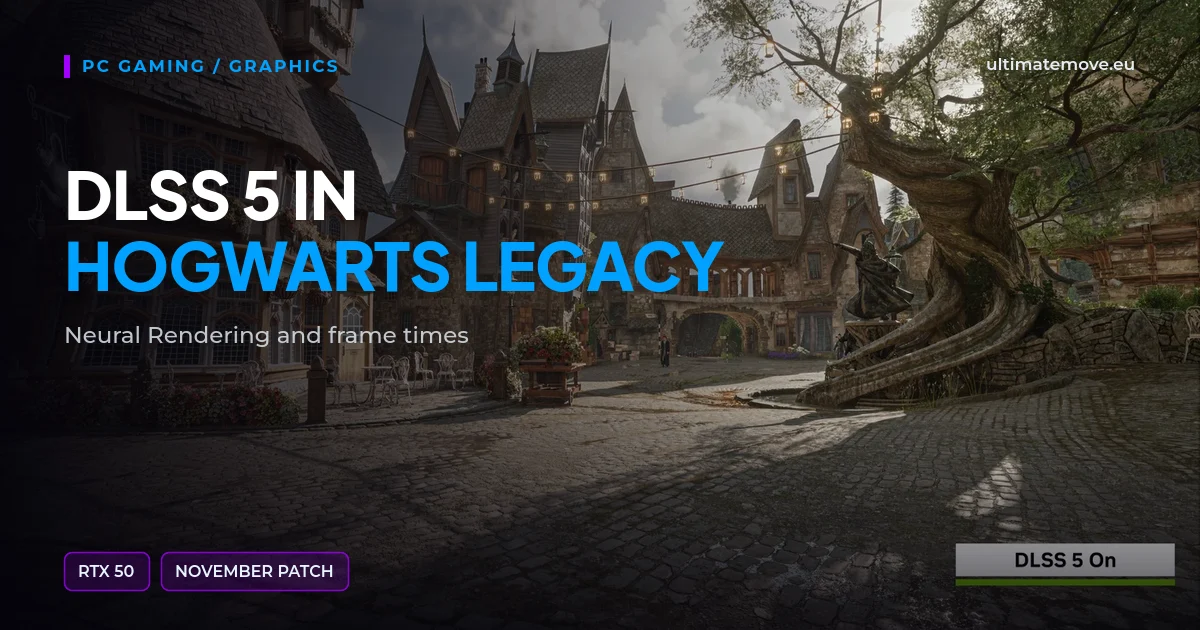
DLSS 5 in Hogwarts Legacy includes a Neural Rendering option as of the November 5, 2026 PC patch. On a GeForce RTX 50 PC, it requires Game Ready Driver 616.64 or newer. The option is off by default. Update the game and look for the separate toggle in its settings. Developer patch notes on Steam · NVIDIA release coverage
What does Neural Rendering change?
NVIDIA describes Neural Rendering as an image processing stage that changes the appearance of lighting and materials. Super Resolution reconstructs the image. Multi Frame Generation inserts generated frames. If you are comparing motion or how the game responds to input, record the frame generation setting with your results. NVIDIA's explanation of the DLSS features
Where is the setting, and what if it is missing?
Update the game and check your driver version. Look for Neural Rendering in the game's settings and switch it on. If you cannot find the toggle, verify the GPU model and game version first. Earlier DLSS features have their own compatibility requirements. NVIDIA also confirmed Neural Rendering support for this game on GeForce NOW Ultimate. GeForce NOW
We connect to your PC remotely, save a restore point, then work through power, drivers and input. The BIOS we go through together on a Discord call while you show us the screen with your phone. The same benchmark at the end shows how much of it landed. For six months after the session we stay with you on Discord.
How to compare image quality and smoothness on your PC
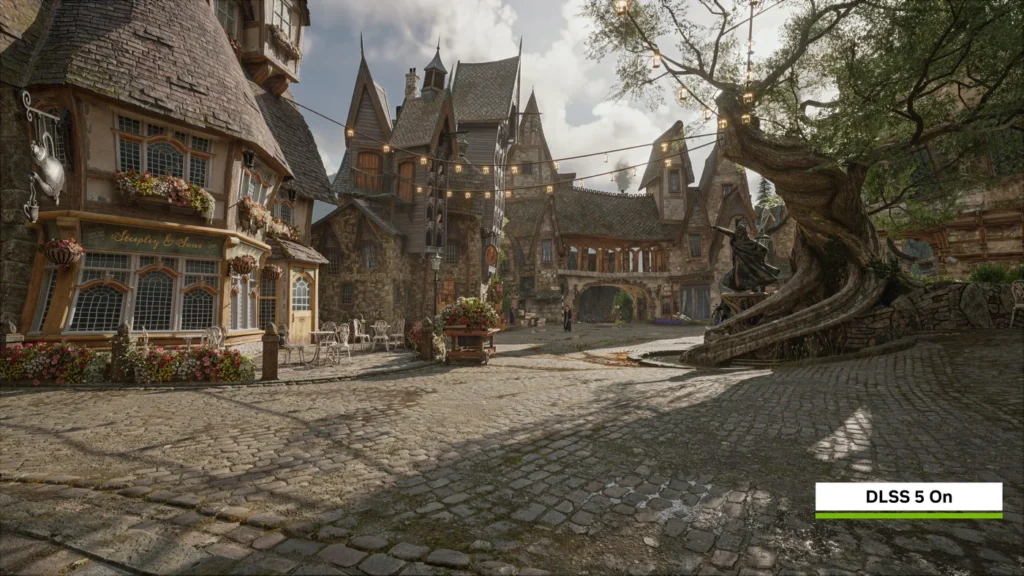
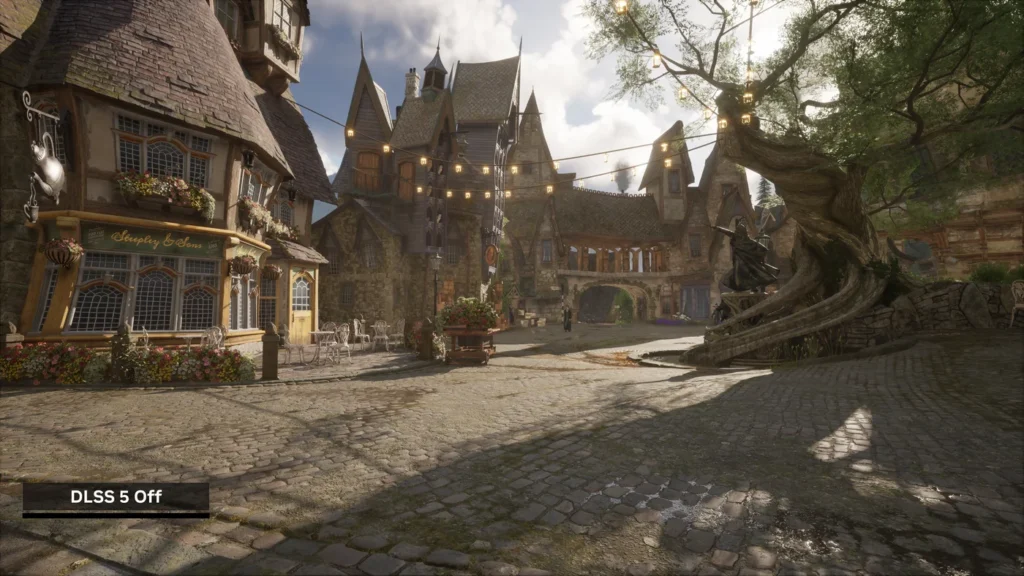
Load the same Hogsmeade save and follow the same route. Keep resolution, upscaling preset, ray tracing and frame cap fixed. For the first set of runs, switch off frame generation and make three passes with Neural Rendering on and three with it off. Record average FPS and a frame time trace, and compare the image in motion in the same places. If you normally use frame generation, run a separate comparison with the same frame generation mode for both settings. How to measure 1% lows and frame times
Pick the setting that gives you the image and smoothness you want in your own test scene. If the game starts crashing after the update, record where it happens and your driver version. If it keeps happening in other games too, you can book PC troubleshooting.
When did Hogwarts Legacy get Neural Rendering?
It arrived with the November 5, 2026 PC patch.
Which driver do I need?
WB Games specifies GeForce Game Ready Driver 616.64 or newer.
Which cards support it locally?
WB Games lists supported GeForce RTX 50 GPUs.
Is it enabled by default?
The Neural Rendering toggle starts off after the update.
Does Neural Rendering add frames?
It changes image appearance. The separate Frame Generation feature inserts generated frames.
Can I try it through cloud gaming?
NVIDIA confirmed support for this game on GeForce NOW Ultimate.
Frames dropping exactly when the fight starts?
That drop lands in the one second that decides the round, and no graphics preset fixes it. We tune Windows, drivers and network remotely, and the BIOS together with you on a Discord call. You measure it yourself, in your own game, before and after, with us watching.
See PC optimization →Six months of support after the session. Not sure it is worth it? Ask for a free check on our Discord first. KaRzye
Runs the research and every session at UltimateMove. FACEIT Level 10 in CS2,
Immortal in Valorant. Twenty years in BIOS, memory and drivers.
Watch him play.
Our free tools
Built in house. No account, no limits.
 Ultimate Demo Analyzer
Upload a CS2 demo and get your mistakes and round stats written out.
Free, no account Deadlock Replay Analyzer
The same for Deadlock: a replay breakdown and a plan for the next matches.
Free, no account Sensitivity Converter
Carry your cm/360 between games without losing muscle memory.
Free, no account Aim Trainer
Thirty seconds, three levels. No install, no account.
Free, no account