NVIDIA drivers are writing to SSDs in the background too, users report
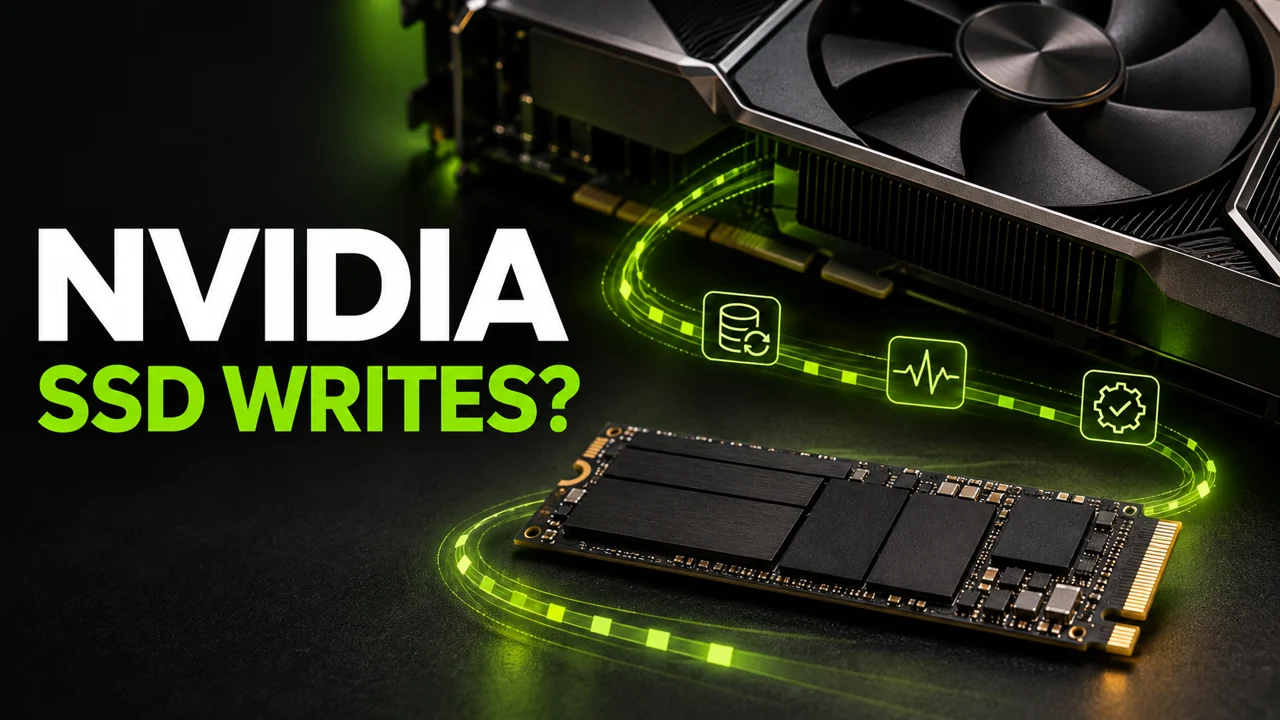
NVIDIA driver versions 621.14 and 621.24 appear in reports of continuous SSD writes. The PC sits idle on the desktop with the game closed, yet NVDisplay.Container.exe keeps writing to a log file. Reports on NVIDIA's forum
GeForce Hotfix 621.35 addresses excessive writes
On November 20, NVIDIA released GeForce Hotfix Display Driver 621.35 for 64-bit Windows 10 and 11. It is based on Game Ready 621.24 and addresses excessive background writes to nvlog.nvlgstg (issue 7116722). NVIDIA announcement and hotfix download
If Resource Monitor shows sustained writes to this file on your PC, you can download 621.35 manually from NVIDIA's announcement. It is an optional beta. After installing it, repeat the check under the same workload and compare writes before and after. If you haven't seen the issue, you can wait for a WHQL release with the fix.
We checked the original threads, vendor documentation and leads from three AI chats. We found no evidence linking this bug to a specific SSD failure.
What is NVIDIA writing?
The reports repeatedly name NVDisplay.Container.exe and nvlog.nvlgstg. The full location is:
C:\ProgramData\NVIDIA Corporation\nvtopps\nct\nvlog.nvlgstg
In a report about 621.14, one user says the process write counter showed 515 MB after five minutes at idle. A clean install of 621.01 showed under 2 MB over the same period. Both figures came from the same user and PC. Original report in the 621.14 thread
The author of the 621.24 thread reports around 30 GB per hour. Other users describe much lower activity on that same driver. The version gives you a reason to check, while watching the process tells you what is happening on your own PC. 621.24 discussion
We connect to your PC remotely, save a restore point, then work through power, drivers and input. The BIOS we go through together on a Discord call while you show us the screen with your phone. The same benchmark at the end shows how much of it landed. For six months after the session we stay with you on Discord.
A small file can be rewritten repeatedly
It's an easy detail to miss. You open the folder, see a small log, and assume everything is fine. Users describe the same file being rewritten repeatedly. Its size on disk can stay similar while the process keeps writing more data. User report about the rewritten log
The same filename also appeared in a January 2025 report from a Dell XPS owner with a GeForce GTX 1050 Ti Max-Q. Today's driver reports sit alongside earlier accounts of similar logging behaviour. Original Dell Community report
Check your PC before changing drivers
Let startup apps and updates finish first. Then:
- Press Win + R, enter resmon, and confirm.
- Open the Disk tab in Resource Monitor.
- Sort the processes by Write (B/sec) and look for NVDisplay.Container.exe.
- Select the process and use the Disk Activity section to check the name of the file it is writing to.
- Watch for a few minutes. Record your driver version and take a screenshot showing the process, file, and write column.
That gives you something concrete to report. High disk activity alone can also come from an update, antivirus scan, or another application. For this issue, look for repeated writes to the named log.
To assess writes reaching the drive, compare its SMART host-write counter before and after the observation. Microsoft describes the NVMe Data Units Written counter as data the host has written to the controller. It covers the entire drive, so account for other running applications too. Microsoft's NVMe counter documentation
What about SSD wear?
An SSD has a rated write endurance, so extra writes deserve investigation. However, process operations, transferred bytes, and drive health measure different things. A momentary MB/s reading cannot tell you when a drive will fail. Even Percentage Used is an endurance estimate, and reaching 100 does not necessarily indicate failure under the NVMe documentation. NVMe health information
I'd start by watching my own PC. If the log stays quiet, I have an answer for my configuration. If the process keeps writing, I have evidence to report and a baseline to compare after a driver change. That tells me more than projecting someone else's highest reading across months of my SSD's life.
First AMD, now GeForce?
AMD confirmed excessive idle SSD writes on Radeon RX 7000 and RX 9000 products. Its PA-365 article points affected users to Adrenalin 26.11.1. The NVIDIA reports concern a different process and file. The similar symptom invites comparison, while establishing the cause needs its own investigation. AMD's official notice
Our earlier look at AMD Adrenalin SSD writes.
NVIDIA's November 12 release notes for Game Ready 621.24 did not list a fix for this log. Before 621.35 shipped, some users reported that reverting to an older version helped. Before rolling back, check compatibility with your card and games, along with security fixes. NVIDIA documents how to install an older package in the 621.24 release notes. NVIDIA 621.24 release notes
Forum users also suggested blocking the log or disabling services. Start by checking the process and file in Resource Monitor. If you see the issue described here, NVIDIA now has a fix for it. Last verified: November 20, 2026.
Questions from players
Does this affect everyone on 621.14 or 621.24?
The threads include both excessive-write reports and users seeing little activity. Check the process and file on your own PC.
Does a small log mean everything is fine?
Check write activity. Rewriting the same file repeatedly can leave its size small.
Does disabling the NVIDIA overlay help?
Some users report writes with the overlay or telemetry disabled. Check the outcome on your particular configuration.
Has NVIDIA released a confirmed fix?
Yes. NVIDIA released optional hotfix 621.35 for 64-bit Windows 10 and 11. It addresses excessive background writes to nvlog.nvlgstg.
Does this prove my SSD is damaged?
Excessive writes need investigation. The reviewed material does not establish a specific drive failure caused by this issue.
What should I include in a bug report?
Your GPU, driver and Windows versions, a Resource Monitor screenshot naming the process and file, and the observation interval. For SMART comparisons, include the counter change and other PC activity.
Frames dropping exactly when the fight starts?
That drop lands in the one second that decides the round, and no graphics preset fixes it. We tune Windows, drivers and network remotely, and the BIOS together with you on a Discord call. You measure it yourself, in your own game, before and after, with us watching.
See PC optimization →Six months of support after the session. Not sure it is worth it? Ask for a free check on our Discord first. KaRzye
Runs the research and every session at UltimateMove. FACEIT Level 10 in CS2,
Immortal in Valorant. Twenty years in BIOS, memory and drivers.
Watch him play.
Our free tools
Built in house. No account, no limits.
 Ultimate Demo Analyzer
Upload a CS2 demo and get your mistakes and round stats written out.
Free, no account Deadlock Replay Analyzer
The same for Deadlock: a replay breakdown and a plan for the next matches.
Free, no account Sensitivity Converter
Carry your cm/360 between games without losing muscle memory.
Free, no account Aim Trainer
Thirty seconds, three levels. No install, no account.
Free, no account