1000 Hz monitors. The pixels have to keep up
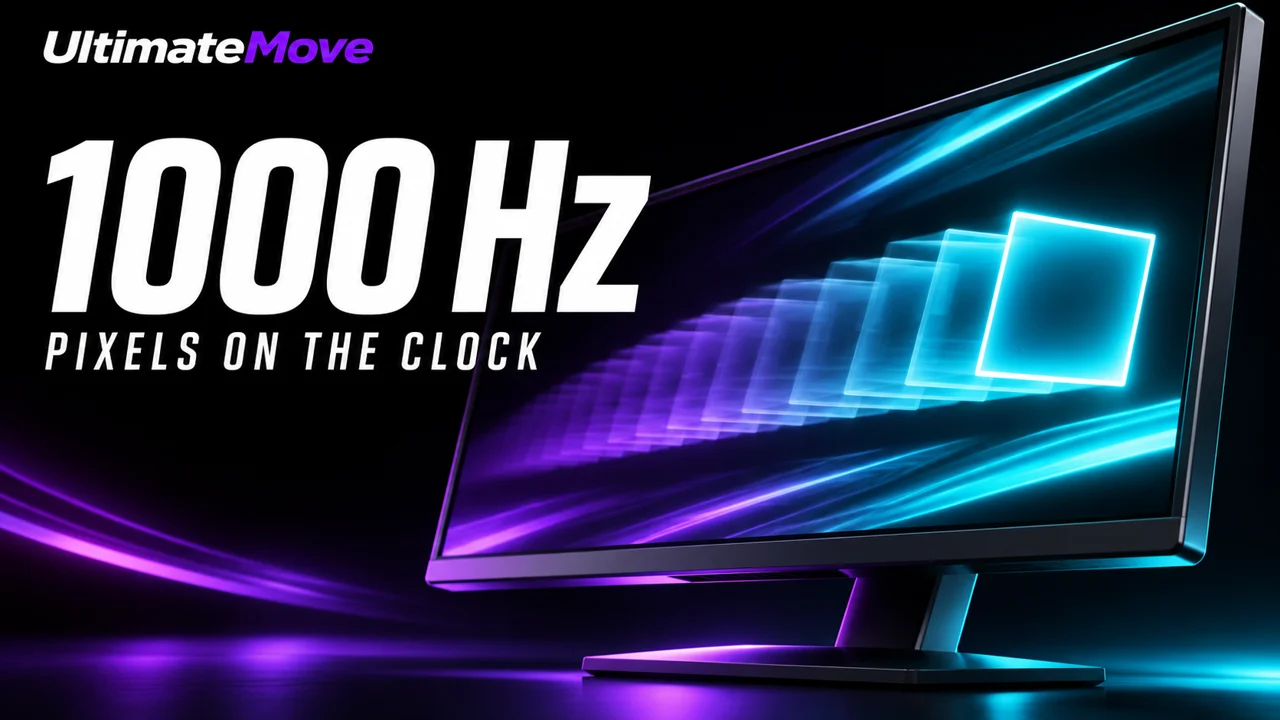
1000 Hz monitors? Monitor makers, stop selling that number as a guarantee of clear motion. We'd love to see a screen that makes good use of that refresh rate. But if there's still a trail across the screen after a quick turn in-game, what exactly are we supposed to celebrate about the number on the box?
More hertz give the pixels less time
Imagine peeking around a corner. You need to pick out a player against a dark wall right away. At 1000 Hz, a pixel gets another update after 1 ms. If it takes 3 ms to change shade, the screen starts three more refreshes in that time. In motion, that can leave a trail behind the player just as you're trying to make out their outline.
That's where LCD runs up against a limit. IPS, VA and TN can refresh faster than their pixels change shade. On VA, it's particularly easy to spot in dark transitions. A fast IPS or TN can fare better. Strong overdrive can speed up a transition, but push it too far and a halo follows the moving player. Where the limit kicks in depends on the panel and settings.
Higher refresh can still make motion feel smoother and get a newer frame on screen sooner. But if we're paying extra to see a moving target more clearly, we want to see how much clarity we actually gain.
If we're chasing 1000 Hz, we're backing OLED
Fast OLED specs quote 0.03 ms GtG. That's a manufacturer’s figure for a change between shades. What matters to us is the headroom: fast pixels have more room to work with as the gap between refreshes shrinks. OLED can still look blurry when it holds a frame for long enough. Its pixels give us a better starting point for turning higher refresh into clearer motion.
That's why we'd put more work into fast OLEDs and move on from older LCD panels for this particular race. LCD still has its place. We just don't see the point of paying for a refresh record if the picture still goes soft during a quick turn.
We connect to your PC remotely, save a restore point, then work through power, drivers and input. The BIOS we go through together on a Discord call while you show us the screen with your phone. The same benchmark at the end shows how much of it landed. For six months after the session we stay with you on Discord.
CRTs are the ones we miss
If we could make an exception for one older technology, it'd be the CRT. The phosphor lit up in a short pulse. As your eyes followed a target, the image faded instead of staying lit until the next frame. That's how CRTs managed clear motion at refresh rates that wouldn't turn heads on a box today. It's probably too late for a comeback. Shame, because that motion clarity was worth carrying forward.
Monitor makers, show us the same quick turn at a lower refresh rate and at 1000 Hz. Tell us the resolution and use settings we'd actually play with. If it's easier to track an opponent's head at 1000 Hz, great. Then we'll want those extra hertz ourselves.
FAQ
How much time does a pixel get at 1000 Hz?
Updates to the same pixel are 1 ms apart.
Can a 1000 Hz LCD show ghosting?
Yes. Some pixel transitions can take longer than the gap between refreshes.
Can 1000 Hz help even with ghosting?
Yes. The screen has more chances to show a newer frame, which can make motion feel smoother.
What does 0.03 ms GtG mean on an OLED?
It's the manufacturer’s quoted transition time between shades of gray.
Can OLED still show motion blur?
Yes. A fast pixel can still hold an image long enough for you to see blur when your eyes track it.
Why did CRTs look sharp in motion?
The phosphor lit up as the beam passed and quickly faded.
Frames dropping exactly when the fight starts?
That drop lands in the one second that decides the round, and no graphics preset fixes it. We tune Windows, drivers and network remotely, and the BIOS together with you on a Discord call. You measure it yourself, in your own game, before and after, with us watching.
See PC optimization →Six months of support after the session. Not sure it is worth it? Ask for a free check on our Discord first. KaRzye
Runs the research and every session at UltimateMove. FACEIT Level 10 in CS2,
Immortal in Valorant. Twenty years in BIOS, memory and drivers.
Watch him play.
Our free tools
Built in house. No account, no limits.
 Ultimate Demo Analyzer
Upload a CS2 demo and get your mistakes and round stats written out.
Free, no account Deadlock Replay Analyzer
The same for Deadlock: a replay breakdown and a plan for the next matches.
Free, no account Sensitivity Converter
Carry your cm/360 between games without losing muscle memory.
Free, no account Aim Trainer
Thirty seconds, three levels. No install, no account.
Free, no account