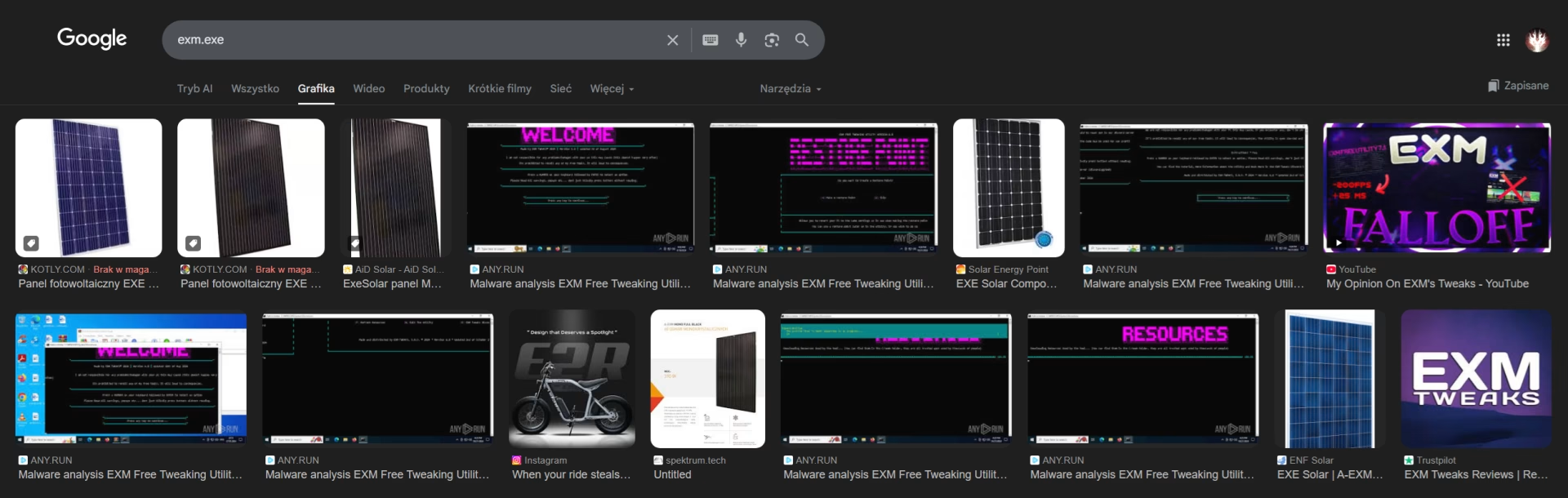
Why Investing in Optimizer.exe Is Not the Best Idea

TLDR:
• Automatic optimizers make rigid changes and do not understand your setup. >• FPS gains are small, risk of problems is high<br data-start="“159”" data-end="“162”"• every PC and every game reacts differently<br data-start="“200”" data-end="“203”"• most of these tools are placebos or pure scams<br data-start="‘258’" data-end="“261”"• only manual, individual optimization gives real results<br data-start="“322”" data-end="‘325’"• if something sounds like “+300% performance with one click,” it's usually a lie
1. Origin of the Article/Rant
I see this too often to pretend that these are isolated cases. Someone books optimizations, saying that “it has already been optimized” because they downloaded some program, clicked a magic button, and it was supposed to be better. There was supposed to be more FPS, less lag, and a faster system. In practice, Windows barely works, games crash, sound disappears randomly, and the registry looks like it's been through an accident.
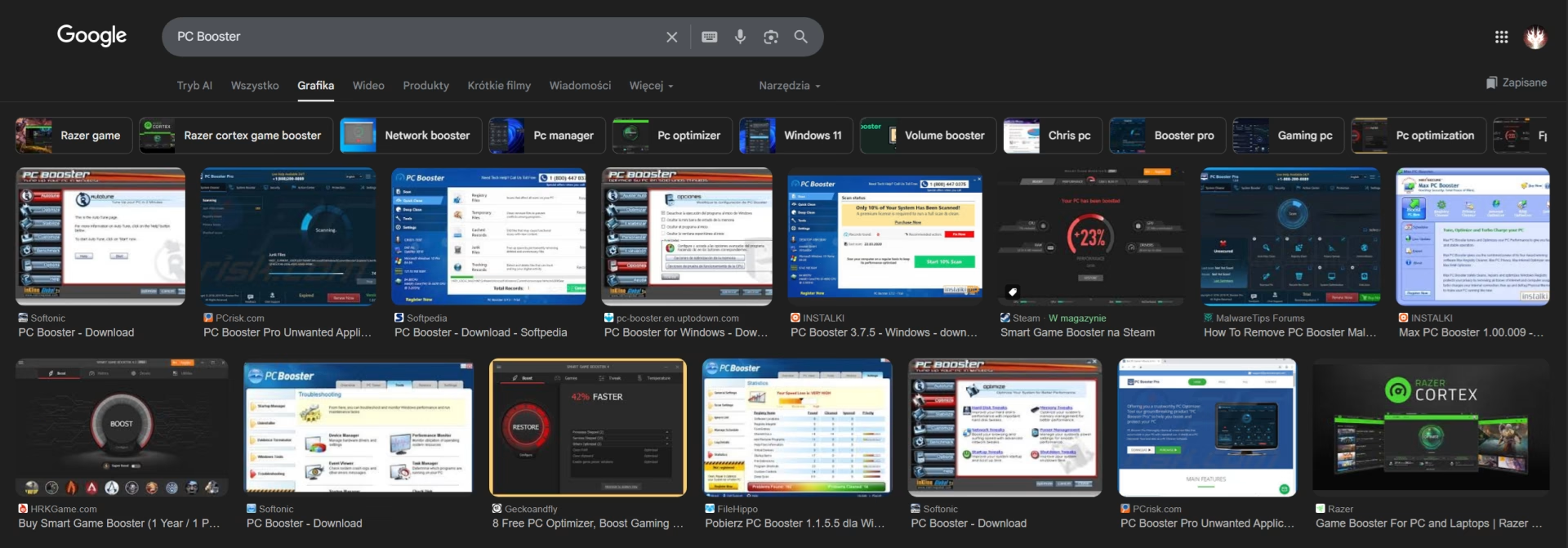
I use Optimizer.exe here as a collective name. This is not an attack on one specific program, but on the entire category of automatic “PC boosters.”
And let's be clear right away. This is not an objective, revealed truth. It is a subjective opinion based on interviews with customers prior to optimization.
• advertisements promise miracles<br data-start="“1225”" data-end="“1228”"• reality brings problems<br data-start="“1263”" data-end="“1266”"• it is always ‘Windows’ or “drivers” that are to blame, never the optimizer itself
We connect to your PC remotely, save a restore point, then work through power, drivers and input. The BIOS we go through together on a Discord call while you show us the screen with your phone. The same benchmark at the end shows how much of it landed. For six months after the session we stay with you on Discord.
2. What is an optimizer in practice?
It's a program that pretends to understand your computer better than you do. With one click, it “cleans,” “repairs,” and “boosts.”
The list of functions usually looks similar: <br• registry cleaning<br data-start="“1559”" data-end="“1562”"• removal of unnecessary files<br data-start="“1588”" data-end="“1591”"• RAM optimization<br data-start="‘1610’" data-end="“1613”"• boost FPS<br data-start="“1624”" data-end="“1627”"• speeding up the Internet<br data-start="‘1653’" data-end="“1656”"• magic gaming profiles
It sounds great on paper. In the real world, there is no context. The program doesn't know:<br• what you play<br data-start="“1781”" data-end="“1784”"• what engine you use<br data-start="“1802”" data-end="“1805”"• what hardware you have<br data-start="‘1825’" data-end="“1828”"• what else you use your PC for
He runs the script. The same one for everyone.
There are, of course, very well-balanced solutions that do not impose their own “whims” and can often be used for free.
For example, winutil by Chris Titus, which we can wholeheartedly recommend - a safe base at its basic settings for making simple changes to stock Windows.

3. Windows Registry and playing without instructions
The registry is not a trash can XD!
Automatic optimizers treat it as a list of “unnecessary entries.” The algorithm sees a key it doesn't understand and removes it, changing it to a different value. Without context - just like that.
From my experience:<br• games stop launching because the GPU driver does not load correctly (e.g., Valorant’s Vanguard blocks drivers it treats as vulnerable or incompatible)<br data-start="“2219”" data-end="“2222”"• audio disappears in the middle of a match<br data-start="‘2250’" data-end="“2253”"• BSODs appear randomly after a few days<br data-start="“2298”" data-end="‘2301’"• the system behaves “strangely,” but no one knows why<br• the event viewer is full of various errors
The worst thing is that users often fail to connect the dots. The optimizer was a week ago. Crash today. “Probably Windows.” Reddit is currently flooded with posts like “Valorant not launching” or “Valorant crashing on launch,” “Valorant crashes PC,” etc.
And backup? Either it doesn't exist, or it's often useless.
Always make a full backup when you make system changes.

4. Every game is a different world
This is something that automated tools will never be able to handle.
CS2, Valorant, Fortnite, LoL, Warzone. Each game:<br• different engine<br data-start="“2680”" data-end="“2683”"• different API<br data-start="“2693”" data-end="“2696”"• different system services<br data-start="‘2719’" data-end="“2722”"• different dependencies
What helps one can slow down the other.
You disable the service because it is “unnecessary”:<br• Vanguard will not start<br data-start="“2850”" data-end="“2853”"• Suddenly, your mouse/keyboard or other USB device becomes undetectable<br data-start="‘2882’" data-end="“2885”"• .NET crashes<br data-start="“2903”" data-end="“2906”"• DX starts behaving randomly
The optimizer does not know this. It does not have a built-in analysis of the consequences of a given change.
5. The system is not just about games
This is a moment that most people discover too late.
Optimizer assumes that a PC is a gaming machine. But you:<br• work<br data-start="“3151”" data-end="“3154”"• stream<br data-start="‘3167’" data-end="“3170”"• render<br data-start="“3183”" data-end="“3186”"• record<br data-start="“3197”" data-end="“3200”"• use Discord<br data-start="‘3218’" data-end="“3221”"• synchronize files
Changing network settings for low ping can ruin your upload speed.
Maximum GPU performance can turn your computer into a hair dryer.
Closing certain background processes can kill your backup or data synchronization.
One change leads to another. Most of the time, the automatic program won't even inform you about such actions :D.
6. Effects versus reality
If the optimizer doesn't break anything, it usually gives you:<br• a few percent FPS<br data-start="“3630”" data-end="“3633”"• zero improvement in frame time<br data-start="‘3658’" data-end="“3661”"• no real change in input lag
Because it does things that:<br• Windows has built-in<br data-start="“3742”" data-end="“3745”"• can be done manually, but adequately for the system<br data-start="“3776”" data-end="‘3779’"• do not require any “pro tools”
Individual optimization looks completely different.<br• BIOS for a specific CPU and RAM<br data-start="“3900”" data-end="“3903”"• stability tests, not “safe profile”<br data-start="“3942”" data-end="“3945”"• settings for games you actually play<br data-start="‘3991’" data-end="“3994”"• balance between performance and stability
On the same equipment, the differences are brutal.
7. Why does it still sell?
Because the target audience is people:<br• with inferior equipment<br data-start="“4160”" data-end="“4163”"• without technical knowledge<br data-start="‘4187’" data-end="“4190”"• who are frustrated<br data-start="“4204”" data-end="“4207”"• who are hoping for a miracle
The pattern is always the same:<br• You have a stock PC/laptop - you feel that something is wrong with your games<br data-start="“4273”" data-end="“4276”"• You are looking for quick help<br data-start="‘4292’" data-end="“4295”"• You don't have the knowledge, you come across some kind of PC Booster<br data-start="“4307”" data-end="“4310”"• You install/apply it<br data-start="‘4319’" data-end="“4322”"• And either you live with a placebo effect, or you get a minimal improvement, or sometimes zero real improvement and a set of problems for free! =)
As the classic saying goes, “It may be cheap and fast, but it's mediocre.” 😀
Sometimes worse.
Adware, random software you never wanted to install, subscriptions, background junk.
This is business. Big business. And it's based on ignorance. So stop wasting your money. At UltimateMove, there's no such thing as customer dissatisfaction, and you can laugh and joke about it, but here you have a great, cheap, realistic alternative to increasingly expensive equipment. - you can spend 1 000 $ on RAM and get 20 more fps or 60 USD and get much more than just fps xD, but whatever, it's better to make fun of it, like how am I supposed to pay FOR OPTIMIZATION?!?!
 KaRzye
Runs the research and every session at UltimateMove. FACEIT Level 10 in CS2,
Immortal in Valorant. Twenty years in BIOS, memory and drivers.
Watch him play.
KaRzye
Runs the research and every session at UltimateMove. FACEIT Level 10 in CS2,
Immortal in Valorant. Twenty years in BIOS, memory and drivers.
Watch him play.
Our free tools
Built in house. No account, no limits.
 Ultimate Demo Analyzer
Upload a CS2 demo and get your mistakes and round stats written out.
Free, no account Deadlock Replay Analyzer
The same for Deadlock: a replay breakdown and a plan for the next matches.
Free, no account Sensitivity Converter
Carry your cm/360 between games without losing muscle memory.
Free, no account Aim Trainer
Thirty seconds, three levels. No install, no account.
Free, no account