Deadlock Replay Analyzer gets animated player paths
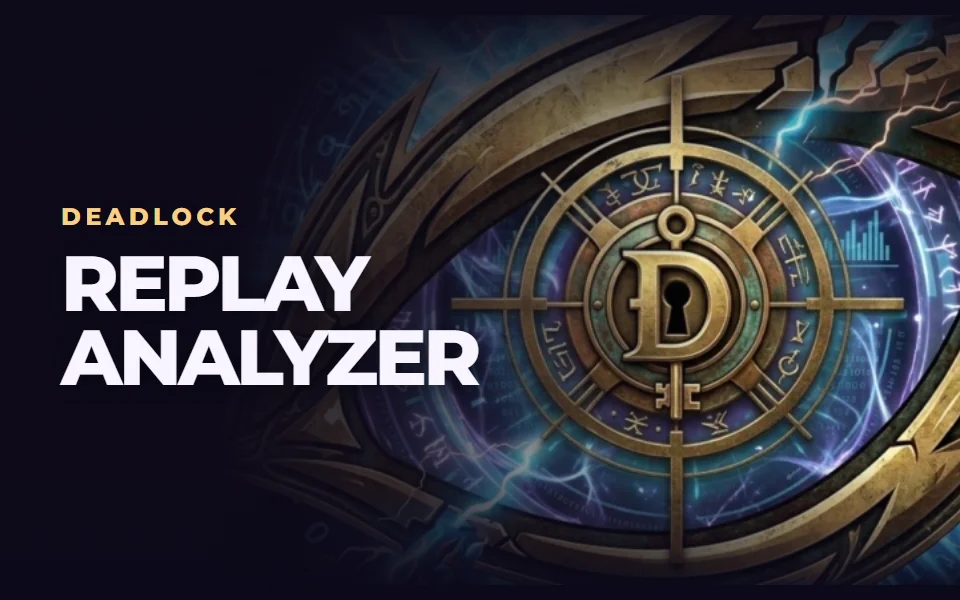
Deadlock Replay Analyzer now shows heroes moving around the minimap. Hit Play and watch both teams move through the match. You can spot someone turning toward a fight, staying in lane, or heading somewhere completely different.
It's something we wanted when looking back at a lost fight. You look at the result and wonder where the rest of your team was. Now you can rewind and see for yourself.
Pick your heroes and turn on their paths
The hero icons are bigger, making them easier to recognise on the move. Turn on path drawing and highlight the players you want to follow. The lines show their last 20 seconds of movement.
Add another hero mid-replay, remove one, or hide the lines. The map updates at your current point in the match. It works while paused and after seeking too. You can keep watching from where you are.
I'd start with my own hero and whoever I followed into the fight. Rewind to just before the fight and see if you moved together. Then add the opponent who cut you off. Sometimes that's when you see where the whole play fell apart.
Review one rotation in a replay
You can jump straight into the example replay to see the animation. Then try your own match and look at one rotation you remember from the game. Watch player movement in UDRA
Movement needs position data for that match. A missing section or a hero dying breaks the line. If the match has no positions available, you can still open its summary.
We connect to your PC remotely, save a restore point, then work through power, drivers and input. The BIOS we go through together on a Discord call while you show us the screen with your phone. The same benchmark at the end shows how much of it landed. For six months after the session we stay with you on Discord.
Before you hit Play
Where do I start the animation?
Open a match and press Play on the timeline.
How do I see one hero's path?
Turn on path drawing and select that hero.
Can I compare several players?
Yes. Add more heroes to the selection while watching.
Do I need to restart after changing heroes?
You can change the selection at the current time, including while paused.
How do I hide the lines?
Turn off path drawing or remove individual heroes from the selection.
Why is there no movement in my match?
We need position data for the animation. Some matches don't provide it.
Frames dropping exactly when the fight starts?
That drop lands in the one second that decides the round, and no graphics preset fixes it. We tune Windows, drivers and network remotely, and the BIOS together with you on a Discord call. You measure it yourself, in your own game, before and after, with us watching.
See PC optimization →Six months of support after the session. Not sure it is worth it? Ask for a free check on our Discord first. KaRzye
Runs the research and every session at UltimateMove. FACEIT Level 10 in CS2,
Immortal in Valorant. Twenty years in BIOS, memory and drivers.
Watch him play.
Our free tools
Built in house. No account, no limits.
 Ultimate Demo Analyzer
Upload a CS2 demo and get your mistakes and round stats written out.
Free, no account Deadlock Replay Analyzer
The same for Deadlock: a replay breakdown and a plan for the next matches.
Free, no account Sensitivity Converter
Carry your cm/360 between games without losing muscle memory.
Free, no account Aim Trainer
Thirty seconds, three levels. No install, no account.
Free, no account