Pulsar LCD or fast OLED? We'd pick OLED
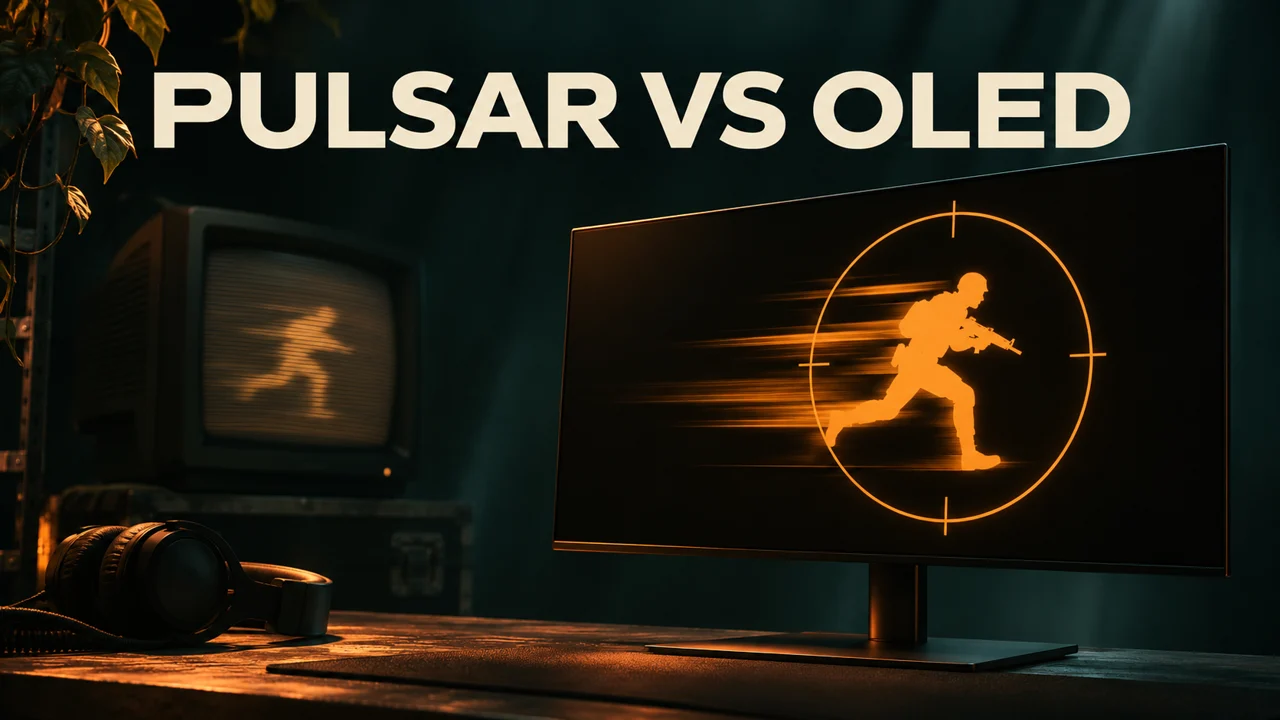
Pulsar LCD or fast OLED? We'd pick OLED. Even though Pulsar brings back something we've missed since the CRT days. It makes the image flash for a shorter time so a moving target is easier to track. Good idea. We want to see how far we can take it on a panel with fast pixels that emit their own light.
Clear motion is great. What about after the match?
Pulsar combines variable refresh with a strobing backlight. A shorter flash helps when your eyes are following an opponent across the screen. LCD pixels still need time to change shade. If the backlight reveals a transition before it's finished, you can get a second outline behind the player. A lot comes down to the panel and when the monitor fires the backlight.
Even if everything looks sharp in a match, we usually keep using the same monitor for the rest of the day. We want good colors, blacks that stay black and a picture that holds up when we move our chair or someone sits beside us. LCDs vary quite a bit here. Pulsar works on motion clarity, while viewing angles and color still come down to the panel you buy. We covered what happens when pixels can't keep up in our piece on 1000 Hz monitors.
We traded the CRT for more desk space
It's easy to see why we cleared CRTs off our desks so quickly. They were heavy, took up half the desk, and flat panels were easier to sell as something more convenient to live with. In that trade, we were too quick to wave away what CRTs did well. After decades of development, that short pulse of light could make fast motion in a game look sharp in a way that still impresses us.
We don't want to repeat that mistake. When a new display technology comes along, find its limits early. Shorten the light pulse and see how much brightness is left. Find out what a static HUD does to the panel after years and how text looks at the settings we actually work with. Ask those questions early in development. It makes it easier to spend money fixing things people will notice at their desks.
We connect to your PC remotely, save a restore point, then work through power, drivers and input. The BIOS we go through together on a Discord call while you show us the screen with your phone. The same benchmark at the end shows how much of it landed. For six months after the session we stay with you on Discord.
Where we'd put the money
Into fast panels with pixels that emit their own light. Today, OLED is the obvious choice. We'd like manufacturers to get burn-in under control so we can leave a desktop, taskbar or HUD on screen without babysitting it. And we want text that looks sharp up close. You're more likely to notice the subpixel layout in small type than in a game trailer.
Longer term, we see room for lower prices too. LCD needs a separate backlight and parts to spread its light. OLED does without that assembly. That's room to simplify the build and cut costs at scale if production matures and fewer panels fail quality checks. Taking out the backlight alone doesn't settle the price.
Once fast OLED is sharp in motion, easy to read at work and durable enough for years of use, we'll struggle to find a reason to pay extra for another attempt to squeeze the same out of LCD. If an equally fast technology comes along and does it better, we'll gladly give it a shot. We want the motion clarity we got from CRTs. On our desks, we'd also like the benefits of everything we've learned since.
FAQ
What does G-SYNC Pulsar do?
It combines variable refresh with LCD backlight strobing to improve motion clarity.
Does Pulsar make LCD pixels faster?
It shortens how long a frame stays visible. Pixel transition times still depend on the panel.
Does Pulsar improve color and viewing angles?
Those properties come from the monitor's design and settings. Pulsar is there to improve motion clarity.
What affects text clarity on OLED?
Pixel density, subpixel layout and how the operating system renders fonts all play a part.
Could OLED get cheaper in the future?
More mature production at greater scale could help. OLED already does without a separate backlight.
What's worth carrying forward from CRTs?
Their short light pulse, which helps keep the image clear when your eyes follow a moving object.
Frames dropping exactly when the fight starts?
That drop lands in the one second that decides the round, and no graphics preset fixes it. We tune Windows, drivers and network remotely, and the BIOS together with you on a Discord call. You measure it yourself, in your own game, before and after, with us watching.
See PC optimization →Six months of support after the session. Not sure it is worth it? Ask for a free check on our Discord first. KaRzye
Runs the research and every session at UltimateMove. FACEIT Level 10 in CS2,
Immortal in Valorant. Twenty years in BIOS, memory and drivers.
Watch him play.
Our free tools
Built in house. No account, no limits.
 Ultimate Demo Analyzer
Upload a CS2 demo and get your mistakes and round stats written out.
Free, no account Deadlock Replay Analyzer
The same for Deadlock: a replay breakdown and a plan for the next matches.
Free, no account Sensitivity Converter
Carry your cm/360 between games without losing muscle memory.
Free, no account Aim Trainer
Thirty seconds, three levels. No install, no account.
Free, no account